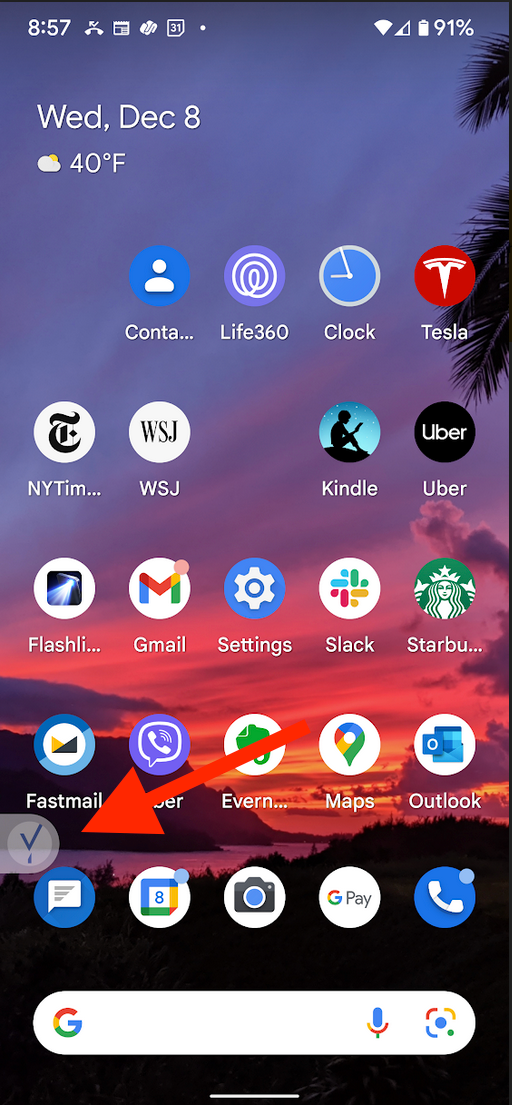
This article explains how to remove the transparent Beyond Identity checkmark logo that may appear on the home screen of some Android devices, such as the Google Pixel 6.
On certain Android devices, Beyond Identity may display a small, transparent checkmark (sometimes referred to as a floating bubble) on the home screen. This is caused by an enabled accessibility shortcut and can be safely turned off.
To remove the transparent checkmark:
Open Settings on your Android device.
Go to Accessibility.
Select Installed apps.
Tap Beyond Identity.
Select Beyond Identity shortcut.
Toggle the switch to the Off position.
Once disabled, the transparent checkmark will no longer appear on your home screen.