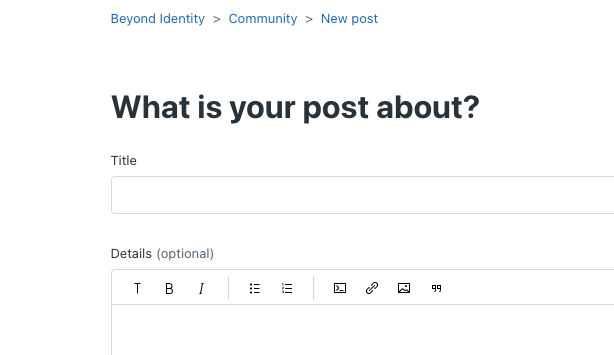
This article explains how to create a new Feature Request in Beyond Identity’s Community, allowing users to submit ideas and include relevant details, screenshots, or links.
Feature Requests is a way to make your voice heard on features that you want in Beyond Identity. There will be a link under "Community Topics" that says "Feature Requests":
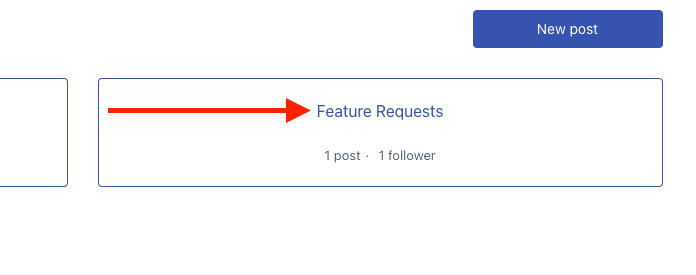
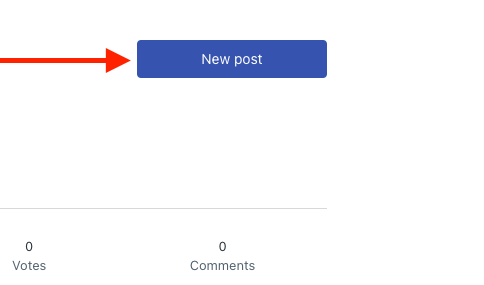
Once inside the Feature Requests, to make a new post click on the "New post" button:
From there you can fill in all the details for your feature request. The toolbar at the top will allow you to upload any screenshots or include any links that are relevant to your request.