This article explains the Beyond Identity Community, where users can discuss the application, submit feature requests, and engage with posts to share information and stay updated on discussions.
The Community is a way for users to interact, discuss the Beyond Identity application, and make the product better for everyone!
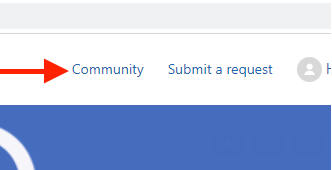
To access the Community, in the top right next to the Submit a request link is a link titled Community.
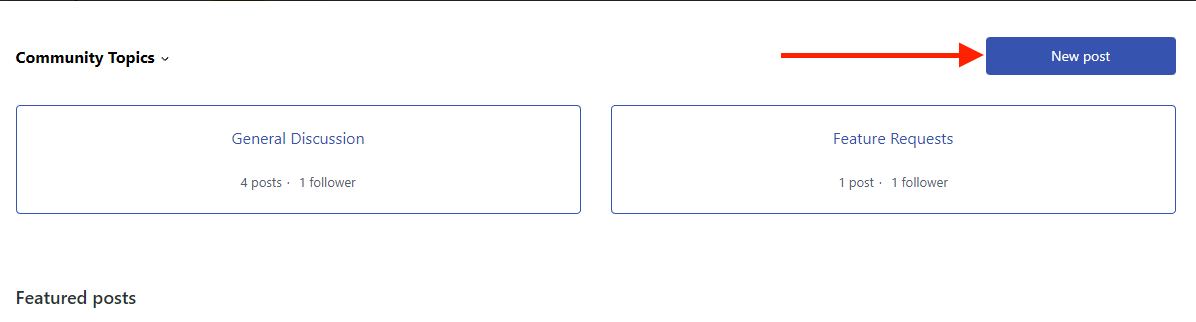
The Community page will show where you can find different topics to post or discuss with other users. Currently, there are spaces for General Discussion and Feature Requests, with Featured posts below those. Featured posts are discussions that have been highlighted as topics of interest in the Community. Below the Featured posts are where "recent activity" in the Community is featured. The recent activity section highlights the newest posts to ongoing discussions.
Click on the New Post link next to the Community Topics to create a new post.
Once inside the New post form, fill out a subject line and any information you wish to share with the Community. Below the details, select the topic under which you want the post to go.
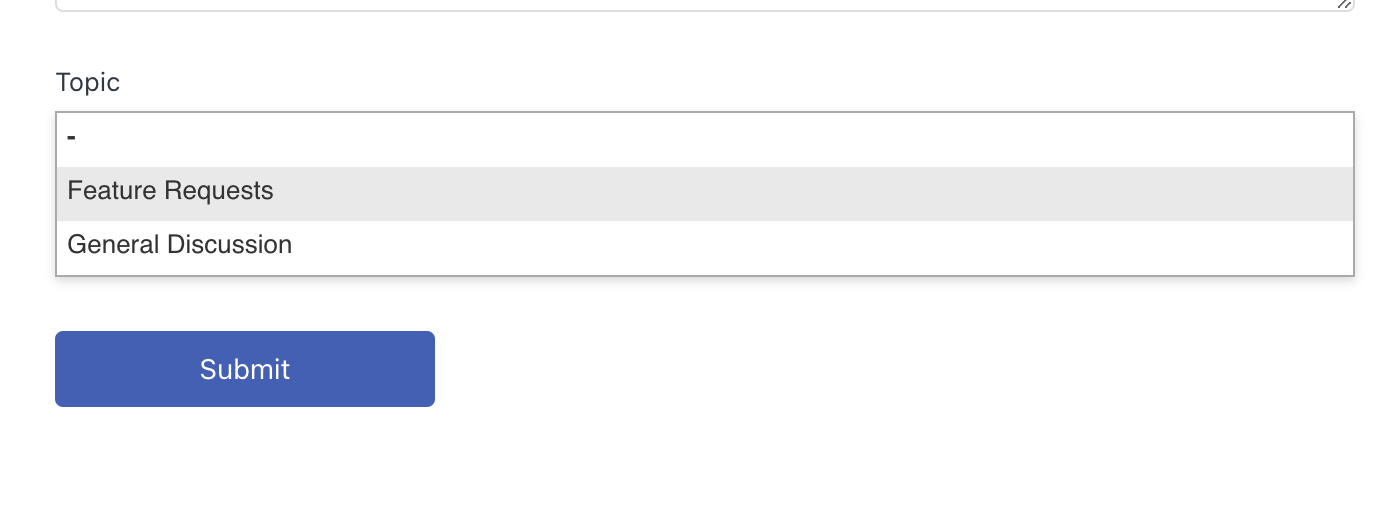
Once done, hit submit, be sure to follow your post or any other post you find interesting to see when new comments or updates on the discussion!