This article describes the new authentication dialog in the Beyond Identity Authenticator across platforms, when it appears, and how browser compatibility can affect its behavior.
Overview: Authentication confirmation prompts
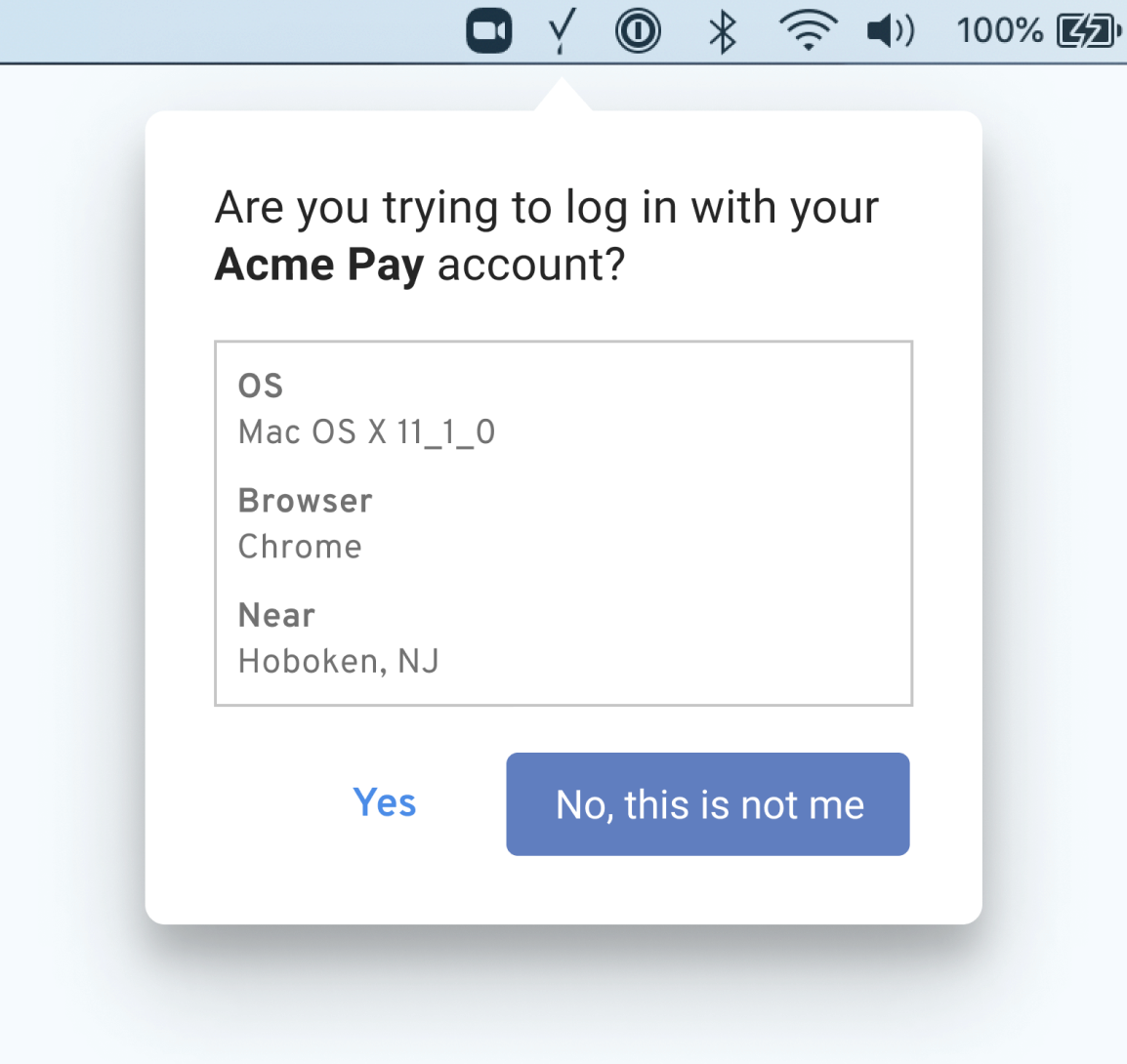
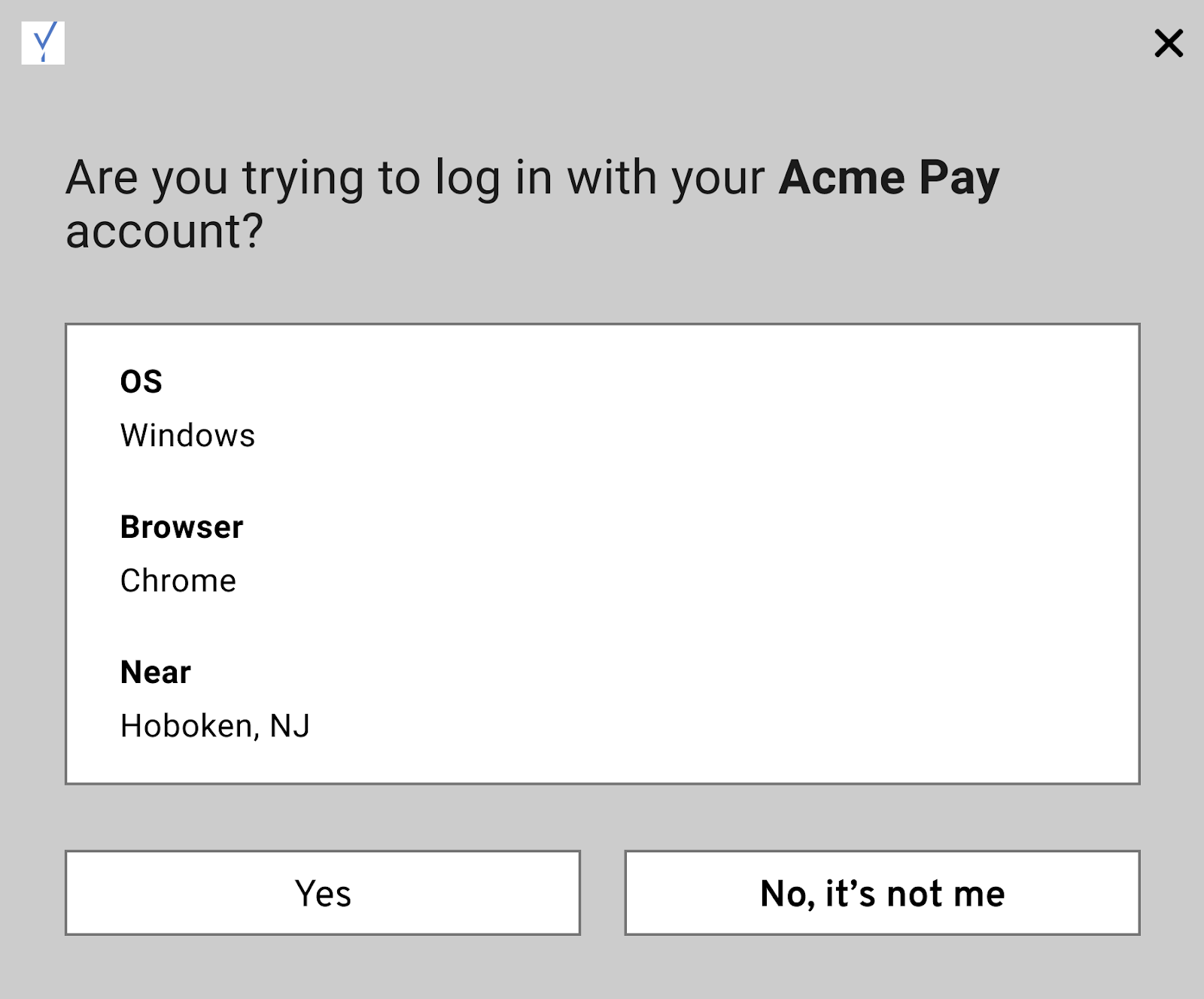
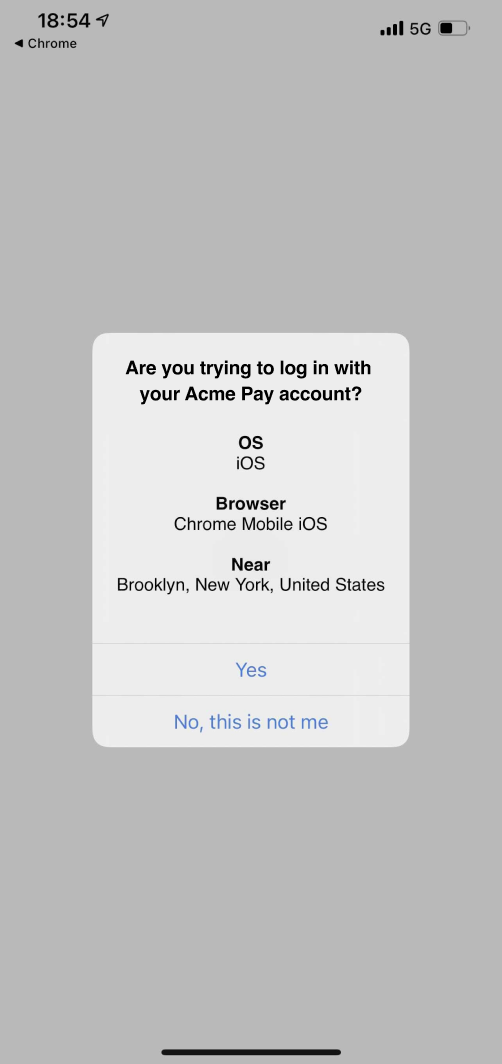
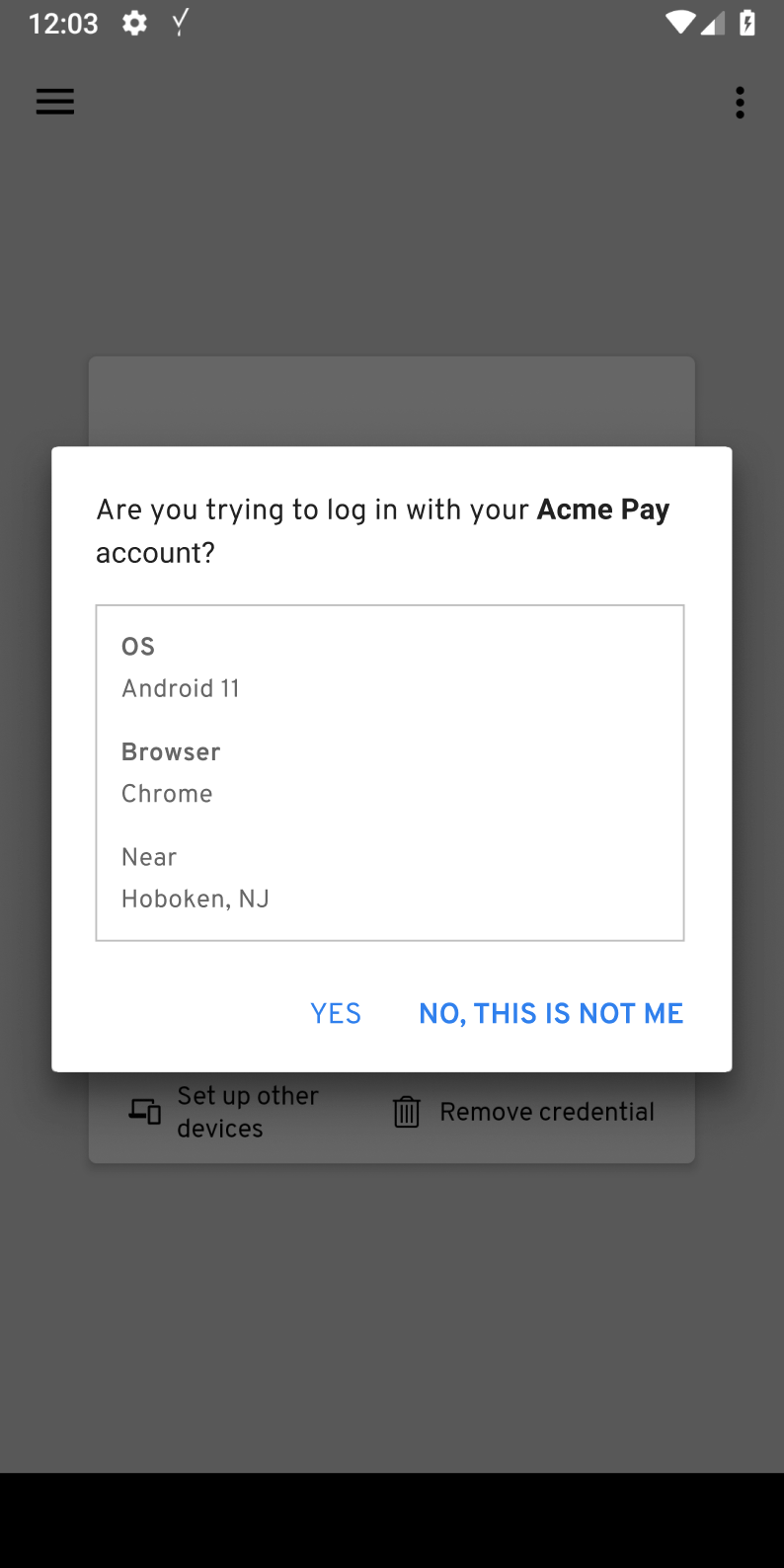
The Beyond Identity Authenticator for Windows, macOS, iOS, and Android includes an enhanced authentication dialog that may prompt users to confirm authentication requests.
This confirmation dialog appears in the following situations:
A user authenticates through a browser or application for the first time
The browser requires user interaction during authentication (for example, requesting permission to open the Beyond Identity application)
Browser cookies or cached data have been cleared
The browser has been updated
In some scenarios, the platform authenticator cannot be contacted directly. When this occurs, the system falls back to an alternative communication mechanism for compatibility. If a fallback is required, the authentication confirmation dialog is displayed to ensure the request is explicitly approved by the user.
Configuration behavior
The authentication confirmation dialog cannot be disabled. Its appearance depends on the communication mechanism used between the browser and the platform authenticator.
Using an officially supported browser, such as Chrome, Firefox, Safari, or Edge, typically allows direct communication and reduces the likelihood of fallback behavior. Unsupported browsers (for example, Brave) or embedded web views are more likely to trigger the confirmation dialog.
During authentication, users are prompted to either accept or deny the authentication request.
MacOS | Windows |
|
|
iOS | Android |
|
|
Security rationale
Authentication confirmation prompts are intentionally designed to protect users from unauthorized or unintended authentication attempts. By requiring explicit user approval when fallback communication mechanisms are used, Beyond Identity ensures that authentication requests cannot be silently approved without user awareness.
These prompts help mitigate risks such as session hijacking, malicious redirects, or unintended authentication flows triggered by browser behavior, embedded web views, or unsupported platforms. When direct, secure communication with the platform authenticator is not available, requiring user confirmation provides an additional layer of verification and maintains the integrity of the authentication process.
Summary
Authentication confirmation prompts are a normal and expected part of the Beyond Identity authentication experience under certain conditions. While they cannot be disabled, using supported browsers and standard authentication flows minimizes their occurrence. When they do appear, the prompts serve as an important security safeguard, ensuring that all authentication requests are explicitly approved by the user.