Secure Beyond Identity delivers regular product releases that include new features and fixes for the Beyond Identity Platform Authenticator. Additional updates may be rolled out between releases and include general improvements. For Secure Work platform release notes, click here.
2026
March 20, 2026
Version 2.111.0 Beyond Identity Authenticator Release Notes
Beyond Identity began rolling out the new Platform Authenticator v2.111.0 release on March 20, 2026.
What's New
Platform | Feature | Description |
|---|---|---|
Windows | YubiKey Credential Provider (GA) | Windows Desktop Login now supports YubiKey 5 Series for secure, passwordless desktop logins and RDP sessions using smart card–based credentials. Includes PUK reset, enrollment via admin console, and registry-based CP V2 control. |
All Platforms | Slashed Zeros & Enlarged Codes | Credential extension codes now use slashed zeros and enlarged display to reduce confusion between 0 (zero) and O (uppercase O), improving usability for users with vision difficulties. |
Enhancements
Platform | Enhancement | Description |
|---|---|---|
macOS | Menu Bar Icon Update | Improved the authentication indicator icon in the macOS menu bar for a cleaner appearance during authentication. |
Android | About & Feedback in Onboarding | Added “About Beyond Identity” and “Send Feedback” menu options to the onboarding screen, allowing users to access help and send logs even during enrollment. |
Android | Managed Restrictions Logging | Enhanced logging of all managed restrictions for better troubleshooting of MDM enrollment issues (Omnissa/VMware Workspace ONE). |
All Platforms | Login Hint Configuration | Login hint configuration is now retrieved before the login hint itself, improving the unified OIDC login hint experience across all platforms. |
Windows | Credential Provider: Updated UI | The YubiKey Credential Provider UI has been updated with new Beyond Identity branding and improved user experience based on UX designs. |
Windows | Credential Provider: Structured Logging | Moved from standard logging to the tracing framework for structured logging, improving diagnostics and performance monitoring. |
Windows | Credential Provider: Secure PIN Handling | PIN entry for YubiKey now uses secure string handling to prevent plaintext exposure in memory. |
Windows | Credential Provider: Registry Control | Added a registry entry to selectively enable or disable the Credential Provider V2, giving administrators fine-grained control over deployment. |
Bug Fixes
Platform | Bug Fix | Description |
|---|---|---|
Windows | Credential Provider: CREDUI Interaction | Fixed an issue where registering the Credential Provider V2 interfered with the Windows CREDUI (OS verification dialog). |
Windows | Credential Provider: Keyset Not Found | Resolved a “Keyset does not exist” error that occurred when attempting to log in after installing without restarting the system. |
Windows | Fixed hang when authenticating immediately after logging in | Changed Azure login when enrolling in Desktop Login to use WebView2. To revert to use older WebView, add the string registry value AzureWebViewType to the registry key HKLM\Software\Policies\BeyondIdentity\Authenticator and set the value to “WebBrowser” |
Linux | Linux Package Dependencies | Fixed missing libgtkwebview package dependency, polkit rules directory error, and webkit software rendering on VMware. |
Linux | Missing Credential Cert Chain | Fixed a bug where batch certificate processing caused all credentials to appear invalid if any single certificate was missing or malformed. Reverted to per-credential cert retrieval. |
Android | Override Deleted Credential | Fixed an issue where extending a passkey to a device that had the same credential recently deleted from the admin console did not properly override the local state. |
Documentation
Windows Desktop Login 2.0 Admin Guide (YubiKey)
Self-Remediation End User Guide
For Secure Access platform release notes, see docs.beyondidentity.com
For Secure Work platform release notes, see support.beyondidentity.com
February 10, 2026
Version 2.110.0 Beyond Identity Authenticator Release Notes
Beyond Identity began rolling out the new Platform Authenticator v2.110.0 release on February 10, 2026.
Enhancements
Enhancement | Description |
|---|---|
iOS Safari Extension Compatibility | Improved compatibility and reliability when authenticating using the iOS Safari Extension with the Beyond Identity Authenticator. |
Enable Microsoft Smart Card Sign-In for Windows Desktop | Administrators can now enable the Microsoft Smart Card sign-in option on Windows Desktop Login via a registry setting, giving organizations more flexibility in how users authenticate. |
Bug Fixes
Bug Fix | Description |
|---|---|
Android Platform Authenticator UI Issue | Fixed an issue where the Android Platform Authenticator incorrectly displayed a REPORT button instead of DISMISS on customer-facing screens. |
Layered Authentication QR Fix (Android) | Fixed an issue where Layered Authentication did not complete when scanning the QR Code with the native camera application on Android. |
January 5, 2026
Version 2.109.0 Beyond Identity Authenticator Release Notes
Beyond Identity began rolling out the new Platform Authenticator v2.109.0 release on January 5, 2026.
Enhancements
Platform | Feature Description |
|---|---|
| Updated Safari Extension Instructions for iOS 26 |
Bug Fixes
Platform | Bug Fix Description |
|---|---|
| Corrected REPORT/DISMISS Button Behavior on Android |
| Resolved ANR Caused by Main-Thread Background Task |
2025
November 12, 2025
Version 2.108.0 Beyond Identity Authenticator Release Notes
What's New
Self-Remediation via Credential Extension
This feature allows users to recover access when a passkey cannot be found or has been deleted by securely extending an existing passkey from another device. When enabled by administrators in the Secure Work Console, affected users see a Get Started button on the authentication error screen and are guided through the credential extension process. This feature reduces the number of support tickets by empowering users to resolve missing-passkey issues independently. Self-Remediation is available for the error types.
To enable this feature, please submit a request through Beyond Identity Support.
For full end-user documentation, click here.
For full admin documentation, click here.
Enhancements
Platform | Description |
|---|---|
| Updated the app to support 16 KB memory page sizes in line with Google Play policy. This optimization delivers faster load times, smoother performance on modern devices, lower power usage during startup, and full compatibility with the latest Android hardware. |
Standardized collection of Android OS version and API level across Secure Access and Secure Work, ensuring consistent and accurate device reporting. | |
Improved Accessibility Settings detection for Android 13 and later, resolving cases where the Accessibility Service failed to activate on newer devices. | |
| Added support for QR code and generated link launches that open the Authenticator directly for credential import, streamlining setup across all platforms. |
Bug Fixes
Platform | Description |
|---|---|
| Fixed a tapjacking vulnerability, ensuring users are protected from malicious overlay attacks on Android devices. |
| Fixed an issue where policy data wasn’t properly collected during Layered Authentication transactions, improving policy accuracy and reliability. |
November 5, 2025
Version 2.108.0 Beyond Identity Authenticator Release Notes
Beyond Identity began rolling out the new Platform Authenticator v2.108.0-macOS release on November 5, 2025.
Enhancements
Platform | Enhancement |
| Added support for QR code and generated link launches that open the Authenticator directly for credential import, streamlining setup across all platforms. |
Improved policy version matching for macOS applications in Secure Work. Policy rules now accurately evaluate version numbers (including build identifiers), allowing administrators to enforce compliance for apps like Zoom and AWS VPN. |
Bug Fixes
Platform | Bug Fix |
| Fixed an issue where the Authenticator installer (PKG) caused the keep-alive launch agent to enter a crash loop, ensuring stable background operation. |
Fixed an issue where platform icons were missing on the Platform Authenticator downloads page, restoring visual consistency and clarity. | |
Fixed a rare crash that occurred when the Authenticator launched with a URL copied to the clipboard and the user was not part of the admin group, improving overall stability. |
October 15 & 16, 2025
Version 2.107.9 Beyond Identity Authenticator Release Notes
Hot Fix Release
Platform | Type | Description |
|---|---|---|
| Bug | Resolves an issue where Android’s Login Service occasionally timed out during authentication, ensuring stable and consistent login behavior across managed and unmanaged devices. |
| Enhancement | Improves markdown support in custom policy messages displayed via toast notifications, ensuring consistent rendering for links, bold, and italic text. |
| Enhancement | Standardizes the display of custom policy messages to ensure a uniform look and feel across devices, improving overall user experience and reducing layout inconsistencies. |
| Bug | Resolves an issue on Android 15 and 16 where toast messages were not displaying correctly during self-remediation flows. Toasts now appear as expected in all supported Android versions. |
| Bug | Resolves an issue on Android 15 and 16 where the Login Service could crash after a complete reboot. This change aligns with new startup behavior now required and enforced by Google, improving post-reboot reliability and compliance. |
| Enhancement | Standardizes the display of toasts, markdown, and dismiss/policy denied behavior across all platforms (Windows, macOS, iOS, Android) for improved consistency. |
| Bug | Fixed an initialization issue where the Windows Platform Authenticator could hang when attempting to authenticate immediately after logging in. The startup sequence has been improved for stability. |
September 17, 2025
Version 2.107.1(2) Beyond Identity Authenticator Release Notes
Hot Fix Release
Platform | Description |
| Android Login Service |
September 12, 2025
Version 2.107.1 Beyond Identity Authenticator Release Notes
Hot Fix Release
Platform | Type | Description |
|---|---|---|
| Bug | Windows Platform Authenticator Issue
Impact
|
| Bug | Alert Dismissal on macOS 26 Beta |
September 11, 2025
Beyond Identity Authenticator Release Notes
We identified an issue during the update installation process in version 2.107.0 of the Windows Platform Authenticator. The issue primarily affected customers who performed self-installs (per-user installs). Out of an abundance of caution and to ensure stability and continuity for all customers, we have rolled back the release.
What Changed
Rolled back version 2.107.0 for all customers.
Impact
If you have already deployed version 2.107 and are experiencing no issues, there is no further action required at this time.
Customers who performed self-installs may have temporarily experienced update issues following the 2.107.0 deployment.
Next Steps
A corrected version will be redeployed once fixes are verified and tested.
September 10, 2025
Version 2.107.0 Beyond Identity Authenticator Release Notes
Beyond Identity began deploying its Platform Authenticator v2.107.0 on September 10, 2025.
What's New
Platform | Description |
| Desktop login with YubiKeys and Web SS0 Beyond Identity now integrates with Microsoft Windows to allow secure, passwordless desktop login using YubiKeys, a hardware security key that protects against phishing attacks and other credential-based threats. For a list of approved YubiKeys and configuration steps, click here. Users can now also leverage phishing-resistant PIV smartcard login to Windows and extend it to SSO and apps, enforcing that access only happens from compliant devices.
|
Enhancements
Platform | Description |
| Reduced installer size The Windows System installer has been optimized to use less disk space and download size. Duplicate .NET 8 libraries were consolidated, and installation now uses the smaller, on-demand WebView2 installer. This makes installation faster and more efficient while keeping all functionality intact. |
| Auto Proxy enabled by default The Auto Proxy feature is now enabled by default, simplifying setup for environments that use proxies. |
Bug Fixes
Platform | Description |
| Credential re-import sync Fixed an issue where re-importing the same credential did not properly sync with the cloud. Beyond Identity Authenticator now keeps credentials consistent across device and cloud. |
| High DPI icon fixes Corrected an issue where TaskBar and TaskTray icons did not display properly on high DPI monitors and laptops. Icons now scale correctly on high-resolution displays. |
| System installer stability Improved reliability of Windows System installers, especially when deployed with MDM tools such as Intune or SCCM. The update prevents incorrect downgrades when only the fourth version digit differs, blocks conflicting installs from multiple channels, and resolves corruption issues caused by partial installs. |
| Proxy detection reliability Fixed an issue where proxy detection on Windows could fail intermittently. Proxy settings are now detected and applied more consistently, ensuring stable network connections. |
| Scrollable deny messages Custom policy deny messages are now scrollable, making long messages easier to read without being cut off. |
| Accessibility Service crash fix Fixed an issue where WebViews (such as “View third-party licenses” in “About Beyond Identity”) could crash while running on Android 9.0+. WebView now assigns a unique data directory suffix per process, preventing these conflicts and runtime crashes. |
| Login Service stability fix Fixed an issue where Android’s Login Service could occasionally crash in the background on Android 12+. This was caused by a race condition (a timing conflict between the operating system and the service). Although the service recovered automatically, the OS still displayed a crash pop-up. |
August 6, 2025
Version 2.106.1-2 Beyond Identity Authenticator Release Notes
Beyond Identity began deploying its Platform Authenticator v2.106.1-2 on August 6, 2025. This release includes an enhancement.
Enhancement
Operating System | Description |
| Windows Platform Authenticator 2.106.1-2 Hot Fix Release This new 2.106.1-2 release of the Windows Platform Authenticator is identical to version 2.106.0 (originally released on July 30, 2025). We are issuing a new build because version 2.106.0 was removed from our website on August 5, 2025, after being incorrectly flagged as a false positive by Microsoft Defender. Since Microsoft Defender SmartScreen rule updates can take several hours to propagate, we chose to release a new build (2.106.1-2) rather than re-publish the flagged 2.106.0. |
July 30, 2025
Version 2.106.0 Beyond Identity Authenticator Release Notes
Beyond Identity began deploying its Platform Authenticator v2.106.0 on July 30, 2025. This release includes enhancements and bug fixes.
Enhancements
Operating System | Feature |
|
|
|
|
Bug Fixes
Operating System | Fix |
|
|
|
|
|
|
|
|
July 15, 2025
Version 2.106.0 Beyond Identity Authenticator Release Notes
This release includes a bug fix to improve overall compatibility of Secure Work's API.
Bug Fix
Improved Secure Work SCIM Response Handling
The msAdObjectSid attribute will now only appear in Secure Work SCIM user resources if it is defined for the user. This attribute represents the user’s Security Identifier (SID) from Microsoft Active Directory. By omitting undefined values, SCIM responses are now cleaner and easier to manage.
June 27, 2025
Version 2.104.0-4 Beyond Identity Authenticator Release Notes
Beyond Identity began deploying its Platform Authenticator v2.104.0-4 on June 27, 2025. This release includes one new feature and a bug fix.
What's New
Operating System | Feature |
| Customizable Authentication Prompts |
Bug Fix
Operating System | Fix |
| Authentication Stability Improved |
May 13, 2025
Version 2.103.3 Beyond Identity Authenticator Release Notes
Authenticator Version | 2.103.3 |
Operating System | iOS |
Release Date | May 13, 2025 |
We're excited to share the latest updates to the Beyond Identity Authenticator in version 2.103.3. This release reflects our continued focus on security, performance, and a smoother authentication experience.
Enhancements
Streamlined Navigation After Authentication on iOS
We've improved the post-authentication experience in our iOS app to make navigation smoother and more intuitive. After completing authentication, users are now guided back to the previous screen more seamlessly, reducing friction and improving overall usability. This enhancement is part of our ongoing effort to deliver a more polished and user-friendly experience on key mobile platforms.
Version 2.103.1 Beyond Identity Authenticator Release Notes
Android: Resolved an issue where some users could not register a passkey via any method, including email registration link, 9-digit code, or credential extension. Users affected by this issue could also not authenticate with existing passkeys.
Version 2.103.0 Beyond Identity Authenticator Release Notes
All Platforms
Changes to Secure Work Passkey Extension flow - Documentation
Passkey Extension for Secure Access - Documentation
Windows
Fixed an issue where Domain Connector 2.102.6 would not start.
Changed default locations and settings to better align with Windows best practices.
Settings.ini file moved to C:\ProgramData\BeyondIdentity\domain_connector.ini
The default log folder moved to C:\ProgramData\BeyondIdentity\logs\domainConnector
The multiDC configuration value now defaults to yes
iOS & Android Platform Authenticator
Default the initial screen to the listing of all user passkeys, rather than the 1st passkey
macOS Authenticator
Fixed a minor issue where a long username would cause the Tenant name to be clipped on the user passkey.
April 20, 2025
Version 2.102.0-6,7 Beyond Identity Authenticator Release Notes
Overview
Beyond Identity is in the process of adding official proxy support to the Platform Authenticator on the macOS and Windows platforms. This is the first release to preview this functionality.
To minimize the chance of any change in behavior for existing users of Beyond Identity, this feature is not active by default. However, during the preview phase of this feature, the end user of the Platform Authenticator can enable this functionality. The list below details what happens when this feature is enabled.
If you have no proxy settings and you enable this feature, then no change occurs in functionality. This feature has no impact, enabled or disabled, if you do not use a proxy in your environment.
If your Windows or macOS settings indicate a manual HTTPS proxy or PAC file URL, those settings are used by the Platform Authenticator as it makes all HTTPS requests out.
In a future release, this feature defaults to an enabled state. We recommend any current users of Beyond Identity to turn on the feature with an administrator and to attempt an authentication as normal. With this feature enabled and authentication working as expected, no future change is required on your configuration.
We are releasing this feature on Windows, then macOS shortly to follow. This specific release only updates Windows.
End User Guide
To turn on the proxy PAC support, go to File > Enable PAC Support (Beta).
When the feature is enabled, the File > Disable PAC Support (Beta) appears in the menu.
Administrative Requirements
Bypass any requests for host *.authenticator.beyondidentity.com. These domains resolve to localhost or 127.0.0.1 and are used for communication by the Platform Authenticator local to the system.
Without this bypass added, the Windows Platform Authenticator works as expected, but the macOS Authenticator performance suffers. All platforms, however, require this bypass, including Windows.
Example PAC File
function FindProxyForURL(url, host)
{
// Exclude FTP from proxy
if (url.substring(0, 4) == "ftp:")
{
return "DIRECT";
}
// Bypass proxy for internal hosts
if (isInNet(host, "0.0.0.0", "255.0.0.0")||
isInNet(host, "10.0.0.0", "255.0.0.0") ||
isInNet(host, "127.0.0.0", "255.0.0.0") ||
isInNet(host, "169.254.0.0", "255.255.0.0") ||
isInNet(host, "172.16.0.0", "255.240.0.0") ||
isInNet(host, "192.0.2.0", "255.255.255.0")||
isInNet(host, "64.206.157.136", "255.255.255.255"))
{
return "DIRECT";
}
// Bypass proxy for DNS entries required by iOS/macOS Authenticators
if (host == "pa.authenticator.beyondidentity.com" ||
host == "pa2.authenticator.beyondidentity.com")
{
return "DIRECT";
}
return "PROXY 192.168.7.44:8080";
}
Administrative Control of this Feature
As an administrator using MDM or other automation, you can also enable this feature or disable this feature. When the administrator takes this action, the end user no longer has any control over the feature. The File menu option Enable / Disable PAC Support (Beta) shown above also disappears.
Command: Enable PAC file detection
macOS:
Must execute as root using sudo or with MDM script.
Note: sudo not required.
sudo /Applications/Beyond\ Identity.app/Contents/Resources/BIConfigure --enable-auto-proxy
Windows:
Must execute using MDM or from a Windows command prompt with administrator privileges
C:\Program Files\BeyondIdentity\Tools\BIConfigure --enable-auto-proxy
Command: Disable PAC file detection
macOS:
Must execute as root using sudo or with MDM script.
Note: sudo not required.
sudo /Applications/Beyond\ Identity.app/Contents/Resources/BIConfigure --disable-auto-proxy
Windows:
Must execute using MDM or from a Windows command prompt with administrator privileges
C:\Program Files\BeyondIdentity\Tools\BIConfigure --disable-auto-proxy
Command: Clear Administrative Control
macOS:
Must execute as root using sudo or with MDM script.
Note: sudo not required.
sudo /Applications/Beyond\ Identity.app/Contents/Resources/BIConfigure --remove-auto-proxy
Windows:
Must execute via MDM or from a Windows command prompt with administrator privileges
C:\Program Files\BeyondIdentity\Tools\BIConfigure --remove-auto-proxy
Command: Show Proxy Status
macOS:
This does not require root privileges.
/Applications/Beyond\ Identity.app/Contents/Resources/BIConfigure --show-auto-proxy
Windows:
Execute using a Windows command prompt. This does not require administrator privileges.
C:\Program Files\BeyondIdentity\Tools\BIConfigure --show-auto-proxy
2024 and earlier
July 22, 2024 Beyond Identity Authenticator Release Notes
What’s new - Chrome OS support
More companies are shifting employees from traditional computers to Chrome OS devices to help improve their security posture. Beyond Identity uses hardware-backed passkeys on Chrome OS to protect your SSO applications. This release includes the following:
Secure Authentication to SSO applications on Chrome OS using hardware-backed keys
Passkey Enrollment via Email & IDP Authorized Enrollment via existing IdP
Passkey Lifecycle Administration:
Admin console (Create, Delete, Revoke)
User console (Create, Delete)
Hosted Web Authenticator Passkey landing page (Delete)
This is an early access feature. There will be some limitations until additional Chrome OS features are finalized.
Contact your Customer Success Manager/Support to request access to this feature.
For detailed instructions on configuring and using Chrome OS, see Configuring Chrome OS authentication.
User experience
The following interactive videos show the user experience on Chrome OS:
Enrolling using a FIDO2 authenticator
This video shows the user experience when enrolling a FIDO2 Authenticator (local device password).
End-user login to WebSSO - Username and Password + FIDO2 Enrollment
Logging in using a FIDO2 authenticator
This video shows the user experience when logging into Chrome with the username and password + FIDO2 Authenticator (in this case the local device password, this is the Google Workspace password).
End-user login to WebSSO - Username and Password + FIDO2 Authenticator
Version 2.100.6 Beyond Identity Authenticator Release Notes
Fixed
Windows - Additional functionality bugs resolved
Version 2.100.5 Beyond Identity Authenticator Release Notes
Fixed
macOS - Fixed MDM detection on iOS when enabling Safari extension
General - Resolved functionality bugs
Version 2.100.4 Beyond Identity Authenticator Release Notes
Authenticator
Click here to view a list of supported platforms.
Authenticators Released: iOS, macOS
Resolved
Fixed a text rendering bug in custom policy message on iOS and macOS authenticators.
Version 2.100.3 Beyond Identity Authenticator Release Notes
Authenticator
Click here to view a list of supported platforms.
Authenticators Released: iOS, macOS
Resolved
Authenticator unable to communicate with Safari Version 18 and above.*
Authenticator unable to communicate on iOS 18.*
*iCloud private relay must be disabled for Beyond Identity to function correctly.
Version 2.100.2 Beyond Identity Authenticator Release Notes
Authenticator
General bug fixes and maintenance
Version 2.100.0 Beyond Identity Authenticator Release Notes
Authenticator
Version 2.99.7 Beyond Identity Authenticator Release Notes
Hotfix for macOS Sequoia beta
[BIT-1834] Fixed a bug where the firewall status was reported incorrectly on macOS Sequoia.
Version 2.99.6 Beyond Identity Authenticator Release Notes
Hotfix for macOS Sequoia
Reverted the hotfix deployed with version 2.99.5 for the following:
[BIT-1834] Fixed a bug where the firewall status was misreported on macOS Sequoia.
Version 2.99.0 Beyond Identity Authenticator Release Notes
Authenticator
Click here to view a list of supported platforms.
Authenticators Released: Android, iOS, Linux, macOS, Windows
What’s new
Silent updates on macOS-managed devices
Starting with version 2.99.0, the Beyond Identity authenticator system installer for macOS (.pkg file) allows silent authenticator updates to be pushed out to managed devices without user interaction.
Note: This enhancement only works on fresh installs of 2.99.0 or later, and pushing the .pkg file out acts as a fresh install.
Here are the high-level steps.
Example: If you configured this option and pushed the Beyond Identity System Authenticator version 2.99.0 out, starting with version 2.100.0 (the next release), silent updates would be applied.
To configure silent updates on macOS, see Manage Authenticator updates.
New Windows BIConfigure tool
The Windows system installer (.msi file under Advanced Installation) includes a tool to support MDM deployments. The utility is available after installing the authenticator. For a list of available commands, see Windows BIConfigure tool.
Improvements
Updated Apple and Linux PAs to display a user-friendly error message on Clock Drift instead of a generic error message.
Resolved
[BIT-1464] If a login_hint is enabled and it matches a valid credential during authentication, the user will be authenticated and no credential section prompt will be shown.
On Windows, fixed the following issues:
The User install will now fail to install if a System install is already present.
Fixed the authenticator start during an upgrade to show the Authenticator dialog except when run with /quiet or /qn flag.
Version 2.98.2 Beyond Identity Authenticator Release Notes
Authenticator
Click here to view a list of supported platforms.
Authenticators Released: Android
Resolved
On Android, updated the authenticator to display a user-friendly error message on Clock Drift instead of a generic error message.
Version 2.98.1 Beyond Identity Authenticator Release Notes
Authenticator
Click here to view a list of supported platforms.
Authenticators Released: Windows, macOS, iOS, and Linux
Resolved
On Windows, macOS, iOS, and Linux, updated the authenticator to display a user-friendly error message on Clock Drift instead of a generic error message.
On macOS/iOS, fixed an issue where deleting a passkey while there is no network connection resulted in an internal error.
Version 2.98.0 Beyond Identity Authenticator Release Notes
Updated May 3, 2024 to include updates for the macOS Authenticator
Authenticator
Click here to view a list of supported platforms.
Authenticators Released: Windows, macOS
Enhancements
On macOS and Windows, we’ve moved the Tenant Display ID to the first line in the passkey and the user name to the last line to make finding the correct passkey for a tenant faster.
Resolved
[BIT-1767] On Windows, Face ID support has been added for the Biometric Only policy setting.
On macOS, fixed an issue when biometric only was set for the authenticator.
Windows Desktop Login Feature
When enrolling in WDL using either an Entra/AzureAD Only or hybrid environment on Windows 10, the authenticator may close unexpectedly. If this occurs, updating to the latest Microsoft Defender definitions will be necessary to ensure that Windows Desktop Login features work. Please see this article for details:
https://supportcases.beyondidentity.com/hc/en-us/articles/10994285298071
Version 2.97.0 Beyond Identity Authenticator Release Notes
Authenticator
Click here to view a list of supported platforms.
Resolved
Windows
Fixed a "Reentrant" error that could occur when refreshing passkeys at the same time as handling an authentication URL.
Fixed a bug that could prevent inline toasts from rolling down into view fully.
Version 2.95.2 Beyond Identity Authenticator Release Notes
Hotfix for macOS
Improved the stability of the authenticator when creating new passkeys.
Version 2.95.1 Beyond Identity Authenticator Release Notes
Hotfix for CrowdStrike
[BIT-1791] CrowdStrike Agent ID Collection: CrowdStrike Falcon Agent ID collection has been improved. Previously, if we failed to obtain the Agent ID, it was reported as unsupported. From now on, failure to read the data.zta file will include an exact error in device information and logs to help with further investigation.
Version 2.95.0 Beyond Identity Authenticator Release Notes
Authenticator
Click here to view a list of supported platforms.
What's new
Windows System Authenticator version control and manual updates: Added support for version control and manual updates starting in version 2.95.0 for the Windows System install.
This feature mimics exactly the version control and manual updates feature in the User install of the Beyond Identity Authenticator.Version control - By default, the automatic update will install the released updates and notify the user that the software has been updated. The user can also invoke the check updates from the UI.
If the organization has deployed version control policies and enabled automatic updates, it can then control the updates, and users will not get a notification of the update.Manual updates include the following features:
Windows will check to see if there are new updates on a regular basis. If there are updates, it will notify the user and they can choose to install the update or wait to be reminded again later.
The user can also invoke the Check for Updates menu option in the UI and it will inform the user about any updates it discovers.
An Administrator can control which version a user is allowed to update to in the Admin console under Settings > Authenticator Version Control. Windows already supports the Automatic option in this section, which updates the application automatically and silently. Version 2.95.0 of Windows leaves this feature unchanged and any Administrators who use that feature will be unaffected by this update.
However, as part of the 2.95.0 update, the Manual option in the Authenticator Version Control setting is now supported for Windows. Previously this was only supported in the Windows User install. The Manual option does the same thing as the Automatic option, except that the user is notified when there is an update available and can choose when to install it, instead of the update being immediate and silent.
If you want to disable the Manual Updates feature, please see the Manage Authenticator Updates article.
Improved
Linux distro OS: When using device info from the command line, you can now see the Linux distribution OS version.
Invalid JSON Web Token (JWT) Error: We now detect when an "invalid JWT" error is due to a "credential has expired" or "credential not yet valid" error.
Windows Screen Readers: Screen Readers now automatically display the "Passkey removal in progress" text when the modal spinner pops up with narration enabled.
Resolved
Fixed the following issues on macOS:
[BIT-1769] macOS authenticator crashes: This fix resolved an issue with the authenticator crashing.
QR codes: This fix prevents the camera from streaming and scanning for QR codes (during import) when a user locks the screen or a screensaver is enabled. Streaming resumes once the screen is unlocked.
Multiple notifications: This fix prevents multiple notifications from being displayed at the same time.
Windows Desktop Login
Click here to view a list of supported platforms.
What’s new
[BIT-1472] Domain connector: Added an experimental setting to the domain connector:
multiDC=yes
When enabled, (default is disabled when the setting is missing), the connector asks the domain connector for all domain connectors within that domain, and attempts to modify the user record on the domain connector explicitly.We’ve renamed the WDL package to “Beyond Identity Authenticator” from “Beyond Identity Desktop Login” as we move towards a universal Windows installer.
As of this release, users will be able to manually update Windows Desktop Login to the latest version if version control is not in place.
Resolved
Password change notification: Removed the toast message when a password change event is successful.
Version 2.94.0 Beyond Identity Authenticator Release Notes
Authenticator
Click here to view a list of supported platforms.
Resolved
macOS:
[BIT-1670] Deleting passkey on macOS 14.x: Fixed an issue where attempting to delete a passkey on a macOS device affected by the Sonoma keychain locked bug would receive an internal error.
Kandji Passport password authentication: Added a workaround for an issue caused by macOS 14.3 and Kandji Passport that prevented users from authenticating with a password.
Virtual machines: Disabled support for importing passkeys via camera on macOS virtual machines.
macOS/iOS:
QR code scanner: Fixed an issue where the QR code scanner may stop showing the camera video feed when a user switches from Manual code entry view to QR code scanning view multiple times in a row.
Desktop Login
Click here to view a list of supported platforms.
What’s new
Manual updates: Added support for manual updates starting in version 2.94.0. This feature mimics exactly the manual updates feature in the User install of the Beyond Identity Authenticator. Manual updates include the following features:
Windows Desktop Login will check to see if there are new updates on a regular basis. If there are updates, it will notify the user and they can choose to install the update or wait to be reminded again later.
The user can also invoke the Check for Updates menu option in the UI and it will inform the user about any updates it discovers.
An Administrator can control which version a user is allowed to update to in the Admin console under Settings > Authenticator Version Control. Windows Desktop Login already supports the Automatic option in this section, which updates the application automatically and silently. Version 2.94.0 of Windows Desktop Login leaves this feature unchanged and any Administrators who use that feature will be unaffected by this update.
However, as part of the 2.94.0 update, the Manual option in the Authenticator Version Control setting is now supported for Windows Desktop Login. Previously this was only supported in the Windows User install. The Manual option does the same thing as the Automatic option, except that the user is notified when there is an update available and can choose when to install it, instead of the update being immediate and silent.
If you want to disable the Manual Updates feature, please see the Manage Authenticator Updates article.
Version 2.93.5 Beyond Identity Authenticator Release Notes
Authenticator
Hotfix for macOS 14.x (Sonoma)
Fixed an interoperability issue with Kandji PassPort. This update requires a manual step by an IT administrator.
Version 2.93.4 Beyond Identity Authenticator Release Notes
Authenticator
Click here to view a list of supported platforms.
Hotfix for macOS 14.x (Sonoma)
Reverted the 2.93.3 hotfix for macOS 14.x (Sonoma) due to an issue with authentication failures using OS verification.
Beyond Identity is working on a permanent fix for this issue that will be available in the next release.
Temporary Workaround: Create a policy rule for authenticating with macOS 14.0 or greater and change "Allow W/ OS Verification" to "Allow".
Resolved
Fixed an issue where Beyond Identity prompted users for an admin username and password during authentication.
Version 2.93.3 Beyond Identity Authenticator Release Notes
Authenticator
Click here to view a list of supported platforms.
Important: Reverted the 2.93.3 hotfix for macOS 14.x (Sonoma) due to an issue with authentication failures using OS verification. Please update your macOS authenticator to version 2.93.4 For more information, see the v2.93.4 Beyond Identity Authenticator release notes.
Hotfix for macOS 14 (Sonoma)
Fixed an authentication failure issue impacting users of Kandji Passport on macOS Sonoma 14.0, 14.1, 14.2, and 14.3. Users were prompted to enter their password twice during authentication, which led to an authentication failure caused by a policy rule set to "Allow W/ OS Verification".New Password Dialog Behavior: When authenticating with a password, the dialog will now include the user name field. This field will be populated with the currently logged-in user. Attempting to authenticate with a different account will result in an authentication failure. If the user does not complete the password prompt after 90 seconds, the authentication will time out on the web browser and the user will have to close the dialog manually. This will result in a failed authentication. Cancelling this dialog within the 90-second period will result in a failed authentication.Note: This fix doesnotrequire users to re-enroll passkeys.
Version 2.93.2 Beyond Identity Authenticator Release Notes
Authenticator
Click here to view a list of supported platforms.
Linux Authenticator only
What’s New
The following Linux device policy attribute in the Admin Console is supported starting in version 2.93.2 of the Linux Authenticator.
You can now select a FileExists device policy attribute on Linux and specify a file path.
Resolved
[BIT-1705] On some versions of RHEL and CentOS (<=7) volume device info detection was not working correctly, and encrypted volume information could not be detected. Therefore, encrypted disk policy checking would not work. This has been fixed.
Version 2.93.1 Beyond Identity Authenticator Release Notes
Authenticator
Click here to view a list of supported platforms.
Improved
[BIT-1567] Added the Android .apk file under Advanced Installation on the Authenticator Downloads page.
By design, macOS asks user for permission to show Notifications only once on first application startup. Many users miss that first notification that never appears again.
From that point, the Beyond Identity Authenticator is not allowed to display any notifications. Therefore in situations where the authenticator needs to display a notification (and is not authorized to do so with native notifications) it will open the authenticator window and display an internal Toast message. This message will include underlined text explaining how to enable notifications in macOS System Preferences.
If users do not wish to see notifications from PA, they can configure the behavior in System Preferences.
[BIT-188] Added a drop-down to the Camera Import screen on Windows devices to allow users to select which camera to use to scan QR codes.
Beyond Identity has started a process of proxying our third-party dependency services via `byndid.com` URLs. The first service in this effort is our feature flag system, Optimizely. We now proxy optimizely via `optimizely.byndid.com`. If you have `*.byndid.com` whitelisted at this time, you do not need to do anything. However, if you whitelist individual URLs, you will need to whitelist `optimizely.byndid.com`. You should not remove `cdn.optimizely.com` from your whitelist until in your organization have moved to version 2.93.1 or later of the Beyond Identity Authenticator.
Resolved
[BIT-1711] Fixed the following issues:
If the device is enrolled on macOS or iOS, it will show as enrolled in the Admin console.
Improved the macOS biometric detection.
More accurate detection of biometric with iOS devices
In the Admin console, changed “Biometric not set” to “Biometric not enrolled”.
[BIT-1617] On Windows 11, fixed an intermittent issue where exporting a passkey occasionally failed.
[BIT-1708] On Windows devices with the Language set to Hebrew, fixed an issue where passkeys were lost after upgrading from version 2.90.0
[ET-462] On macOS, fixed an onboarding button UI issue.
[ET-483] Fixed an issue on macOS where adding a new device by scanning a QR code could occasionally become unresponsive and show a spinning beach ball.
Desktop Login
Click here to view a list of supported platforms.
Resolved
Fixed the error message that displays for PIN lockout.
Version 2.93.0 API Release Notes
What’s New
Beyond Identity is announcing the release of the following APIs:
Retrieve groups for a user
Returns a list of all groups to which a user belongs. Documentation for this feature is located under the Users section of the API documentation.
To list groups associated with a specific user, send a GET request to /v2/users/$USER_ID/groups. You can also set parameters for the number of items returned per page (page_size) and the number of items to skip (offset).
Passkeys
A new Passkeys section has been added to the API documentation with the following features:
List passkeys
Returns a list of all passkeys for a given tenant and realm. To return a list of passkeys, send a GET request to /v2/passkeys. You can also set parameters for:
Filter supported fields, such as whether the device is jailbroken
Apply a fuzzy search using a "search" field, which looks at username and hostname: search (eq)
Sort a number of fields in ascending/descending order (order_by)
Number of items returned per page (page_size)
Number of items to skip (offset)
Delete a passkey
Deletes a passkey from the current tenant and realm. To delete a passkey, send a DELETE request to /v2/passkeys/$PASSKEY_ID.
Get tags associated with a passkey
Returns the id and name tags associated with a specific passkey. To get tags for a passkey, send a GET request to /v2/passkeys/$PASSKEY_ID/tags.
Replace the tags associated with a new list of passkeys
Replaces the id and name values of current tags associated with a specific passkey with new tag values. This list will replace all existing tags associated with a passkey. For example, if a provided tag does not include an id, a new tag value will be created if you change the name tag.
To replace a passkey’s tag values, send a PUT request to /v2/passkeys/$PASSKEY_ID/tags.
Version 2.92.0 Beyond Identity Authenticator Release Notes
Authenticator
Click here to view a list of supported platforms.
Improved
The system MSI installer now starts the Authenticator when the install completes.
Resolved
For all authenticator operating systems,
[BIT-1646, 1650, 1634] Fixed an issue where custom messages weren't displaying properly.
Fixed an issue where you were unable to register a new passkey via email when an invalid passkey was still present on the authenticator.
On Windows:
Fixed an issue with missing build numbers for components used by the Windows authenticator.
For Entra\Azure AD-connected users, we now return the Azure domain name in ClientInfo OS Domain Name.
Fixed a problem that occurs on machines that aren't joined to an Entra\Azure Active Directory.
On macOS and iOS:
[BIT-1683] macOS and iOS authenticators now report device marketing descriptions, e.g. "iPhone 13" and "MacBook Pro (16-inch, 2021)", instead of Apple's model identifiers, e.g. "iPhone14,5" and "MacBookPro18,2."
Fixed a crash when a user sends feedback from the authenticator.
On iOS, fixed a crash when switching the Beyond Identity authenticator into the background.
On Android:
[BIT-1671] Fixed an issue with SMART Board passkey authentication.
[BIT-1677] Fixed an issue where an Android device wasn't allowed to enroll if a biometric wasn't set.
Fixed an issue where accessibility screen readers like Talkback weren’t able to read all of the text for the passkey.
Desktop Login
Click here to view a list of supported platforms.
Resolved
Prevent a scenario where a password change in the message UI displays multiple times.
Version 2.91.1 Beyond Identity Authenticator Release Notes
Resolved
End users might have ad-blockers or firewalls that could prevent the below fix (released in 2.91.0 ) from working properly:
[BIT-1670] Fixed an issue with passkeys showing up as invalid after upgrading to macOS 14.0 (Sonoma) and unlocking the screen. We have implemented a change to ensure the BIT-1670 works properly regardless of implemented ad-blockers or firewalls.
Version 2.91.0 API Release Notes
API
Resolved
[BIT-1649] Fixed an issue with indices defined for a user search in the API for faster retrieval of results.
Version 2.91.0 Beyond Identity Authenticator Release Notes
Authenticator
Resolved
Fixed the following Windows authenticator issues:
[BIT-1681] Fixed an issue where installing the user install MSI from an administrator prompt would cause registration to fail unless the Authenticator was restarted.
Fixed an issue that caused an invalid error message when the authenticator was activated with a two-slash ://open app-scheme.
Fixed a memory leak on macOS related to deleting passkeys.
[BIT-1670] Fixed an issue with passkeys showing up as invalid after upgrading to macOS 14.0 (Sonoma) and unlocking the screen. If you experienced this issue, after updating the macOS authenticator to v2.91.0, you will need to log out of the device and log back in, then delete and import the passkey from another device.
Desktop Login
Improved
When upgrading Windows Desktop Login, if the upgrade fails the previous version will remain in place.
Version 2.90.1 Beyond Identity Authenticator Release Notes
Hotfix for Windows Desktop Login
Resolved
[BIT-1682] Fixed an intermittent issue where the Windows Desktop Login screen occasionally displayed even if the user wasn’t enrolled in the Windows Desktop Login system.
[BIT-1684] Fixed an issue where Windows Desktop Login would hide the Windows biometric login or SmartCards even though the user wasn't enrolled in Windows Desktop Login.
Version 2.90.0 Beyond Identity Authenticator Release Notes
Authenticator
Improved
[ATN-2513] On Android, the Beyond Identity Platform Authenticator has streamlined the process of adding a passkey by reducing the number of screens and clicks required.
Resolved
[BIT-1678, ATN-2678] On iOS, fixed an issue where the Authenticator crashed intermittently during authentication, which resulted in an "Unable to launch or communicate with the Beyond Identity Authenticator" error.
On macOS, fixed the following issues:
[ATN-2638] Sparkle incorrectly reported information from the Authenticator as an error.
[ATN-2643] The Platform Authenticator didn’t display the credential being used for authentication.
[ATN-2644] Updated messages to use toast notifications.
[ATN-2645] Removed duplicate notification categories on Android.
[ATN-1615] The Windows Platform Authenticator now displays without lag time after launching.
Known issues
[BIT-1649, ATN-2528] On macOS, the Send Feedback button does not work most of the time.
Desktop Login
What’s new
We’ve added support for pin complexity and validation to Windows Desktop Login. Pins support any UTF-16 characters.
Important notes:
If Windows Hello is enabled and you are using the Windows Pin for login, if you install Beyond Identity’s Windows Desktop Login and configure a pin, the Windows Desktop Login pin will be used for login rather than the Windows Hello pin.
Windows Desktop Login will not use the Microsoft Group Policy Object (GPO) settings if configured.
Registry Values
The characters and rules for a PIN are stored in the policy registry key at: HKEY_LOCAL_MACHINE\Software\Policies\BeyondIdentity\Authenticator\PIN
The following values are available for configuration. Omitting a value will use the default.
Value Name | Type | Default | Description |
|---|---|---|---|
AllowSpecialCharacters | DWORD | 1 | If the value is 0, special characters are not allowed. Any non-zero value will allow special characters. |
AllowNumeric | DWORD | 1 | If the value is 0, numeric characters are not allowed. Any non-zero value will allow numeric characters. |
AllowLowerCase | DWORD | 1 | If the value is 0, lowercase characters are not allowed. Any non-zero value will allow lowercase characters. |
AllowUpperCase | DWORD | 1 | If the value is 0, uppercase characters are not allowed. Any non-zero value will allow uppercase characters. |
MinLength | DWORD | 8 | The minimum length of characters required for a PIN to be valid. This value must be between 8 and 127. |
MaxLength | DWORD | 8 | The maximum length of characters required for a PIN to be valid. This value must be between 8 and 127. |
MinNumeric | DWORD | 0 | The minimum number of numeric characters required for a PIN to be valid. If the value is 0, there is no minimum. The PIN Is not required to contain numeric characters if 0 is specified. Any non-zero value means a PIN must contain at least the specified number of numeric characters. |
MinSpecialCharacters | DWORD | 0 | The minimum number of special characters required for a PIN to be valid. If the value is 0 there is no minimum. The PIN Is not required to contain special characters if 0 is specified. Any non-zero value means a PIN must contain at least the specified number of special characters. |
MinLowerCase | DWORD | 0 | The minimum number of lowercase characters required for a PIN to be valid. If the value is 0, there is no minimum. The PIN Is not required to contain lowercase characters if 0 is specified. Any non-zero value means a PIN must contain at least the specified number of lowercase characters. |
MinUpperCase | DWORD | 0 | The minimum number of uppercase characters required for a PIN to be valid. If the value is 0, there is no minimum. The PIN Is not required to contain uppercase characters if 0 is specified. Any non-zero value means a PIN must contain at least the specified number of uppercase characters. |
Notes:
| |||
Improved
[DES-146] Enhanced Windows Desktop Login to detect if the User Platform Authenticator is installed and if so, remove the User Platform Authenticator to ensure that the machine uses Windows Desktop Login.
Resolved
[DES-239] Fixed an issue where the BIService could become unresponsive after one hour.
[DES-225] When unenrolling a client, all data for events in a Hybrid or Domain/On-prem environment now appear in Event Details.
Version 2.89.0 Cloud Service Release Notes
Cloud
What’s new
Cybereason Policy Integration is now supported across Windows and MacOS devices.
The Integration is available under Integrations > Beyond Identity Authenticator Management.
To configure the Cybereason integration:
Create an API user with TFA disabled in the Cybereason console.
Under Beyond Identity Authenticator Management in the Beyond Identity console, choose Cybereason and enter the Cybereason URL, API username, and password.
See the Cybereason Integration Guide on this site for more information.
For Windows and MacOS desktops, we’ve added the patch version to the following locations on the Passkeys page.
On the Passkeys by platform & OS chart when hovering over MacOS or Windows (Fleet Overview tab).
On the All Passkeys tab under the OS Version column.
On Device Details after clicking the Passkey ID.
On the Integrations page, the SCIM tab has been renamed to “Outbound Provisioning.”
Microsoft Sentinel SIEM Integration. You will now have the ability to consume our event log via Microsoft Sentinel.
Resolved
[CON-2673] When “Roaming Authentication” is enabled, the options to “Specify IP lists” or “Specify IP address” require a value in order to save changes.
Version 2.88.2 Beyond Identity Authenticator Release Notes
Hotfix for Windows Only
This release is only for the Windows platform. No macOS, iOS/iPadOS, or Android versions are released.
Windows Platform Authenticator
[BIT-1641] - Windows Platform Authenticator now directs users to the Welcome screen after a fresh install.
[BIT-1654] - Fixed an issue with Windows Desktop Login where some users encountered the following error "There are issues with this account. Please contact your Administrator."
[INF-2510 and INC-230] - Automated checking of Windows binaries for possible crash scenarios.
Version 2.88.1 Beyond Identity Authenticator Release Notes
Hotfix for Windows Only
This release is only for the Windows platform. No macOS, iOS/iPadOS, or Android versions are released.
Windows Platform Authenticator
[BIT-1638] Fixed authentication issue to locally installed Microsoft Office apps on Windows.
The issue impacted both the Windows Desktop Login and the regular Platform Authenticator-only versions, as the PA part is the same on both versions.
Version 2.88.0 Cloud Service Release Notes
Cloud Services
What's New
We’ve added the ability to create a policy where specific IP address can be listed. Creating lists of attributes, such as with IP addresses in this case, allows you to define attributes that rely on multiple unique values of match criteria in a single place rather than having to re-add these criteria in multiple places and/or create many rules to achieve a goal.
To add a rule leveraging a list of IPs, select the manage attributes button from the policy page (seen below)
Select “Add IP list”
Name the list and add IPs, ensuring to add a comma between each IP. Once complete, save changes.
Create a new rule and choose between user agent and authenticator IPv4, and select IP lists from the drop-down to the right. Select a named list and configure the rest of your rule before saving.
Resolved
[BIT-1462] & [BIT-1613] Fast travel was over-flagging. We have corrected this by adding additional information to our model to improve the accuracy of our geolocation calculation (via IP address).API
[BIT-1569] We now support specifying application versions with parenthetical extra data in the policy. For example, a policy administrator can now create a rule with the attribute application installed contains 'Zoom' and the application version is equal to '1.2.3 (ASDF1234)'. The build identifier here (ASDF1234) is ignored in version computations.
Version 2.88.0 Beyond Identity Authenticator Release Notes
Authenticator
Improved
[ATN-2514] Beyond Identity Platform Authenticator has streamlined the process of adding a passkey by reducing the number of screens and clicks required.
Resolved
[BIT-1615] Added support for macOS PA log collection for standard (non-admin) users
[ATN-2589] Fixed a bug that caused the software to become unresponsive when attempting to remove a passkey and subsequently canceling the action.
Desktop Login
What’s new
[DES-157] You can now configure automatic updates for users of the Windows Desktop Login software.
For more detailed information, please refer to the support article.[DES-176] Added a notification to log out and log back in to use Remote Desktop Login after enrolling in Desktop Login.
Improved
[DES-81] Added logging within the Admin Console to track un-enrollment events from Windows Desktop Login.
For additional information please see the following support article[DES-200] Optimizing web view behavior during WDL enrollment
Resolved
[BIT-1635] Added functionality to refresh Azure tokens in specific scenarios
Version 2.87.0 Cloud Service Release Notes
Cloud
What’s new
An additional Help Desk Limited role was added as a console access role. This role has more limited permissions for management of users, it specifically does not include the ability to suspend users as compared to the standard Help Desk role.
Improved
[BIT-1591] Enforcement of User Console self enrollment such that self enrollment is only available for users without any registered passkeys via either UI or API.
Resolved
When console session expires or a user explicitly logged out, they were taken back to the login screen without a pre-filled tenant ID.
Version 2.86.0 Cloud Service Release Notes
Cloud
What’s new
Create and manage Beyond Identity API client credentials, tokens, and scopes in the Admin Console Settings > API Access. You can now leverage the Beyond Identity Console to create API tokens with the binding-jobs:create scope. These tokens can be used to authorize creation of enrollment codes (short codes) via the BindingJobs API https://docs.beyondidentity.com/api/v0#tag/BindingJobs.
Improved
CON-2595: The timestamp in the Risk Overview Dashboard is translated into the user’s timezone for consistency with the events grid.
CON-2599: Clicking through the map for authentication events did not include WSFED_* events
API
What’s new
There is a new BindingJobs API that can be used to create enrollment codes (short codes) for users. https://docs.beyondidentity.com/api/v0#tag/BindingJobs
Version 2.85.1 Beyond Identity Authenticator Release Notes
Authenticator
Improved (Windows / MacOS)
Enhanced the update notification mechanism within the MacOS Platform Authenticator, ensuring a more seamless and informative user experience.
Streamlined the management of existing Passkeys in the Platform Authenticator on MacOS, resulting in improved handling and enhanced overall functionality.
Resolved (Windows / MacOS)
Rectified a situation where the Platform Authenticator exhibited overlapping "check for update" messages, ensuring clear and unobtrusive user notifications.
Streamlined the update process for the Platform Authenticator, preventing Toml files from falling out of sync during updates, which previously led to update failures.
Desktop Login
Improved
Enhancement to Windows Desktop Login: The system will now perform a thorough validation to ensure the presence of an active and compatible Trusted Platform Module (TPM 2.0) version during the installation process.
Version 2.85.0 Beyond Identity Authenticator Release Notes
Cloud
What’s new
Passkey table search bar now includes the ability to search partial strings
Admin Generated Enrollment Codes
Beyond Identity Administrators are able to generate a one time enrollment code from the admin console to assist users with registering a passkey on a device.
Event Search
Added ability to search events with a custom time range
Filter by username from events detail panel
Improved
User console binding link for first passkey TTL is now set to 8 min
Adding Users and Groups to roles now shows display name rather than internal IDs
Events grid search improvements for editing and resubmitting searches
Authenticator
Resolved (Android / IOS)
[Windows Only] Streamlined the update process for the Platform Authenticator, preventing Toml files from falling out of sync during updates, which previously led to update failures.
Known issues (Android / IOS)
We are investigating a Windows Desktop Login enrollment failure. For more details and a workaround, see our knowledge base article: https://supportcases.beyondidentity.com/hc/en-us/articles/14510599143703.
API
What’s new
Group Beyond Identity Authenticators: CreateGroup, ReadGroup, ListGroups, UpdateGroup, and DeleteGroup.
Group Membership Beyond Identity Authenticators: List, Add, and Remove users from groups.
SCIM compliant Beyond Identity Authenticators for users and groups.
Public SCIM Beyond Identity Authenticators for listing resource types, schemas, and retrieving Service Provider Configuration.
Version 2.84.2 Beyond Identity Authenticator Release Notes
Desktop Login
Resolved
In cases where the Multi-Factor Authentication (MFA) option is unspecified within the Azure account settings, the system displays an inaccurate browser. This incorrect browser instance originates from a default version instantiated within the .NET Framework.
Additional Information can be found in the following support article: Windows Desktop Login Enrollment Failure: Unable to obtain Azure AD Access Token
Version 2.84.0 Beyond Identity Authenticator Release Notes
Cloud
Resolved
Initial configuration and saving of Microsoft Intune and JAMF integrations resulted in an “invalid_input” error.
Resolved: BIT-1315
Authenticator
Resolved
When using the Beyond Identity Platform Authenticator, authentication events no longer appeared on the Apple Watch
Resolved: BIT-1367A network error on the Beyond Identity Platform Authenticator failed to dismiss even after the network error had been resolved
Resolved: BIT-1419
Desktop Login
What’s new
Windows Desktop Login Enrollment event are now shown in the admin console
Improved
For Microsoft Windows Error Codes, added more in depth logging to assist in troubleshooting
Resolved
Previous versions of Windows Desktop Login would display the incorrect version of the Kmcwebserver DLL
.png)
In a Windows Desktop Login Hybrid model, the enrollment process did not cache UPN credentials properly
Resolves: BIT-1368In Azure Windows Desktop Login environments after enrollment, users in a Remote Desktop (RDP) session that initiated the lock screen function would be locked out until reboot.
Windows Desktop Login was failing to load at startup
Resolves: BIT-1497
API
What’s new
Added API scopes of CreateUser, ReadUser, UpdateUser, and DeleteUser.
Version 2.83.0 Beyond Identity Authenticator Release Notes
Cloud
What’s new
Fleet Overview: With the introduction of this new dashboard, you will be able to quickly identify and manage key segments within your fleet, such as:
Vulnerable passkeys: Any device that is either jailbroken/rooted, has a disabled firewall, does not have a passcode or biometric set, or does not have a TEE. If a device has one of these issues, we consider it vulnerable. Using this widget, you can drill through to a list of passkeys that contain one of these issues for further action.
Stale passkeys: Any passkey that has been inactive for 60 or more days. Clicking the “See all” produces a list of these passkeys.
Activity in the last 30 days: A daily snapshot of passkeys based on their activity status for the past 30 days rolling. Toggling this widget shows a running total of passkeys (valid credentials) over the last 30 days.
Beyond Identity authenticator app versions: The percentage of passkeys per Beyond Identity authenticator app version. Clicking the individual BI app version produces a list of those passkeys.
Passkeys by platform & OS: The number of passkeys per platform, broken down by the operating system. The default view shows you os versions from left (oldest) to right (newest). This allows you to quickly identify segments of your fleet on older and potentially more vulnerable os versions. Click any segment to see a list of those passkeys.
Improved date filters on the Passkey table: In order to match filter selections on the event grid, and provide a more intuitive experience, we’ve changed the pre-set filter options on the activity filter.
You will now see similar options to those that you find on the events grid, as well as custom, never seen, and greater than 60 days (stale) pre-set ranges.
Authenticator
Improved
ATN-2282 : Added notification via a spinner icon to indicate credential deletion progress
ATN-2343 : The Beyond Identity Platform Authenticator will now prevent you from importing a credential that will overwrite an existing credential.
Desktop Login
Supported platforms
What’s new
DES-138 : The Beyond Identity Platform Authenticator will now update all links (i.e. Enroll, Un-Enroll, etc) on an hourly basis. The links can also be updated on demand through the file menu.
Improved
DES-160 : The Beyond Identity Platform Authenticator will now prevent you from importing a credential that will overwrite an existing credential.
Resolved
DES-147 : This release improves the error messaging when a user attempts to enroll or un-enroll offline in the Windows Desktop Login system.
DES-174 : This release fixed an issue where a user could not logon to a Microsoft Windows machine when a SmartCard Reader was attached to the system.
DES-178, DES179, BIT-1480, BIT-1368 : This release fixes an issue in an AzureAD environment. If the “Hide Fast User Switching Policy” for Fast User Switching (HKLM\Computer Configuration\Administrative Templates\System\Logon\Hide Entry Points) was enabled, the user would not be able to lock their machine.
Version 2.82.0 Beyond Identity Authenticator Release Notes
Cloud
What's new
We’ve introduced a new column and filter on the passkey table that allows you to filter and see a list by vulnerabilities, such as jailbroken/rooted, no firewall, no biometric set, no password set, and no TPM on the device.
Authenticator
Improved
We've updated the underlying SDK for Apple IOS and MacOS to detect performance-impacting events better.
We improved the user content verification process.
Resolved
When a user attempted to authenticate without a local passkey, erroneous characters would appear in the error message.
Desktop Login
Improved
When a user removes a passkey from the Beyond Identity Platform Authenticator and that passkey is used for Windows Desktop Authentication, they see the following warning:
Active Directory tokens, used by the Beyond Identity Active Directory Connector, are now generated in the Beyond Identity Admin Console. Legacy methods to generate tokens have been depreciated. All tokens generated via legacy methods will continue to work until a new token is generated in the Admin Console.
Resolved
When a user attempted to establish a Microsoft Windows Remote Desktop (RDP) session after performing a Beyond Identity Windows Desktop Login (WDL) enrollment, the credentials would fail regarding the RDP authentication attempt. To resolve this, we are introducing a dialog window after performing the WDL enrollment, including instructions to lock and unlock your Windows desktop before attempting an RDP session. The unlock/lock or reboot is only required immediately following a Beyond Identity Windows Desktop Login enrollment.
When initiating a Microsoft Windows Remote Desktop (RDP) session, if the selected user is the current user (i.e., un-enrolled), a Windows login tile was not created.
Version 2.81.0 Beyond Identity Authenticator Release Notes
Cloud
What's new
Tenant and User Name in Console: Admin console users will now see their tenant ID and user name when logged into the admin console. Clicking on the user name will reveal their user ID and email.
Support for Custom URL as Support Contact Info: the ability to enter a support URL instead of an email. Tenant administrators can add a custom URL in the support customization screen.
Improvements to Event Details: Users can now expand the JSON section with one click. The JSON blob expands all paths by clicking the Expand All link on the upper right side of the JSON view.
CSV Export on Passkey Table: We've added functionality to export the passkey table. The export will respect any filter applied to the table.
Version 2.80.0 Beyond Identity Authenticator Release Notes
Cloud
What's new
New Policy Attributes are available:
JAMF Mobile Device Managed State. iOS support has been added to the Beyond Identity / JAMF integration. Leverage the Mobile Device Managed State to include JAMF managed state of iOS devices in policy rules. For example, rules can be written to only permit iOS devices that are managed to authenticate to your SSO, authenticate to specific applications, or add additional devices.
WS-Fed Connection. Leverage this attribute to match on a specific application configured to federate to Beyond Identity via WS-Fed. For example, write policy rules to allow a specific group of users to authenticate to an ADFS or Azure connection federated to Beyond Identity.
Applications Installed > Does Not Contain. For Windows and macOS devices, match on devices that do not have a specific application installed. For example, match on devices that do not have Zoom installed.
Installed Security Software > Does Not Contain. For Windows and macOS devices, match on devices without specific security software installed. For example, match on devices that do not have Crowdstrike installed.
Create and manage Beyond Identity API client credentials, tokens, and scopes in the Admin Console Settings > API Access. Leverage the Beyond Identity API to access and update Beyond Identity data and objects pragmatically. API scopes include read access to Beyond Identity Users. We plan to add additional scopes over time.
Improved
Full-text search on the event grid was improved, making searching for users with many events much faster.
Resolved
The passkeys detail section was missing the Jailbroken/Rooted status information.
If the user added text to the search, the selected event filters were resetting to the default values on the events grid.
Desktop Login
Improved
Windows Beyond Identity Windows Desktop Login application users will now see a pop-up message from Beyond Identity when they change their Windows Domain user credentials. The message confirms that their Windows Domain credentials have successfully been cached within the Windows Active Directory Domain.
Known issues
We are investigating Windows Desktop Login enrollment failures. For more details and a workaround, see our knowledgebase article: https://supportcases.beyondidentity.com/hc/en-us/articles/14510599143703.
API
A public documentation website for the Secure Workforce Admin API at https://docs.beyondidentity.com/api. With this API, you can ListUsers via the Admin API. For more details, see the Cloud section above on API Access and Token minting.
Version 2.79.0 Beyond Identity Authenticator Release Notes
Cloud
What's new
Bulk Revoke Passkeys from the passkey table. Users can now revoke one or multiple passkeys directly from the passkey table. This will allow them to quickly identify stale or unwanted passkeys and remove them with a few clicks. Note that this action is permanent and cannot be recovered once done.
Roaming Authentication Scope. You can now scope Roaming Authentication to enable configured source IP addresses. It allows more granular control of which sources roaming Authentication is enabled and for which sources the QR code is displayed. For example, configure source IP addresses of an organization’s ISPs to enable roaming Authentication from these locations only.
Configure this under Settings > Authentication Options > Roaming Authentication.
Policy Attribute: Applications Installed. The Applications Installed attribute now supports matching on application versions for Windows and macOS. Leverage this attribute to match policy rules based on applications installed on Beyond Identity Authenticator devices. Note: Matching on versions currently supports numeric versions only.
Policy Action: Allow w/ Biometric Verification. Beyond Identity administrators can now allow users to leverage biometrics as a step-up/additional factor. The biometric-only option can be configured using the Beyond Identity policy engine and does not permit an end user to fall back to the operating password or PIN to satisfy the additional factor. If configured, the user will receive a denied notification when they attempt to authenticate if biometrics are not satisfied or unavailable.
DataDog SIEM Integration Enhancement. Because Datadog offers independent sites based on data governance regulations, you must select the proper site parameter to properly connect to our event HTTP listener. We’ve added a new field that allows you to do so. The default example corresponds to the US1 location. However, you can now modify this according to the site corresponding to your data's location. For more information about DataDog site parameters, see Getting Started with Datadog Sites.
Desktop Login
Improved
Password Change/Reset in Windows Desktop Login - Windows Desktop Login (WDL) now detects when the user changes their password and automatically re-caches the BI credentials without needing the user to unlock or re-login while offline. Previously, login credentials were automatically re-cached whenever the user logins or locks and unlocks via WDL.
WARNING
The Password change assist only works for Domain Local and Hybrid, it does not work for Azure Only.
The details of the new solution are:
Local Account: If the user changes their password and their account is a local only account, Windows produces an Event Log message specifying that the password changed. Specifically, Windows trigger event #4723 if the user changes their own password, and #4724 if an Admin changes another user’s password. WDL listens for both of these password change events and re-caches the WDL credentials whenever it receives either event.
Domain or hybrid Azure AD/Domain: In a domain or a hybrid Azure AD/Domain environment, the domain controller receives the password changed event(s) instead of the client. However, event #4693 indicates that the DPAPI master key was recovered. This event is triggered on the client at least once whenever the user changes their password on a domain. WDL listens for this event and re-caches the WDL credentials whenever it receives it. Additionally, event #4693 is not enabled by default, so you’ll need to enable domain clients to receive this message.
Apply the following settings for the Group Policy under the OU for your Beyond Identity users/clients.
On the Domain Controller, open the Group Policy Editor.
Edit the Default Group Policy or the applicable OU policy. Go to Computer Configuration > Windows Settings > Security Settings > Advanced Audit Policy Configuration > System Audit Policies - Local Group Policy Object > Detailed Tracking.
Open the Audit DPAPI Activity properties, select the Success and Failure options, and click OK to save the configuration.
Close the Group Policy Editor and ensure that the new Group Policy is pushed out to all the clients.
Azure AD Only: Currently, WDL cannot detect that a user changed their password in an Azure AD Only environment. So, in an Azure AD Only environment the user must login again or lock/unlock while still online.
Overview
Microsoft's Data Protection API (DPAPI) provides services to safely encrypt and decrypt data using the current user account. Microsoft Windows uses this mechanism throughout. Beyond Identity WDL uses DPAPI to protect various pieces of user's data, including the credential that is used to verify a login via Beyond Identity. Under the covers, DPAPI utilizes the user's password as part of the encryption process when protecting data. This is how DPAPI can ensure that only the currently logged-in user can access any data protected with DPAPI.
WDL uses a virtual smart card to allow users to log in using their Beyond Identity credentials. Virtual smart cards emulate the functionality of physical smart cards, but they use the Trusted Platform Module (TPM) chip available on devices. Virtual smart cards don't require a separate physical smart card and reader. Instead, you create virtual smart cards in the TPM, where the keys used for authentication are stored in cryptographically-secured hardware.
When a user is a member of a domain or a hybrid Azure AD/domain environment, they still need to be able to login if they are:
offline, or
if they are not connected to a VPN that gives them access to the domain
Windows solves this problem by caching the user's login credentials using DPAPI. So, when the user is offline and enters their correct password during login, Windows can decrypt the cached credential and verify the user even though they are offline or can't reach the domain. WDL uses an identical caching mechanism to ensure the user can log in using Beyond Identity offline.
Windows has a limited number of slots that are used for caching the number of previous login credentials. However, since WDL uses a virtual smart card, its cached credential uses a different slot than the normal password.
Issue
One complication of this mechanism is that the cached credentials must be re-cached whenever the user changes their password. Windows ensures that the login credentials are re-cached whenever the user changes their password but makes no assurances for additional authentication methods like the virtual smart card that WDL uses. As such, WDL must re-cache the smart card login credential to ensure that offline access via WDL will continue to work whenever the user changes their password.
Version 2.78.0 Beyond Identity Authenticator Release Notes
Cloud
What's new
You can now manage all passkeys across your tenant in one central location. For example, quickly identify how many passkeys a user has and which ones are stale (not authenticated in 60+ days).
Quickly identify when a user last authenticated in the last 30 days, 30-60 days, or more than 60 days. You can also customize the authentication date range to search for passkey activity based on what you deem stale or inactive.


Filter the list of passkeys by platform to see how many macOS, iOS, Windows, Linux, Android, or web Beyond Identity Authenticators are associated with passkeys in your tenant.

Quickly identify passkeys associated with devices with serial numbers using the "Known Devices" filter.

Filter your passkey list based on its activity status (stale, active, never authenticated).

Check to see if any passkeys are on jailbroken or rooted devices.
In a future release, you'll be able to revoke passkeys in bulk and export them to CSV.
Authenticator
The Beyond Identity Authenticator is supported on the following platforms:
macOS 10.15 (Catalina) or later
Windows 10 build 19041 and later or Windows 11
Updated
Android users of the Beyond Identity Platform Authenticator are now required to "Allow Notifications" on their Android devices.
Desktop Login
Beyond Identity Desktop Login is supported on Windows 10 build 19041 and later or Windows 11.
What's new
Users can now use the Beyond Identity Windows Desktop Login with Microsoft Windows Roaming Profile. For installation instructions and supported configurations, see the implementation guide.
Updated
Users must now specify a Tenant ID with Beyond Identity Active Directory Connector. An Active Directory Admin typically performs this action.
Resolved
When logged into a remote system through Windows Remote Desktop and the session locks, the user can now provide their Beyond Identity Windows Desktop Login PIN to unlock the system.
Version 2.77.0 Beyond Identity Authenticator Release Notes
Cloud
What's new
The following attributes are available in the Beyond Identity Policy Engine:
Location-based - includes Continents and Countries and is based on the source IP Address of the authenticating device. Leverage these attributes to permit, restrict, or monitor location-based transactions.
Egress IP Address Match Within Subnet - leverage this attribute to enforce or monitor that source IP addresses of both devices in an add device transaction are within a specific range of IP addresses of each other.
Impossible Travel - leverage this attribute if a single user performs two authentications from locations not reasonable to travel between. We leverage the latitude/longitude of an authentication and compare it to the subsequent authentication. If the distance exceeds the speed of air travel (500 m/h), we flag it as Travel. The attribute is an 'is it' or 'isn't it' fast travel attribute in that there is no ability to alter travel speed on the user's end. When flagging authentication for fast Travel, you can write the rules to monitor or allow/deny.
Updated
Add device transaction events now include egress IP address information.
Upon saving policies with a Crowdstrike integration attribute configured, the policy engine now validates the configuration of the Crowdstrike integration and connectivity to the Crowdstrike cloud.
Desktop Login
Updated
New Windows Desktop Login installations using the MSI method no longer require a reboot. For previously installed versions, v2.76.0 or earlier, you can safely bypass the Windows reboot by executing the following msiexec command when upgrading to v2.77.0:
msiexec.exe [install_options] <path_to_package> /norestartFuture Windows Desktop Login software versions will not require the msiexec /norestart option.
Resolved
When a host [source] is accessing a Windows system [destination] through Microsoft Remote Desktop Protocol (RDP), the Windows Desktop Login will not allow enrollment on the destination machine. Disallowing enrollment from the RDP session ensures the security and integrity of the destination machine.
Version 2.76.0 Beyond Identity Authenticator Release Notes
Cloud
Resolved
When switching between policy rules, the policy attributes with multiple fields didn't immediately update the values. Instead, showing the values from the previously selected rule.
Authenticator
The Beyond Identity Authenticator is supported on the following platforms:
macOS 10.15 (Catalina) and later
Windows 10 build 19041 and later or Windows 11
Updated
We made the Windows Authenticator application more consistent with the Mac version. Windows users tend to close the application more often than Mac users, which has significantly impacted their authentication performance.
Here are the changes we made:
Renamed Exit under the File menu of the Authenticator to Close Beyond Identity. Selecting this menu item minimizes the Authenticator application to the Windows Task Tray. Likewise, closing the window from the upper right (X) or selecting Close from the Authenticator's system menu minimizes the Authenticator application to the task tray.
Renamed Exit Beyond Identity to Shutdown Beyond Identity in the Windows Task Tray context menu. Right-clicking the application icon in the task tray is now the only way to completely shut down the Windows PA.
Changed the message displayed when shutting down the application from the task tray, warning the user that this action may impact authentication.
Desktop Login
Updated
Security around the usage of Recovery Keys was improved. Therefore, we advise all customers utilizing recovery keys to update to the latest version.
RDP support was improved.
Caveats
Both host and destination machines must be domain joined and visible to the domain controller.
Only one domain user is supported at this time. For example, test.user > test.user is valid; however, test.user > test.user2 is invalid.
When using AAD, Network Level Authentication (NLA) may need to be disabled on the target machine.
Not supported
Onboarding case where a domain user still needs to log into the machine.
Lock within an RDP session with AAD-joined machines.
UPN format when using RDP within AAD environments.
Resolved
When using RDP with Windows Desktop Login, users entered their PIN twice. Once to start the RDP session and again to login to the session.
Version 2.75.0 Beyond Identity Authenticator Release Notes
Cloud
What's new
You can now add names and descriptions to policy rules.
Authenticator
The Beyond Identity Authenticator is supported on the following platforms:
macOS 10.15 (Catalina) or later
Windows 10 build 19041 and later or Windows 11
What's new
The integrity of the macOS installation file (dmg) now gets validated before installation.
Resolved
After creating a custom deny policy, the custom deny message didn't display on Android devices.
If a user had two or more accounts on their Android device and didn't select an account before switching from the app, authentication prompts no longer appeared until the Beyond Identity app was forcefully closed and reopened.
When attempting to authenticate through the Microsoft Edge browser using IE mode, the "Could not verify your identity" message appeared.
Version 2.74.0 Beyond Identity Authenticator Release Notes
Cloud
What's new
We've changed the default behavior of how the support email customization behaves. Where previously it has defaulted to the beyond identity support email, it will now state, "Please contact your IT support team." You will still be able to add a custom email address, but this new option will allow for increased flexibility.
We've made visual updates to the Activity Trends Snapshot to improve these metrics' usability and clarity. We added more detail regarding the date ranges compared.
Resolved
[Console v0] Authentication counts by location were missing authentications.
[Web Authenticator v0] Passkey card took up too much space.
Authenticator
We support the following versions:
macOS 10.15 (Catalina) and later
Windows 10 build 19041 and later or Windows 11
Resolved
When retrieving credentials on a Windows computer, some passkey images were reset to the default icon image.
When prompted to set up security (PIN, password, swipe, etc.) on Android, a passkey wouldn’t export.
GPG Signing failed at the same time as an Authentication.
Desktop Login
Updated
Improved the response from fingerprint readers after sleep or wake events. If there’s an issue after applying this update, consider updating the fingerprint reader's driver to the most up-to-date manufactures driver version. In some cases, the Windows Universal driver works best.
IMPORTANT
When the OS wakes from sleep, hibernation, or first boots, the driver notifies applications that are listening (waiting) for an event that lets them know they can communicate with the fingerprint reader. Due to driver differences, various hardware devices may not send the proper notifications. If you experience issues with the fingerprint reader not working after such an event, ensure the driver is up to date, or change to a different compatible driver for that hardware device to ensure it is working correctly.
Resolved
In the Beyond Identity Platform Authenticator, the link to Enroll in Desktop Login didn't display.
On startup, users saw the Pipe not initialized error.
In Azure AD-only deployments:
The Authenticator crashed when multiple users had it open on the same machine.
An error occurred when unlocking a computer logged into an Azure AD-only domain.
Version 2.73.01 Beyond Identity Authenticator Release Notes
Cloud
What's new
Optimized authentication flow to improve authentication time.
Updated the Identity Verified screen in authentication flow.
We added the ability to export a list of users from each group to a CSV file from the Groups view in the Admin Console.
Version 2.73.0 Beyond Identity Authenticator Release Notes
Cloud
Authenticator
Desktop Login
Cloud
What's new
We added the username on incomplete transaction events where available.
Resolved
When enabling the Login Hint Validation Config toggle, the OIDC Login Hint Strategies did not show the required message.
We made copy changes in the UI to replace credentials with passkey.
When clicking Remove passkey and then clicking Delete to confirm, the vertical scrollbar appeared in the UI briefly before the confirmation message closed.
The Desktop Login status in Device Details erroneously indicated that the device was Suspended.
During identity verification, the Verifying your identity screen now appears.
Authenticator
What's new
We added support for managed automatic updates of authenticators for Windows and macOS. This leverages version control settings to manage update settings.
Resolved
The Palo Alto VPN client could not launch the authenticator.
Desktop Login
What's new
We added a new status to the User profile/device section where users can determine whether or not Windows Desktop Login is active. The new Desktop Login column reflects the current status of a device (Enrolled, Not Enrolled, N/A (for example, not eligible)).
We added the ability for tenant administrators to generate a recovery key for eligible devices enrolled in Windows Desktop Login. They can now click the key symbol next to the eligible device and copy it in the Generate recovery key dialog.
Updated
We updated the Last Seen column in the user profile section under the Devices tab to be more consistent across the console.
Version 2.72.3 Beyond Identity Authenticator Release Notes
Cloud
What's new
We added optimization in cloud services to improve authentication speed, including from international locations.
Authenticator
Updated
We improved logging into the macOS authenticator.
Version 2.72.2 Beyond Identity Authenticator Release Notes
What's new
Logging into Windows authenticator has been improved.
Authentication with Cisco AnyConnect VPN webviews for Windows is now supported.
Version 2.72.0 Beyond Identity Authenticator Release Notes
Cloud
What's new
Console users can view each user's Enrollment Status and Last Authentication date on the user grid.
Console administrators can select Deployment Snapshot metrics and drill through to pre-filtered lists of the user grid representing those metrics. For example, users can click on the pending enrollment total, prompting them to navigate to the user grid pre-filtered to those users' pending enrolment.
Console administrators can find out which groups a user is a member of by navigating to their user Profile page.
Added download certificate and download metadata options for WS-FED configurations.
Policy events now include policy evaluation data.
Resolved
When viewing the Early Access Analytics tab and refreshing the page, it defaulted to the Authentications and device over tab instead of staying on the Early Access Analytics tab.
When clicking Learn More from Admin Console > Settings > Console Login > Console Passwordless Login, user authentication was triggered again.
Authenticator
What's new
Authentication for webviews for Adobe Creative Cloud and to Adobe license verifications are now supported.
Resolved
When verifying by authentication link, clicking the Copy link button did not trigger the authentication.
When removing a passkey from a macOS computer, Authenticator didn't refresh properly. Instead of going back to the Home screen, as expected, the About this passkey screen remained open.
Desktop Login
Resolved
An error displayed when navigating to a user's device from the Admin Console.
Failed to re-enroll desktop login credentials of an existing user.
Enrolling in Windows Desktop Login in an Okta environment, the msDS-KeyCredentialLink key for the user did not update in Okta resulting in login failure with Beyond Identity.
Version 2.71.1 Beyond Identity Authenticator Release Notes
What's new
We improved the Multiple Identity selection accessibility in the Authenticator user interface macOS.
Resolved
When selecting multiple accounts for SSO login in web applications from the macOS, the user could not select the account.
Version 2.71.0 Beyond Identity Authenticator Release Notes
Cloud
What's new
Sentinel One Integration added another high-profile and strategic partnership to our product.
Added Group Search functionality allowing tenant admins to locate and manage user group affiliation quickly.
Users can now search within each group for a user
Users can identify which groups a user is a member of via the user’s profile
Added support for multiple onboarding emails:
Provides SEs the ability to add multiple email templates.
Allows tenant admins to select an email template to use for enrollment.
Support for multiple onboarding emails
GPG Key Creation is now available as a policy attribute. GPG Key Creation transactions will be evaluated by a tenant's policy rule set starting with Authenticator versions 2.71.0 and above. In order to match on a GPG Key Creation transaction, leverage the specific GPG Key Creation transaction attribute or match on 'any' transaction.
Updated
Updated deployment snapshot numbers to match what the users see in the directory. Previously, we had been compiling these metrics from events, leading to discrepancies between the directory and the snapshot.
Replaced instances of "device" or "credential" with "passkey" where appropriate. This change gives users a more consistent and understandable representation of passkey-related metrics throughout the admin console.
Updated the desktop-login downloads page by adding a download link for the executable file (.exe).
Authenticator
What's new
We improved the accessibility in the Authenticator user interface on Android, iOS, and Windows.
Focus on individual or grouped UI elements by tabbing or other UI selection methods is consistent and predictable.
Enabled labels and headings for all selectable UI elements.
Enabled operating system text-to-speech accessibility features for all selectable UI elements.
Resolved
We improved the error message wording to guide users when the Authenticator is not on the user's device.
When the user started Authenticator on Windows, it stopped with an unexpected error. Resolved in 2.70.3
Desktop Login
What's new
User enrollment data is moved internally to a new extensible data storage model.
Known issue
Any user enrolled before version 2.64 must unenroll and then enroll again after 2.71.0 gets installed. This is because we added passkey caching for offline login in version 2.64. The cache gets created automatically for users enrolled with version 2.64 and later. This cache is necessary for successfully migrating user enrollment data to the new extensible data storage model.
Resolved
Fingerprint readers respond more consistently after Windows machine startup.
We improved the error message wording displayed when a user attempts to authenticate using an account locked by Active Directory.
When deleting a passkey used to enroll a Windows user, the user gets unenrolled automatically.
Passkeys marked as invalid can now be removed through the Authenticator user interface.
The Beyond Identity tile on Windows is now present after rebooting the computer or waking it from sleep.
The active Authenticator configured was incorrect after uninstalling the User-context Platform Authenticator and installing the System-context Authenticator or Authenticator and Desktop Login on Windows.
Version 2.70.3 Beyond Identity Authenticator Release Notes
Resolved Issues
BIT-1012: An error in device info reporting that could cause the Authenticator to terminate was resolved.
Version 2.70.0 Beyond Identity Authenticator Release Notes
Self-Service SIEM Integrations
New Self-Service SIEM Integrations: You can now configure event log integrations with Datadog. You can select the events you would like to receive and create multiple integration configurations to support different reporting and monitoring needs.
To configure SIEM integrations:
From the Admin console, select Integrations from the left menu.
From the Integrations page, select the SIEM tab.
Click the Add SIEM Integration button and scroll down to select the DataDog option.
Add the information required.
Select one or more events from the Events drop-down menu. To select all events, click the Select all checkbox.
Click the Save Changes button.
Resolved Issues
The “Check for updates” menu item now appears as documented when update availability for end users is managed by the Authenticator Version Control feature. For more details, refer to Managing Authenticator Updates.
Version 2.69.0 Beyond Identity Authenticator Release Notes
Supported Versions
Platform Authenticators v2.46 and earlier (inclusive; all operating systems) are no longer supported by Beyond Identity. Users running these versions on macOS and Windows will receive a dialog asking them to update to the latest version in order to authenticate.
To update Beyond Identity:
On macOS, open the Beyond Identity Platform Authenticator and select [Beyond Identity] [Download and Install Update] from the Menu Bar.
On Windows, open the Beyond Identity Platform Authenticator and select [File] [Download and Install Update] from the menu.
On Android and iOS, update the Platform Authenticator through Google Play and App Store, respectively.
Note: If you have configured your Beyond Identity tenant with the Authenticator Version Control feature, you may need to update the allowed version list to enable users to update to a version later than 2.46.
End of Life on macOS 10.15 “Catalina”
BeyondIdentity will drop support for macOS 10.15 “Catalina” for the Platform Authenticator on January 1, 2023.
Known Issues
Markdown links in custom Policy messages are not supported on macOS 10.15.
Windows Desktop Login
User messages are improved when:
Fingerprint hardware is not available to the Desktop Login service.
When the user’s account is locked in Active Directory.
Resolved Issues
Credentials for some European customers were incorrectly marked as deleted and unavailable for authentication.
Several links to Support Web pages were broken because of the migration to the new Beyond Identity Support site.
Users were not prompted to retry after an authentication transaction timed out.
In some cases, the Platform Authenticator on Windows could not be invoked through PowerShell.
Version 2.68.1 Beyond Identity Authenticator Release Notes
Windows WMI UUID
Added WMI UUID to Windows device info; this can be leveraged as an identifier for a device. Often used as a backup for MDM integrations that require a device lookup.
Silent Install Support Flag
To execute a silent install, do the following:
Run Command Prompt as administrator
Execute the command msiexec "<path>\BeyondIdentityUser.msi /qn
Where <path> is the full path to the MSI file
Sub BeyondIdentityUser.msi for whatever the name of the specific MSI you're installing is
This will begin the installation process in the background. The app will not launch on its own once complete.
Clarification of onboarding and add device screens
Improvements to the onboarding process
As a user, on a new clean install without previous DB, registry entries, or caches. I want to see the Onboarding experience starting with the Welcome Screen.
After a user has added a passkey, when they go to the Add Passkey screen, they will have a Cancel option displayed.
When a user has Passkeys on their device, they will now see the Passkey List/Detail view every time they open the app.
Windows Authenticator support for Markdown links
Administrators can set a custom message for actions that are allowed or denied under the policy. These messages can now contain markdown links.
For example:
I love passwordless [Beyond Identity](https://www.beyondidentity.com/)Windows Desktop Login
Fix to ensure that the Windows services crucial to the logon process are running before attempting to authenticate.
Added policy filters to the events page.
SIEM Integration: Added search to the SIEM Provider Dropdown
SIEM Integration: Added new provider - Elastic Search
OS Support
The following operating systems were tested and certified for this release:
Android 9, 10, 11, 12
iOS/iPadOS 12.2, 13, 14, 15
macOS 10.15, 11, 12
Windows 10, 11
Linux: Ubuntu 18 LTS, Ubuntu 20 LTS, Ubuntu LTS 22.04, CentOS 7, CentOS Stream 8, CentOS Stream 9
Version 2.67.0 Beyond Identity Authenticator Release Notes
New Features and Enhancements
The following features and enhancements are available in this release:
Mobile Platform Authenticators will support the display of markdown links
Administrators can set a custom message for actions that are allowed or denied under the policy. These messages can now contain markdown links.
For example:
I love passwordless [Beyond Identity](https://www.beyondidentity.com/)Client events for Commit Signing and GPG key creation/deletion on macOS, Windows & Linux
The platform authenticators will send signed event messages to the cloud tenant for Commit Signing for the following event:
Create GPG Key
Delete GPG Key
Commit Sign
Users are now presented with friendlier, easier to understand, messages for common errors that occur during Commit Signing actions.
OS Support
The following operating systems were tested and certified for this release:
Android 9, 10, 11, 12
iOS/iPadOS 12.2, 13, 14, 15
macOS 10.15, 11, 12
Windows 10, 11
Linux: Ubuntu 18 LTS, Ubuntu 20 LTS, Ubuntu LTS 22.04, CentOS 7, CentOS Stream 8, CentOS Stream 9
Version 2.66.1 Beyond Identity Authenticator Release Notes
New Features and Enhancements
The following features and enhancements are available in this release:
Users can now navigate to a pre-filtered view of events by clicking on the following metrics located on the home page of the Admin Console:
Authentication success and incomplete counts under Authentication
Device add success and incomplete counts under Device Adds (See the following example.)
Authentications by location (Click on the specific geographic location on the map.)
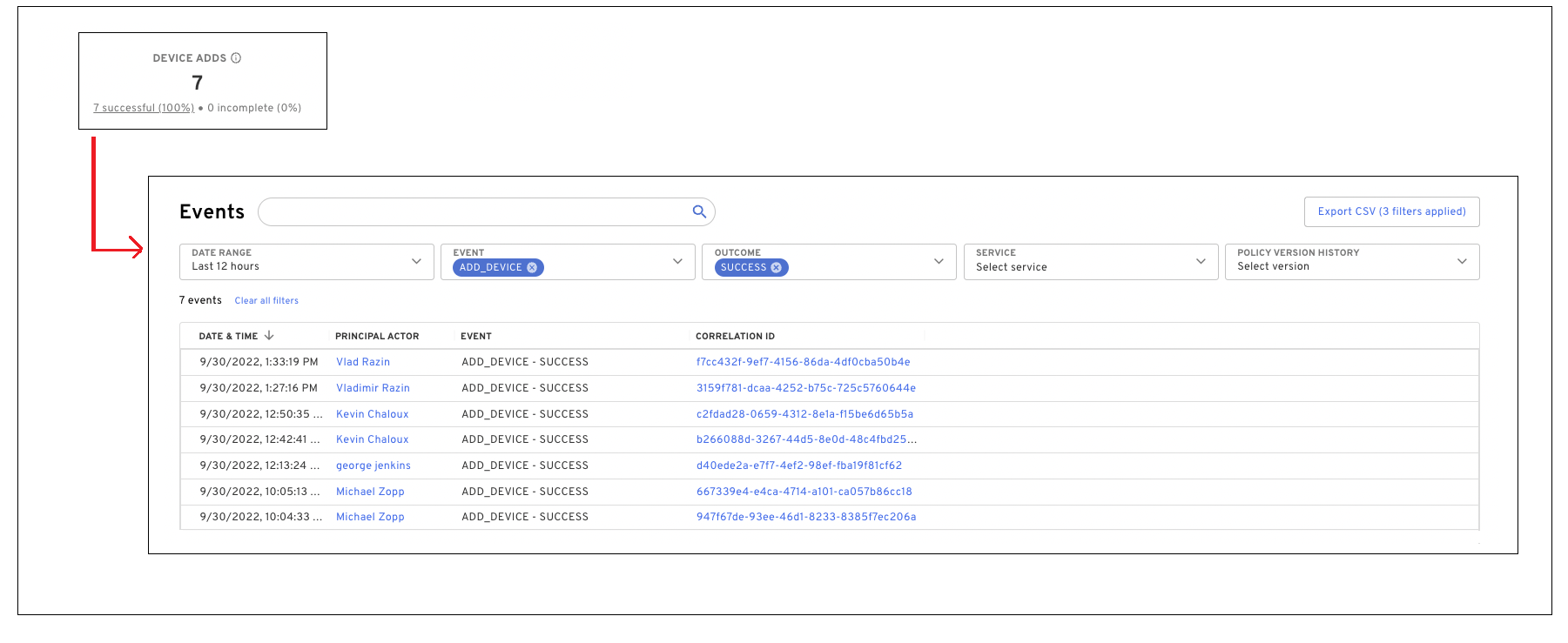
OS Support
The following operating systems were tested and certified for this release:
Android 9, 10, 11, 12
iOS/iPadOS 12.2, 13, 14, 15
macOS 10.15, 11, 12
Windows 10, 11
Linux: Ubuntu 18 LTS, Ubuntu 20 LTS, Ubuntu LTS 22.04, CentOS 7, CentOS Stream 8, CentOS Stream 9
Version 2.65.0 Beyond Identity Authenticator Release Notes
New Features and Enhancements
The following features and enhancements are available in this release:
During user enrollment, Windows Desktop Login will automatically configure itself to enable off-line login. For example, If the machine cannot connect to an Active Directory (AD) domain controller when the user attempts to log in, the user will still be able to log into their machine regardless of whether the AD domain controller is available for authentication.
OS Support
The following operating systems were tested and certified for this release:
Android 9, 10, 11, 12
iOS/iPadOS 12.2, 13, 14, 15
macOS 10.15, 11, 12
Windows 10, 11
Linux: Ubuntu 18 LTS, Ubuntu 20 LTS, Ubuntu LTS 22.04, CentOS 7, CentOS Stream 8, CentOS Stream 9
Version 2.63.1 Beyond Identity Authenticator Release Notes
New Features and Enhancements
The following features and enhancements are available in this release:
Secure DevOps
Tenant Administrators can now deploy git commit signing to individual users from the Admin Console for macOS and Windows platforms. To add users, you must first create the group and then add users to that group:
Note: To use this functionality, you must have git commit signing already enabled for your tenant. Contact a Beyond Identity team member if you do not already have it enabled.
Log into the Admin Console and select the Groups tab.
From the Groups page, select Add Group:
In the Add Group dialog, provide:
The Group Name. The name must be BI_SDO_GPG_Key_Creation
An optional Description
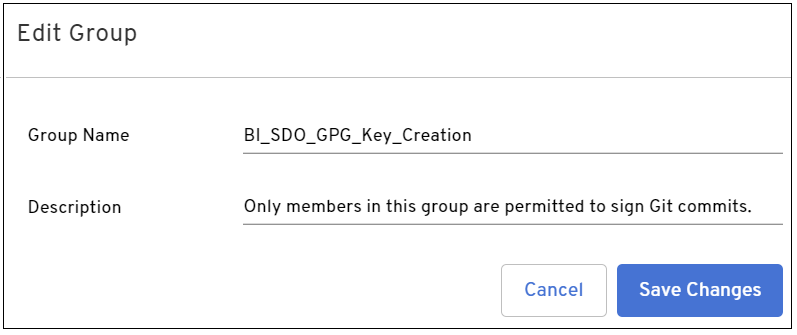
Select Save Changes. The group is added to the Group list.
Locate and open the new-created group.
From the BI_SDO_GPG_Key_Creation group page, select Add Users.
From the Add User dialog, select each user you want to add from the drop-down menu. The credential associated with the user is displayed in the dialog.
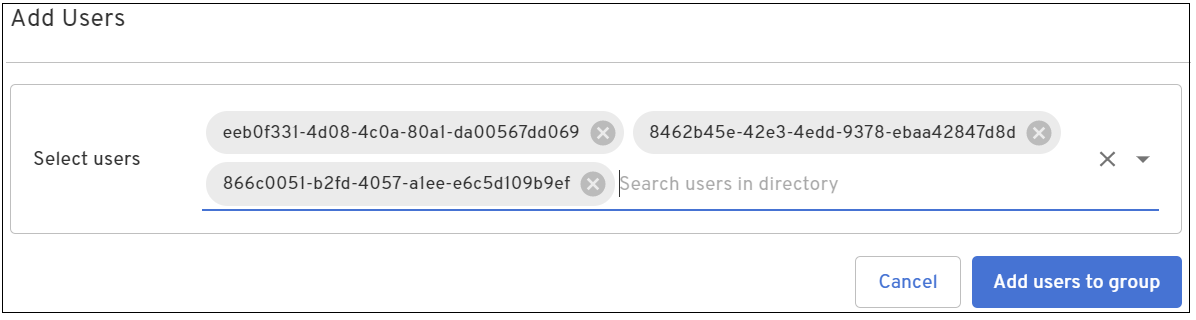
Click Add users to group. The users are displayed under the Members section.
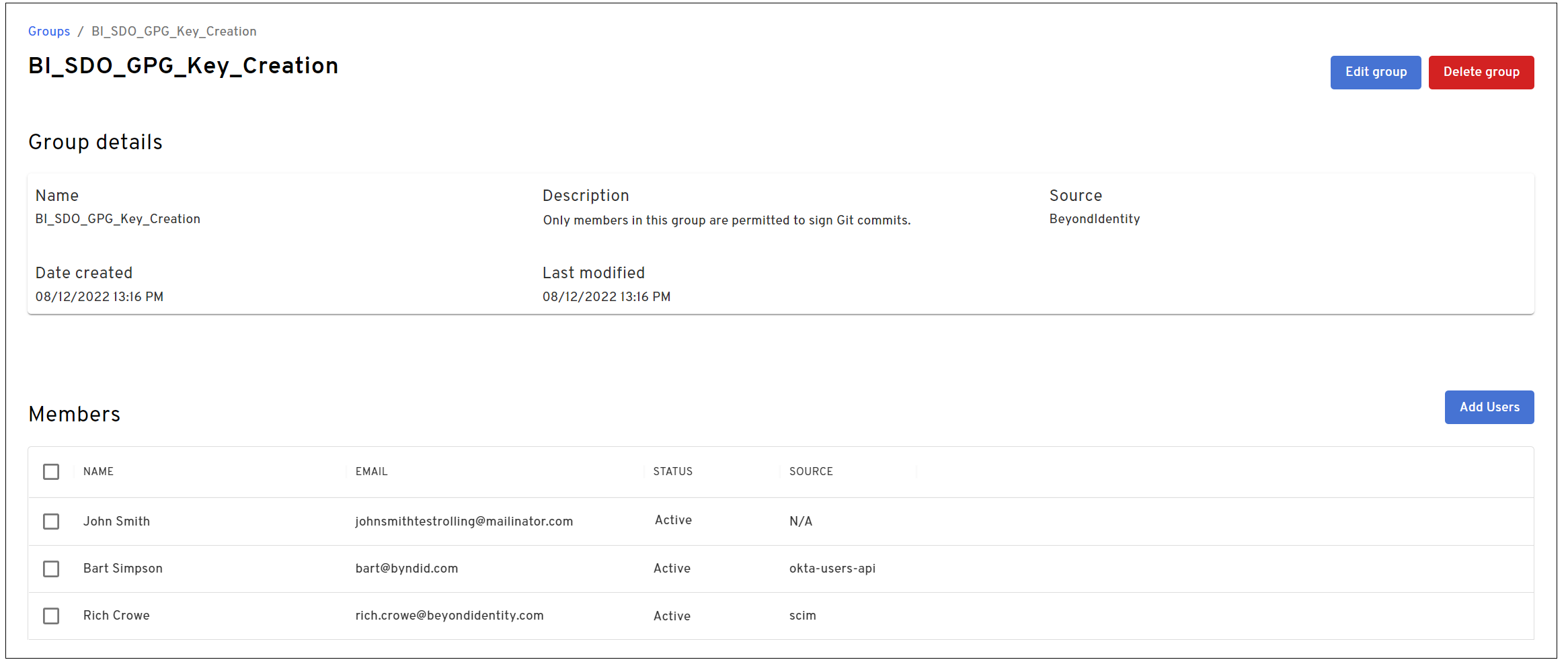
Platform Authenticator
The Linux Platform Authenticator now supports CentOS Stream 9.
OS Support
The following operating systems were tested and certified for this release:
Android 9, 10, 11, 12
iOS/iPadOS 12.2, 13, 14
macOS 10.15, 11, 12
Windows 10
Linux: Ubuntu 18 LTS, Ubuntu 20 LTS, Ubuntu LTS 22.04, CentOS 7, CentOS 8, CentOS Stream 9
Version 2.62.0 Beyond Identity Authenticator Release Notes
New Features and Enhancements
The following features and enhancements are available in this release:
Self-Service SIEM Integrations: You can now configure event log integrations with Splunk cloud/enterprise, Google pub/sub, Sumo Logic, and custom webhooks directly from the Admin Console without assistance from Beyond Identity. You can select the events you would like to receive and create multiple integration configurations to support different reporting and monitoring needs. To configure SIEM integrations:
From the Admin console, select Integrations from the left menu.
From the Integrations page, select the SIEM tab.
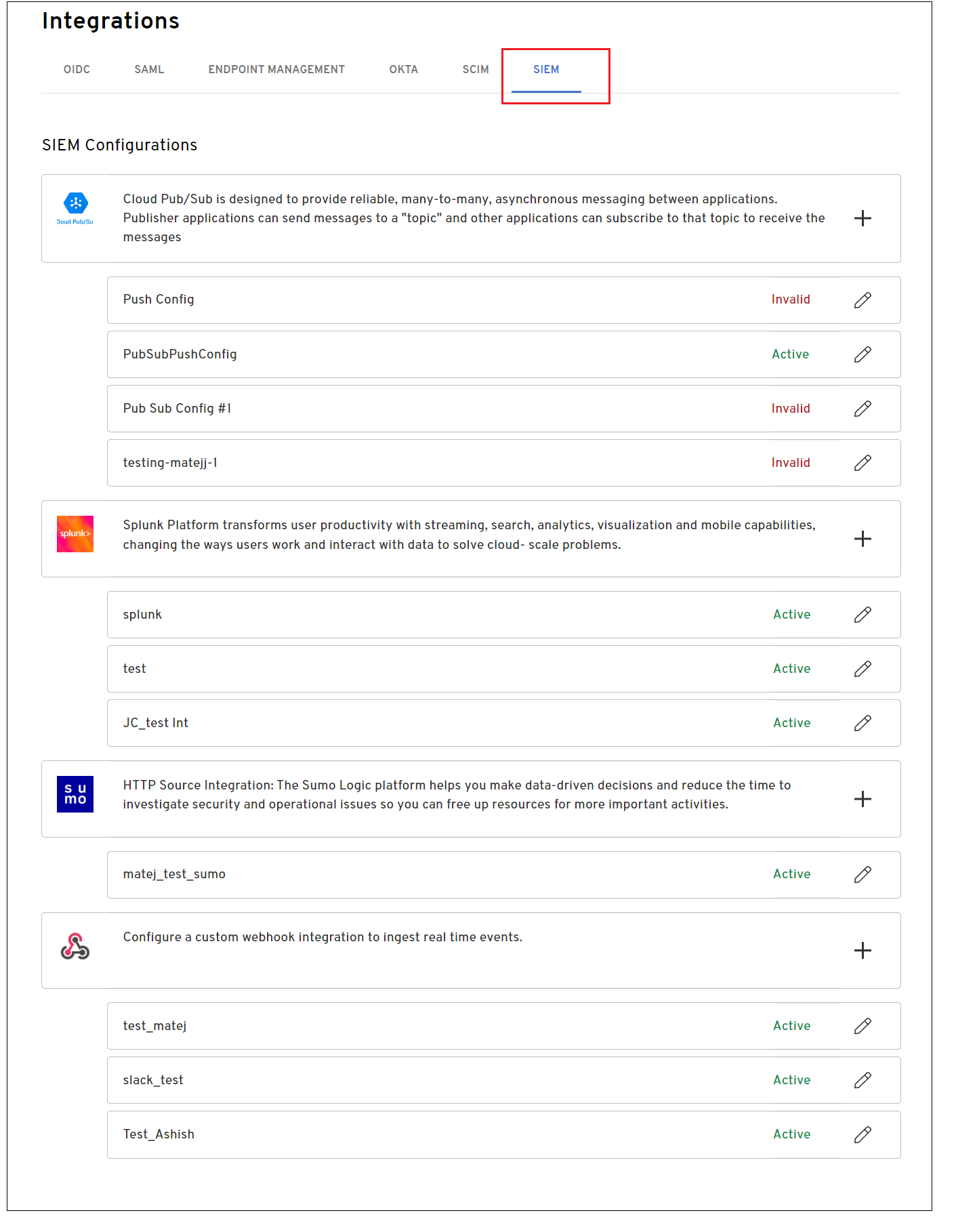
Click + associated with SIEM integration you want to configure.
Add the information required for the specific integration.
Select one or more events from the Events drop-down menu. To select all events, click the Select all check box.
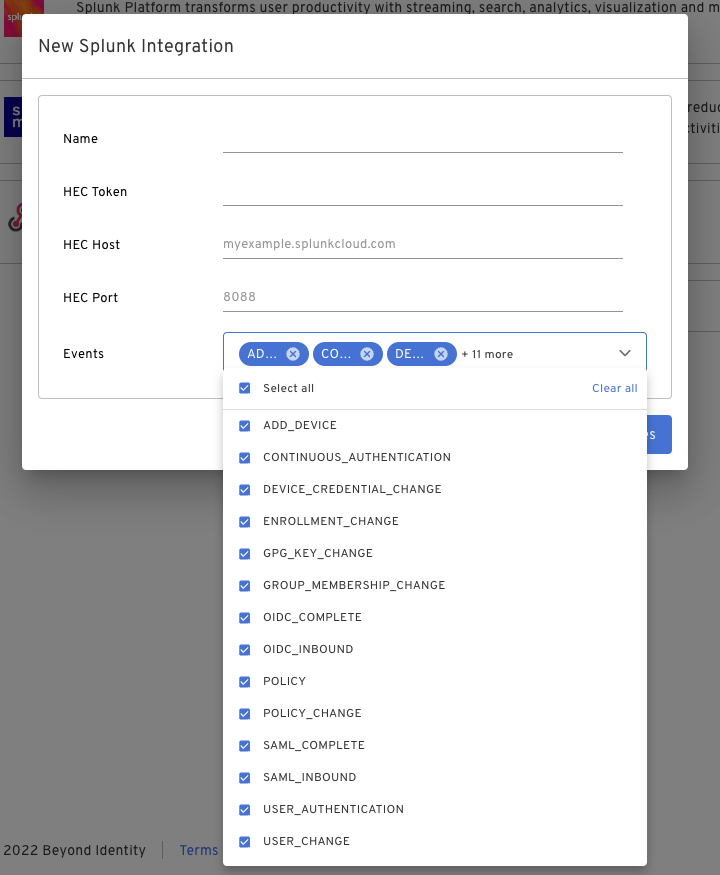
Click Save Changes.
Id and Device Activity Trends: The Daily Enrollment and Activity Summary tab includes a new widget highlighting ID and device activity over the last 2 months. The widget compares the last 30 days to the 30 days before that to allow for activity and engagement comparisons of this time period. To view ID and device activity trends:
From the Admin Console, select Insights from the left menu.
From the Insights page, select the DAILY ENROLLMENT AND ACTIVITY SUMMARY tab.
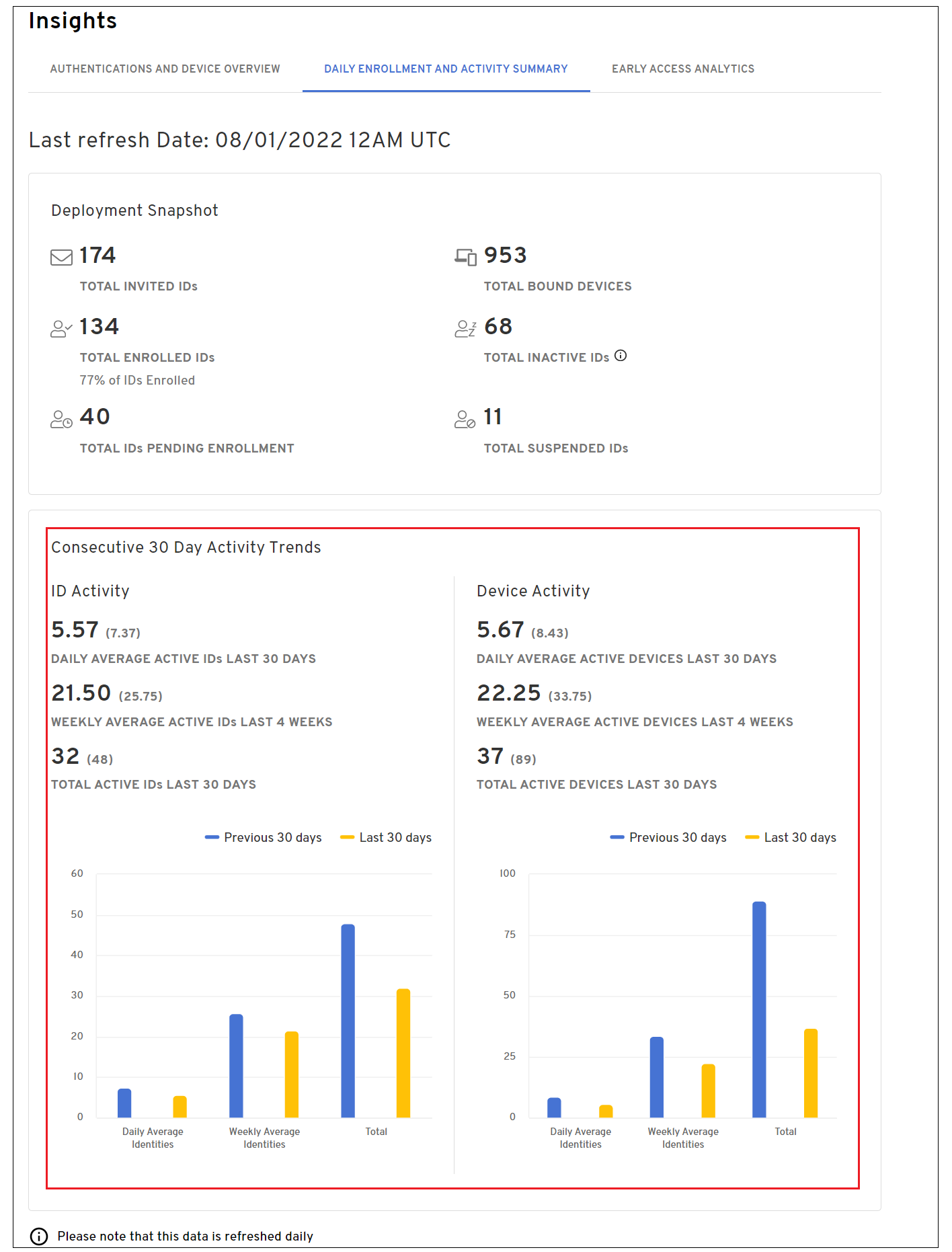
OS Support
The following operating systems were tested and certified for this release:
Android 9, 10, 11, 12
iOS/iPadOS 12.2, 13, 14
macOS 10.15, 11, 12
Windows 10
Linux: Ubuntu 18 LTS, Ubuntu 20 LTS, Ubuntu LTS 22.04, CentOS 7, CentOS 8
Version 2.61.0 Beyond Identity Authenticator Release Notes
New Features and Enhancements
The following features and enhancements are available in this release:
Kandji MDM integration support has been added to the macOS and iOS platforms allowing you to build risk-based access policies.
Windows Security Center query - WMI has been added as an additional query method for Windows Security Center reporting. This information is currently leveraged in the Windows Firewall and Antivirus Beyond Identity policy attributes.
A CrowdStrike Quarantine action is now available. Leverage the Beyond Identity-CrowdStrike integration to trigger a CrowdStrike quarantine on a device based on Beyond Identity policy.
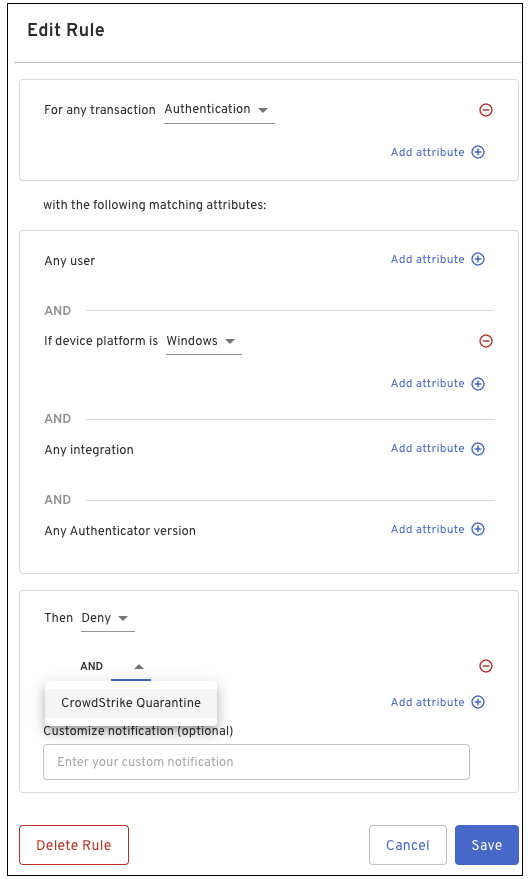
OS Support
The following operating systems were tested and certified for this release:
Android 9, 10, 11, 12
iOS/iPadOS 12.2, 13, 14
macOS 10.15, 11, 12
Windows 10
Linux: Ubuntu 18 LTS, Ubuntu 20 LTS, CentOS 7, CentOS 8
Version 2.60.0 Beyond Identity Authenticator Release Notes
New Features and Enhancements
The following feature is available in this release:
When creating a GPG key for macOS, the email address if present in the Credential is automatically added to the Email Address field in the Create GPG Key dialog.
OS Support
The following operating systems were tested and certified for this release:
Android 9, 10, 11, 12
iOS/iPadOS 13, 14
macOS 10.15, 11, 12 (Monterey)
Windows 10, 11
Linux: Ubuntu 18 LTS, Ubuntu 20 LTS, CentOS 7, CentOS 8
Version 2.59.0 Beyond Identity Authenticator Release Notes
New Features and Enhancements
The following features are available in this release:
Multiple Identity Support
The Beyond Identity Authenticator now supports multiple identities per tenant. This feature allows users to enroll more than one digital identity in a platform authenticator instance. For example:
(Secure Work) An IT administrator can have an identity for privileged work applications and one for non-privileged work (such as reading email or browsing the Web).
(Secure Customer) A user can have an identity for themselves and another for their partner for the same app (such as Instagram).
Each credential includes the display name, username, and Tenant ID.
When attempting to authenticate, each identity is displayed. Select the appropriate identity (Account) to continue.
Multiple identity support is available on the following platforms:
iOS
macOS
Android
Windows
Linux
Git Commit Signing
Git Commit Signing (macOS) now includes an option to allow a user to globally sign all repositories they own in addition to the option of selecting an individual repository.
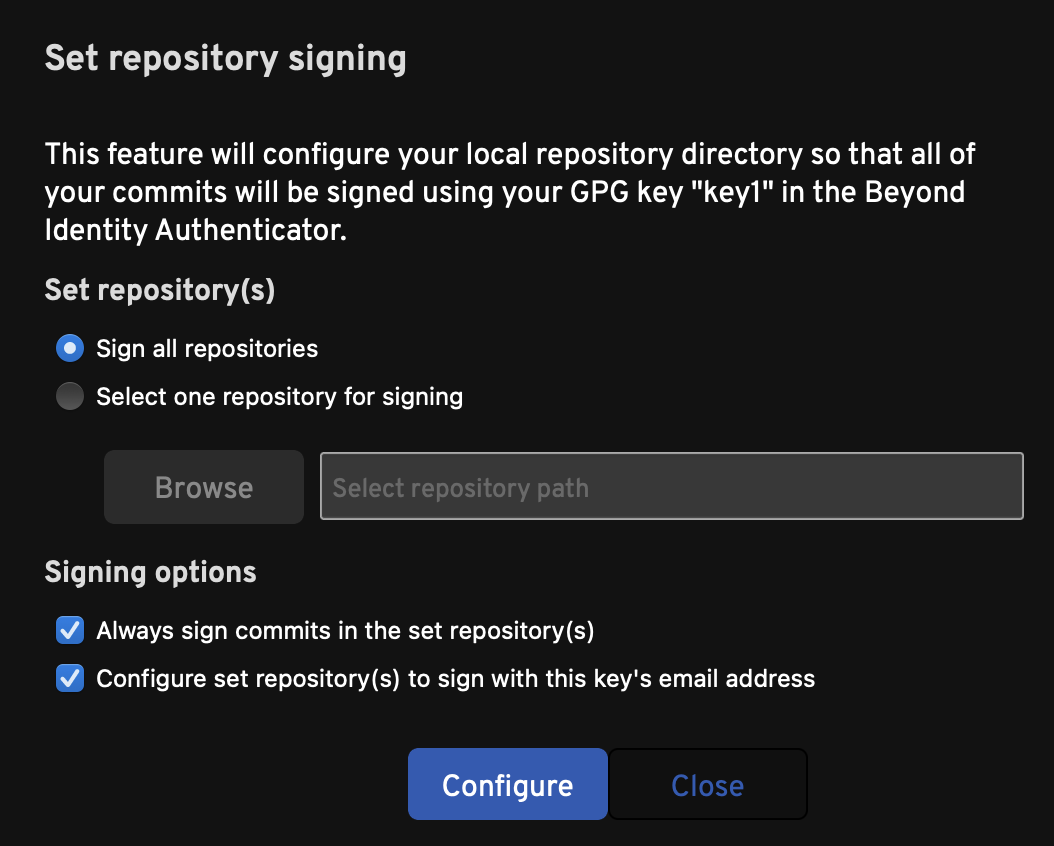
Keep the following points in mind when signing commits:
If a key that was previously used to configure an individual repository is deleted from the platform authenticator, that particular repository must be re-configured individually with a new key. This is necessary because the repository's configuration still references the deleted key, which takes precedence over the global configuration.
The global signing feature includes all repositories. This includes repositories (such as personal repositories) that are not configured to verify the signatures. The GitHub and GitLab web UI will simply indicate these signatures as unverified but there are no repercussions or issues with the signatures.
Policy
The Event Details page includes the following enhancements when viewing a matched rule for Policy events:
The matched rule is displayed at the top of the page.
A search bar has been added to allow for filtering on specific keywords. Only rules containing the specified keyword are displayed.

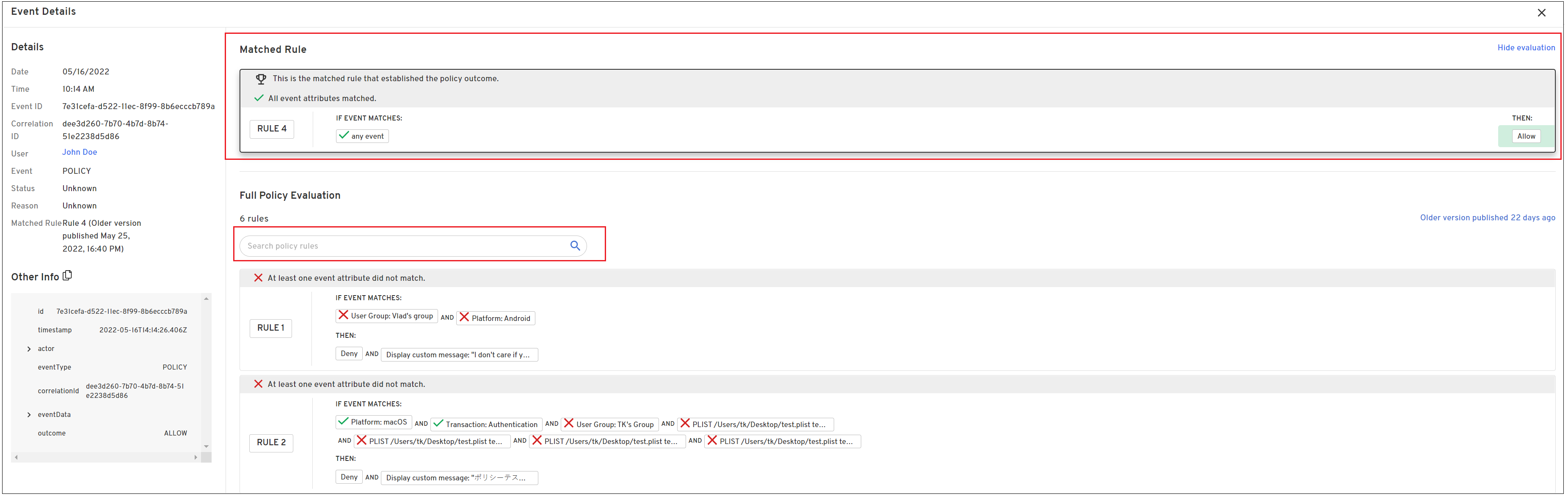
OS Support
The following operating systems were tested and certified for this release:
Android 9, 10, 11, 12
iOS/iPadOS 13, 14
macOS 10.15, 11, 12 (Monterey)
Windows 10, 11
Linux: Ubuntu 18 LTS, Ubuntu 20 LTS, CentOS 7, CentOS 8
Version 2.58.0 Beyond Identity Authenticator Release Notes
New Features and Enhancements
The following features are available in this release:
The Admin Console’s Insights tab contains a new widget. The Deployment Snapshot represents a daily view of the enrollment and activity of IDs and Devices in your tenant.
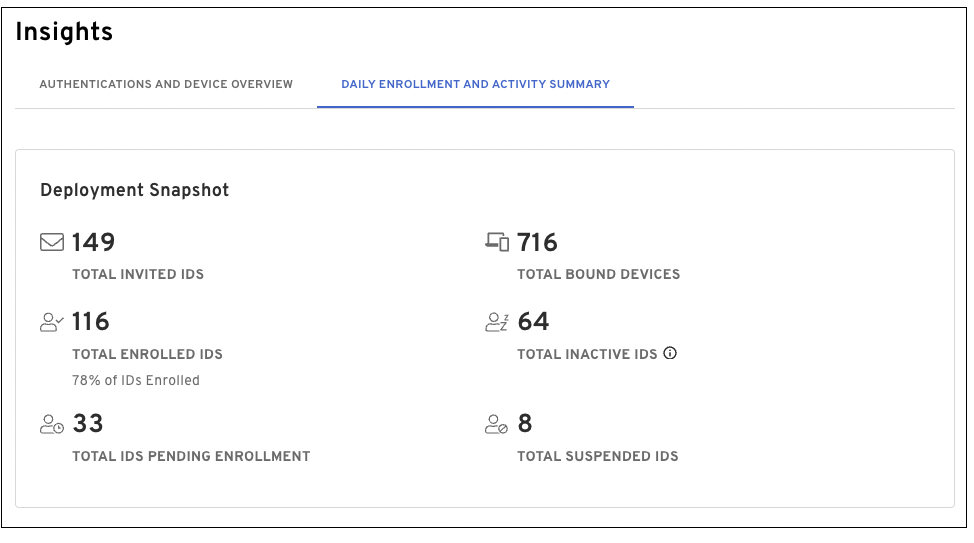
Installation and Update Support Notice
Starting with this release, install/update support for Platform Authenticator running on iOS 12 and macOS 10.14 is no longer be available. User functionality will be unaffected; however, users will no longer be able to install or update the iOS and macOS Platform Authenticators on these respective operating system versions.
OS Support
The following operating systems were tested and certified for this release:
Android 9, 10, 11, 12
iOS/iPadOS 13, 14
macOS 10.15, 11, 12 (Monterey)
Windows 10, 11
Linux: Ubuntu 18 LTS, Ubuntu 20 LTS, CentOS 7, CentOS 8
Version 2.57.0 Beyond Identity Authenticator Release Notes
New Features and Enhancements
The following features are available in this release:
The Admin Console login screen has been updated to allow users to easily select the appropriate login method using one click/tap. Depending on your configuration, log in using your SSO provider or Beyond Identity credential.
The match rule number is now included in the Event Details pane as well as the events API.
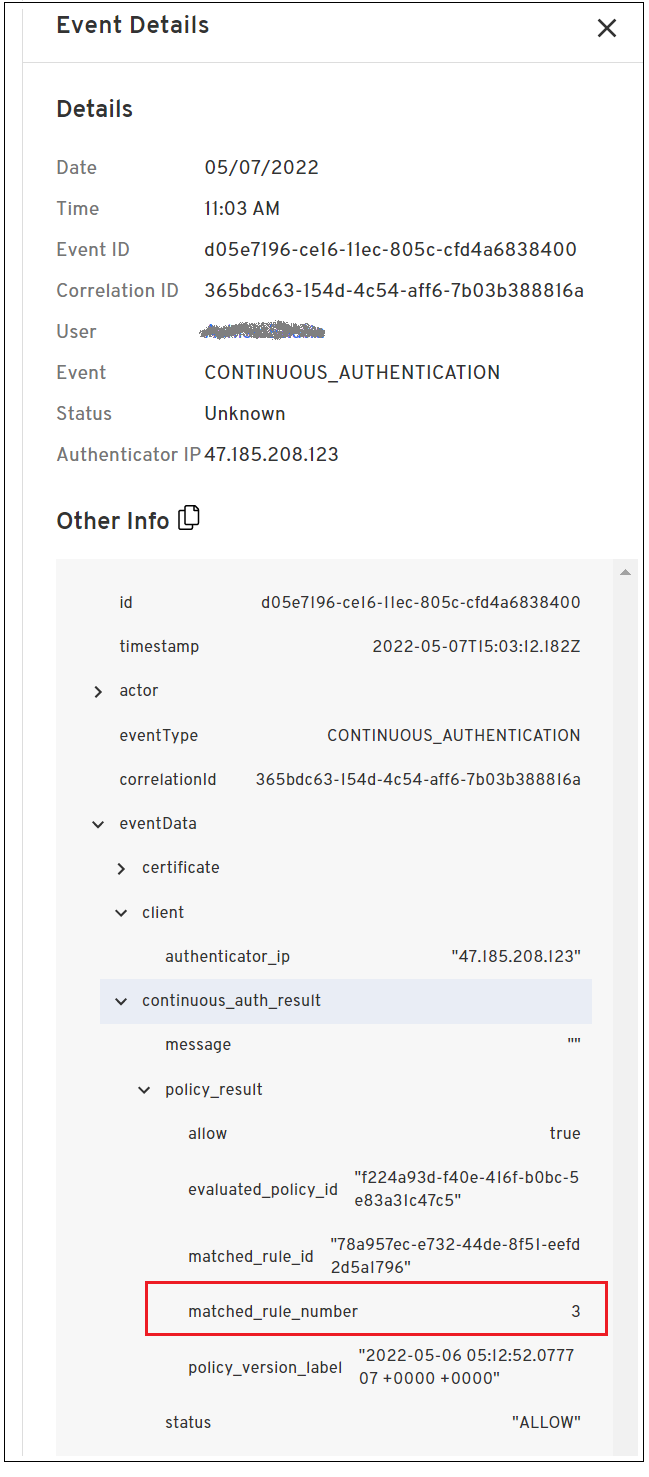
Installation and Update Support Notice
In the next release (v2.58.0), install/update support for Platform Authenticator running on iOS 12 and macOS 10.14 will no longer be available. User functionality will be unaffected; however, users will no longer be able to install or update the iOS and macOS Platform Authenticators on those respective operating system versions.
OS Support
The following operating systems were tested and certified for this release:
Android 9, 10, 11, 12
iOS/iPadOS 12.2, 13, 14
macOS 10.14, 10.15, 11, 12 (Monterey)
Windows 10, 11
Linux: Ubuntu 18 LTS, Ubuntu 20 LTS, CentOS 7, CentOS 8
Version 2.56.0 Beyond Identity Authenticator Release Notes
New Features and Enhancements
The following features are available in this release:
The Device enrollment email for Secure Customers can now be branded with your organization. Use the “From” field to add your organization’s name. For example:
"From: AcmeCorp <no-reply>@acmecorp.com"
The following attributes are available when writing policy for the Linux platform:
Process Running contains
Process Running does not contain
System Disks Encrypted is
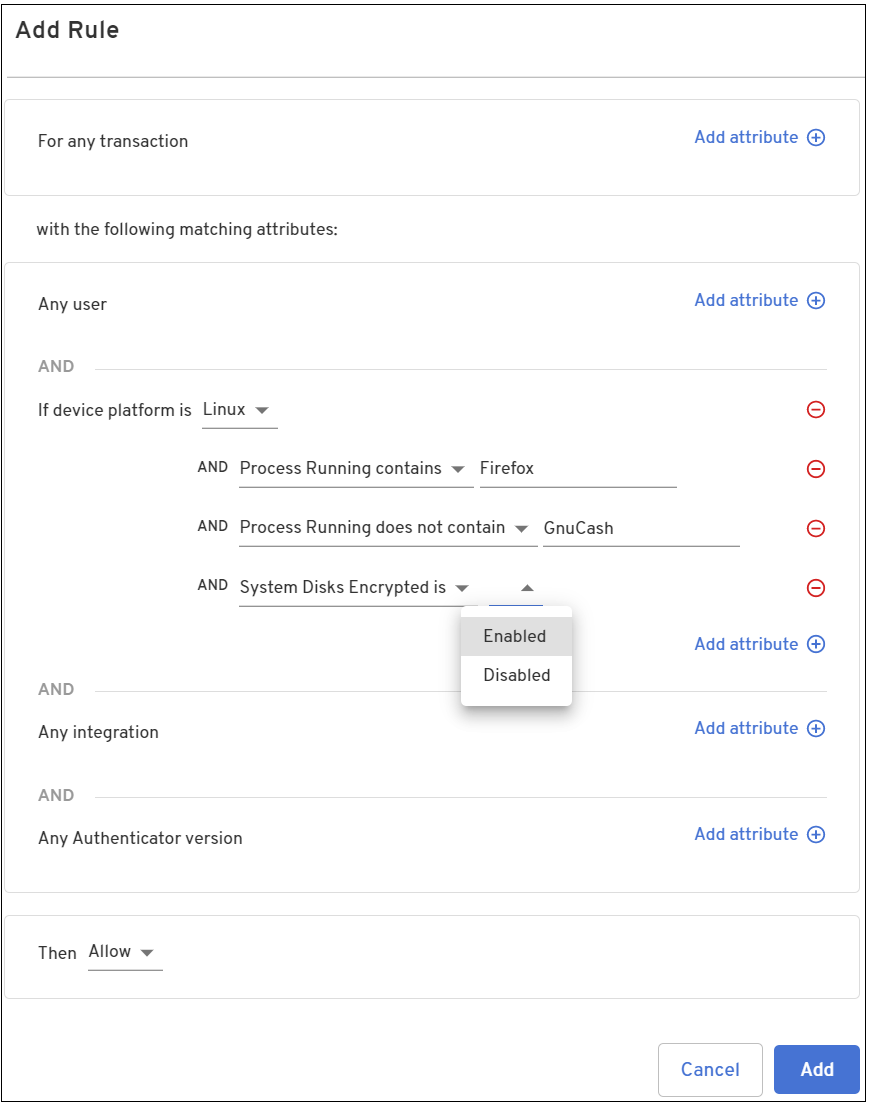
OS Support
The following operating systems were tested and certified for this release:
Android 9, 10, 11, 12
iOS/iPadOS 12.2, 13, 14
macOS 10.14, 10.15, 11, 12 (Monterey)
Windows 10, 11
Linux: Ubuntu 18 LTS, Ubuntu 20 LTS, CentOS 7, CentOS 8
Version 2.55.0 Beyond Identity Authenticator Release Notes
New Features and Enhancements
The following features are available in this release:
The Set up other devices and Remove credential buttons on the macOS Platform Authenticator credential are now stacked. Previously, they were arranged side-by-side.
The Policy tab of the Admin Console now provides functionality to filter policy events based on matching criteria. Each rule now contains a Match Count that provides the number authentications and/or device adds associated with each rule. Clicking on a match count for a rule opens the Events page and filters on the selected policy version and rule.
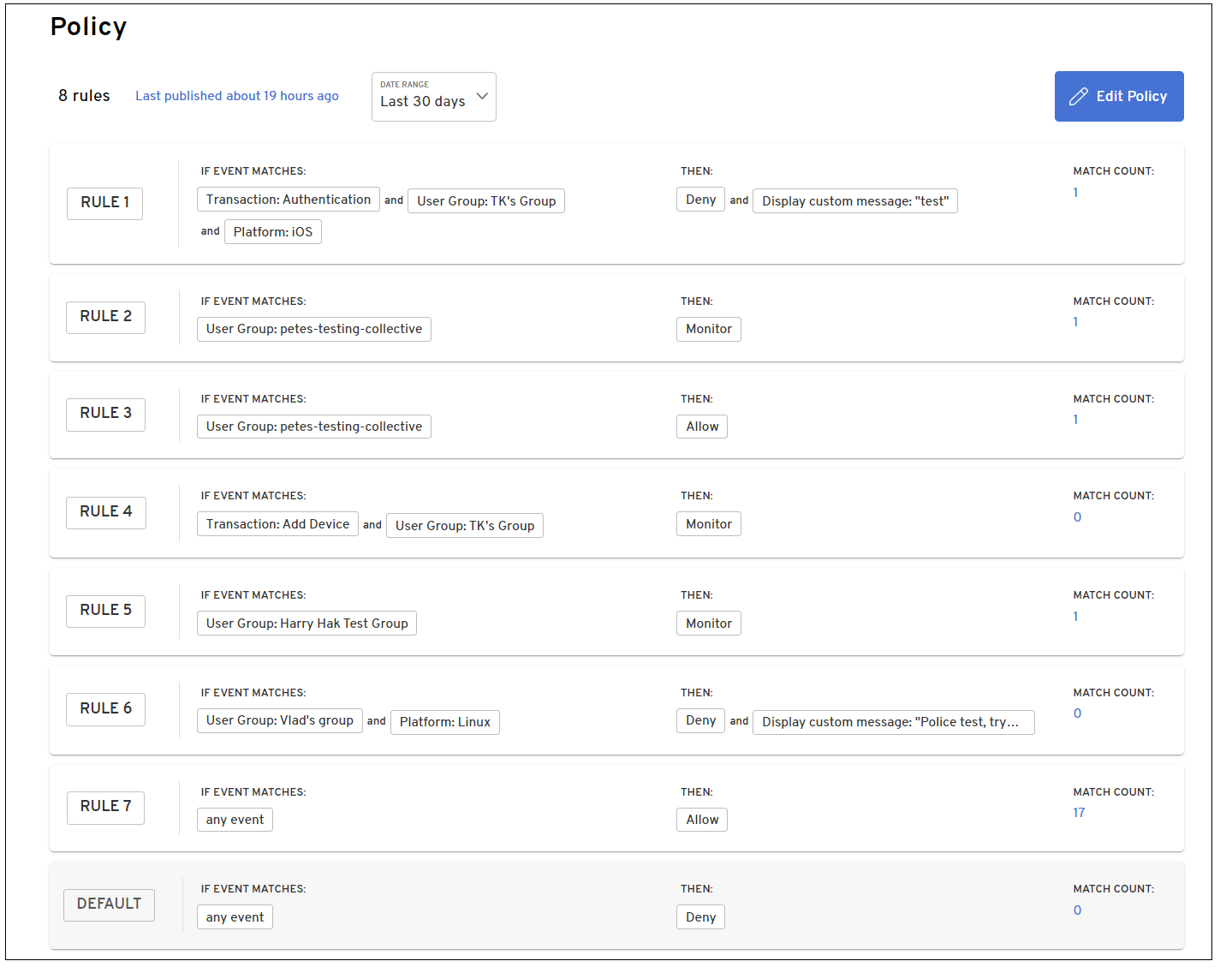
For example, referring to the screen above, clicking on the number 17 under the Match Count for Rule 7 opens the Events page and displays only those events that match the selected policy version rule. In this example, only events matching the current policy version for policy rule 7 are displayed.
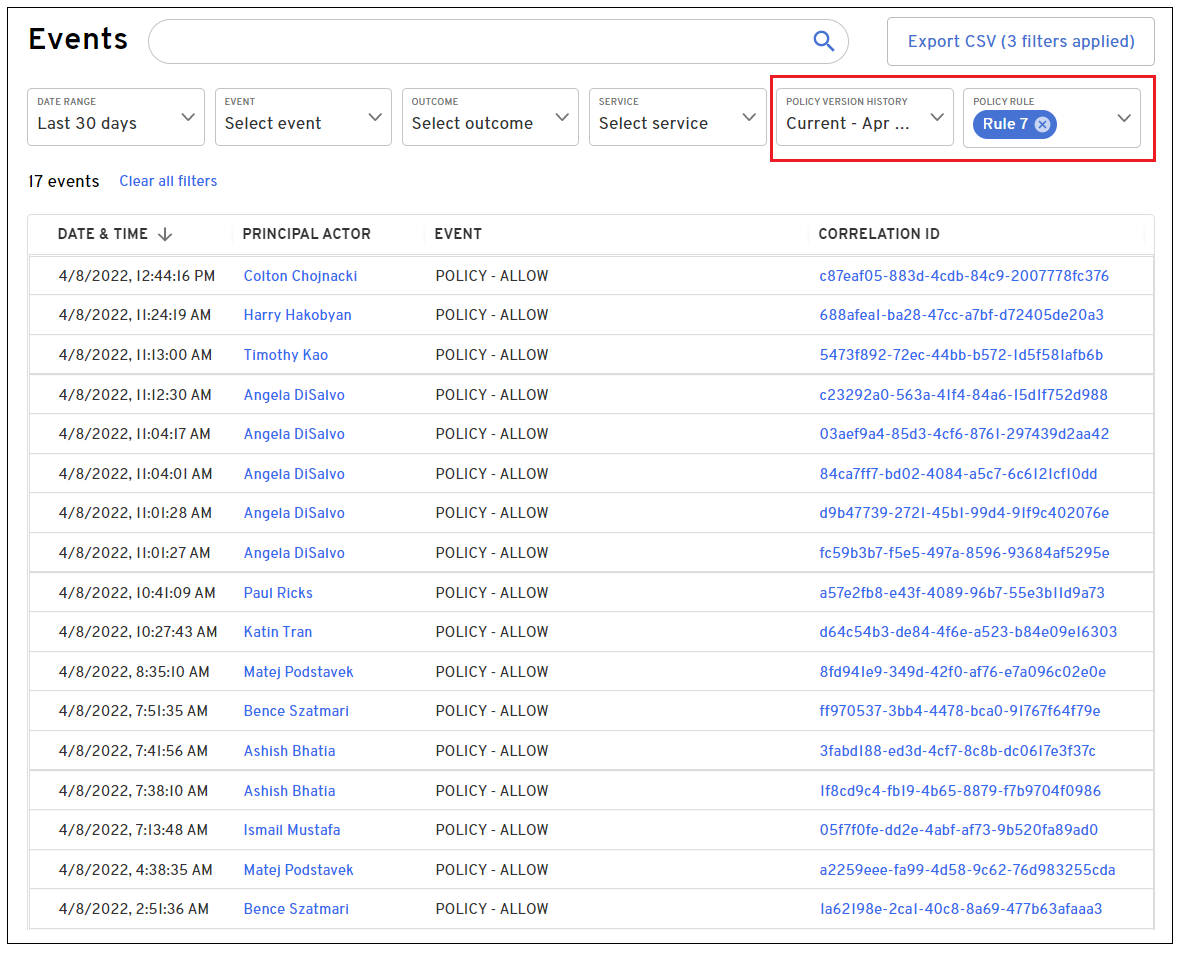
The match count numbers for each rule vary based on the selected date range and selected policy version.
For example, changing the Date Range from the Last 30 days to the Last 12 hours may change the number of match counts for each rule.
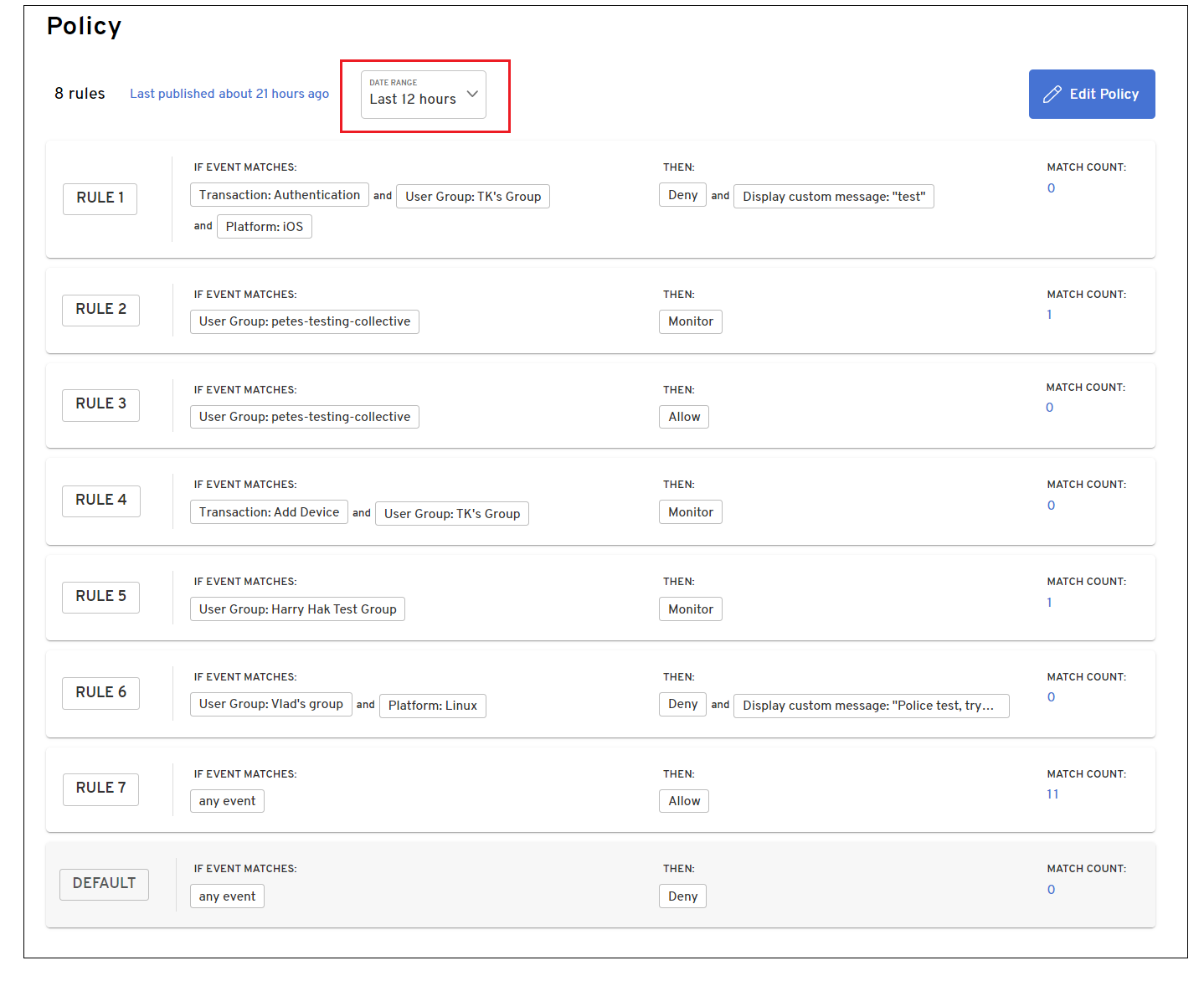
For example, changing the policy version from the current version to a previous version, displays the match count for the rules in effect for that version.
To change the version, select the Last published link.
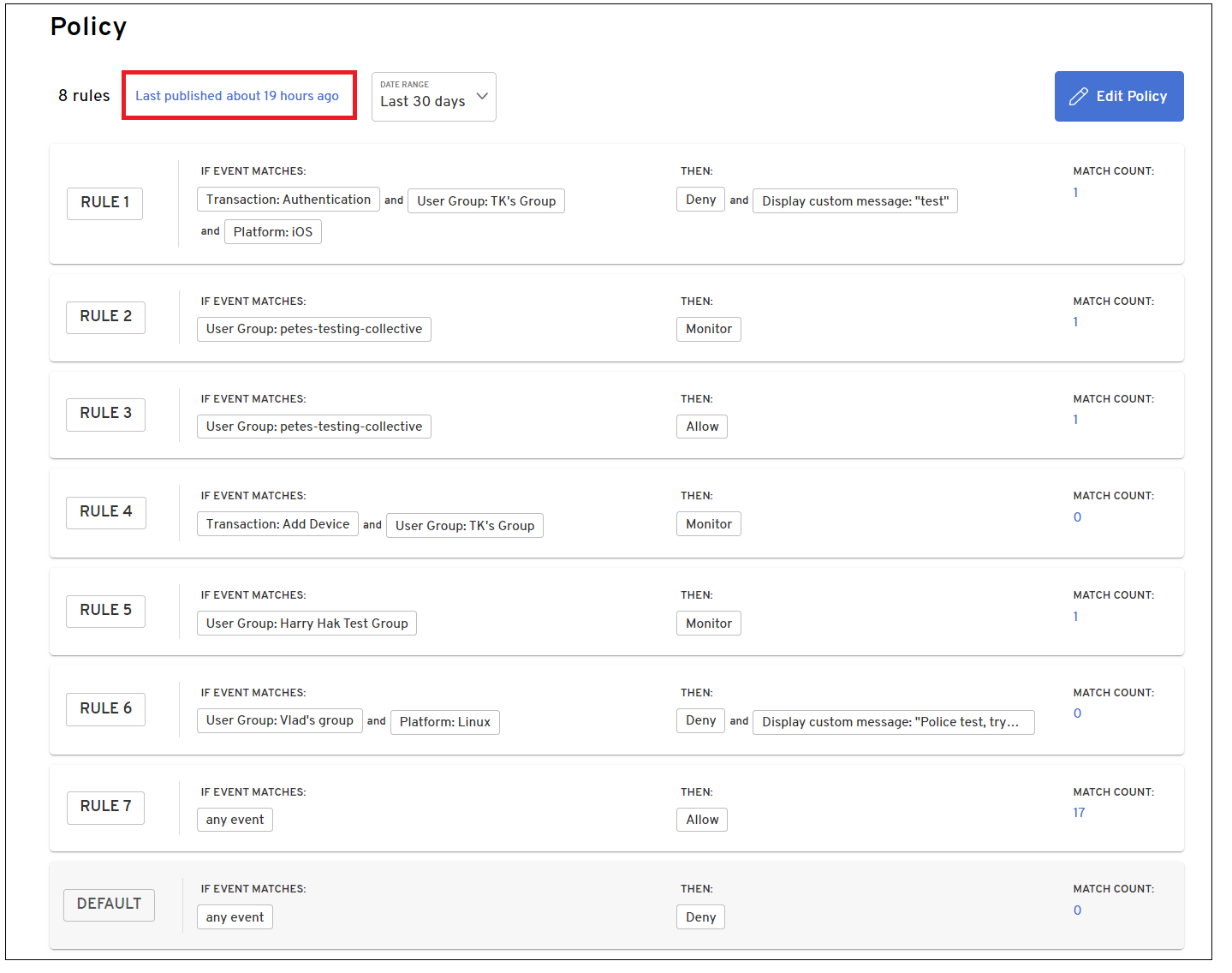
Select the appropriate version. The match counts for the rules in effect for the policy version are displayed.
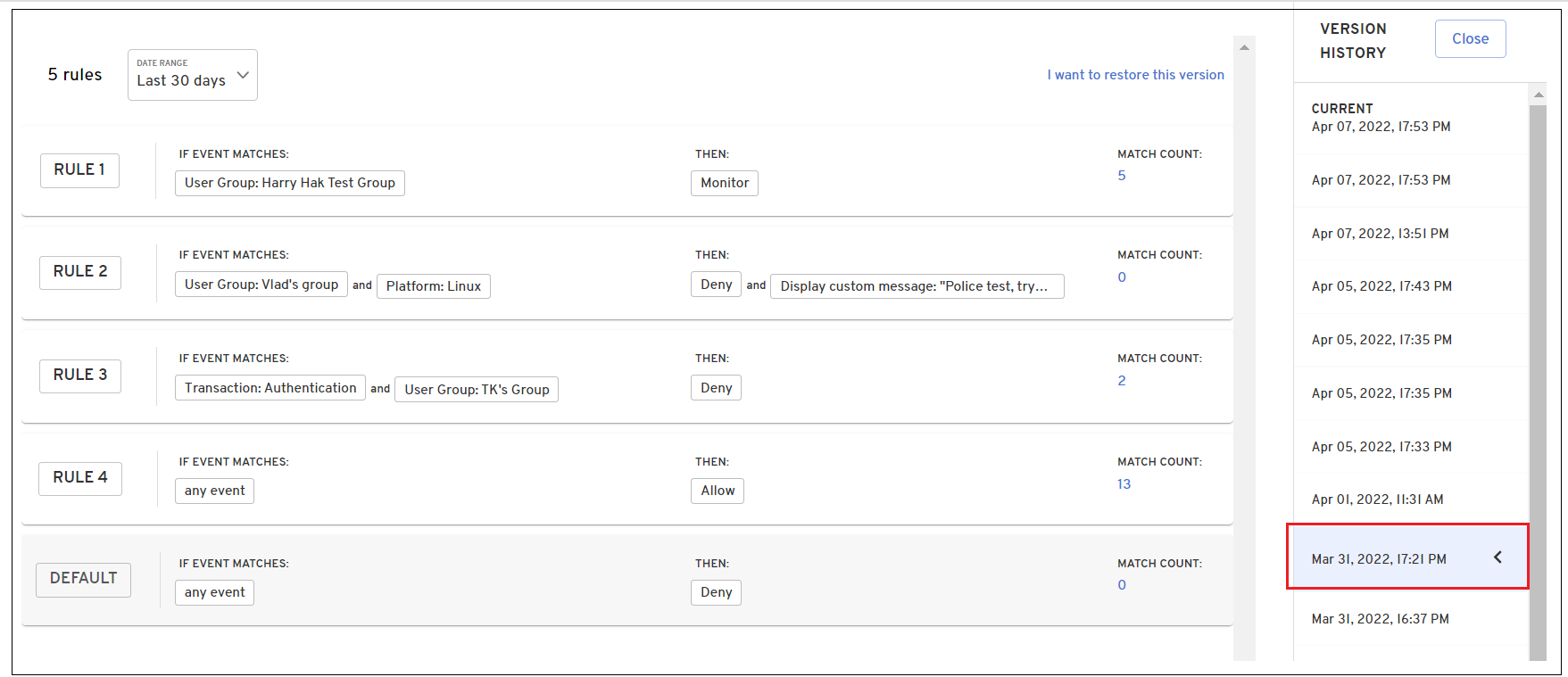
To view match count details for this version, click I want to restore this version, otherwise, click Close.
OS Support
The following operating systems were tested and certified for this release:
Android 9, 10, 11, 12
iOS/iPadOS 12.2, 13, 14
macOS 10.14, 10.15, 11, 12 (Monterey)
Windows 10, 11
Linux: Ubuntu 18 LTS, Ubuntu 20 LTS, CentOS 7, CentOS 8
Version 2.54.0 Beyond Identity Authenticator Release Notes
New Features and Enhancements
The following features and enhancements are available in this release:
The Events dashboard page in the Admin Console has been redesigned and includes new features for viewing event data. Numerous filter options to view data based on specific events, event outcomes, services, and version history are available from the drop-down menus.
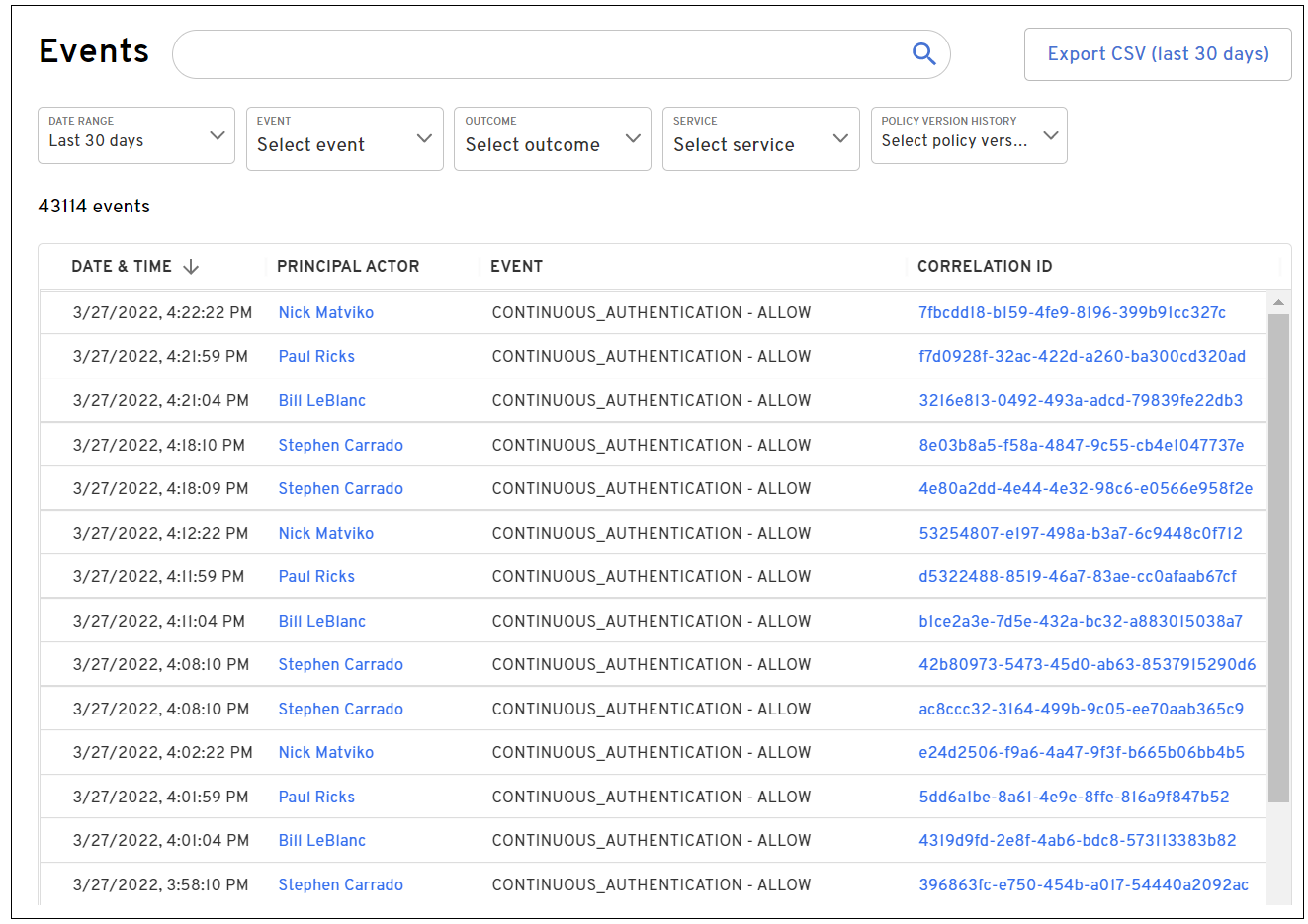
Detailed event data can be viewed and copied by selecting a specific event under the Event column.
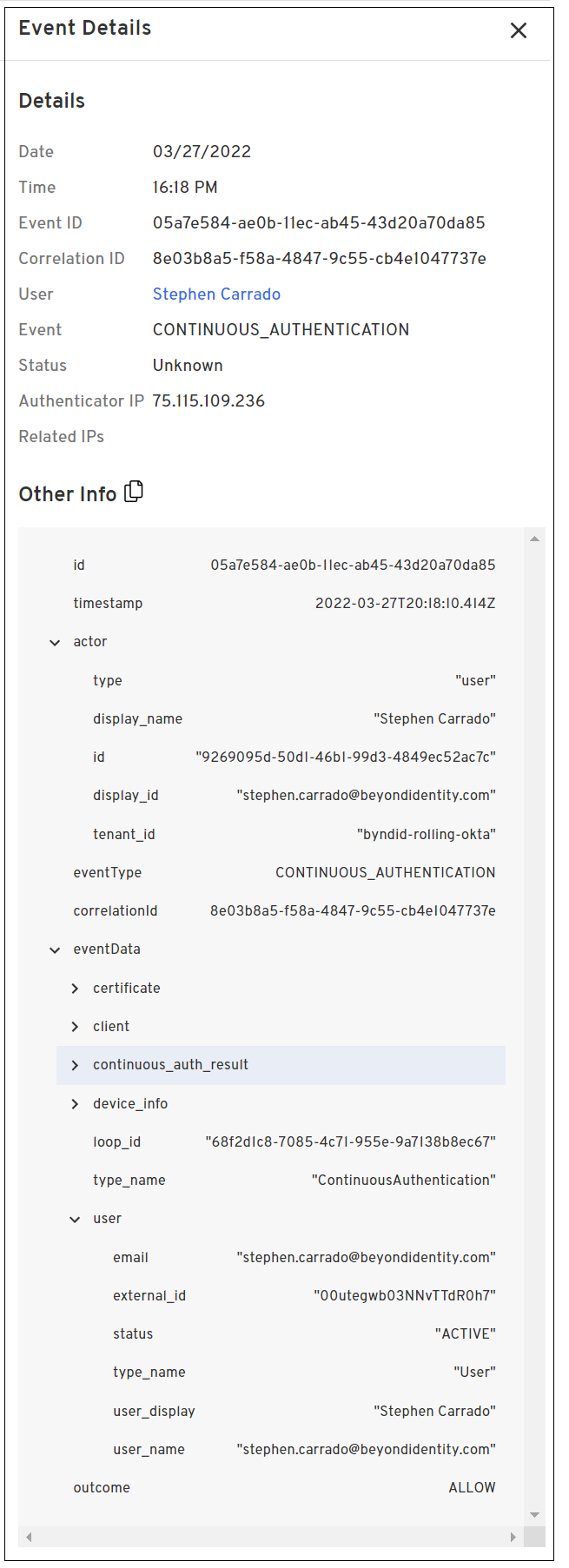
See https://supportcases.beyondidentity.com/hc/en-us/articles/7577786657559-Viewing-Event-Information for additional information.
The Admin Console Home page has been updated and renamed as the Insights page. This page provides the following information:
The total number of authentications and device adds as well as the number and percentages of successful and incomplete authentications and device adds.
The number of authentication counts by location.
A map that when hovered over, displays the total number of authentications for a geographical location.
The number of successful and incomplete authentications per day. Hovering over a specific point on the chart provides additional details on the number of successful and incomplete authentications.
The number of authentications by platform, OS version, or app version.
The number of authenticated users and devices.
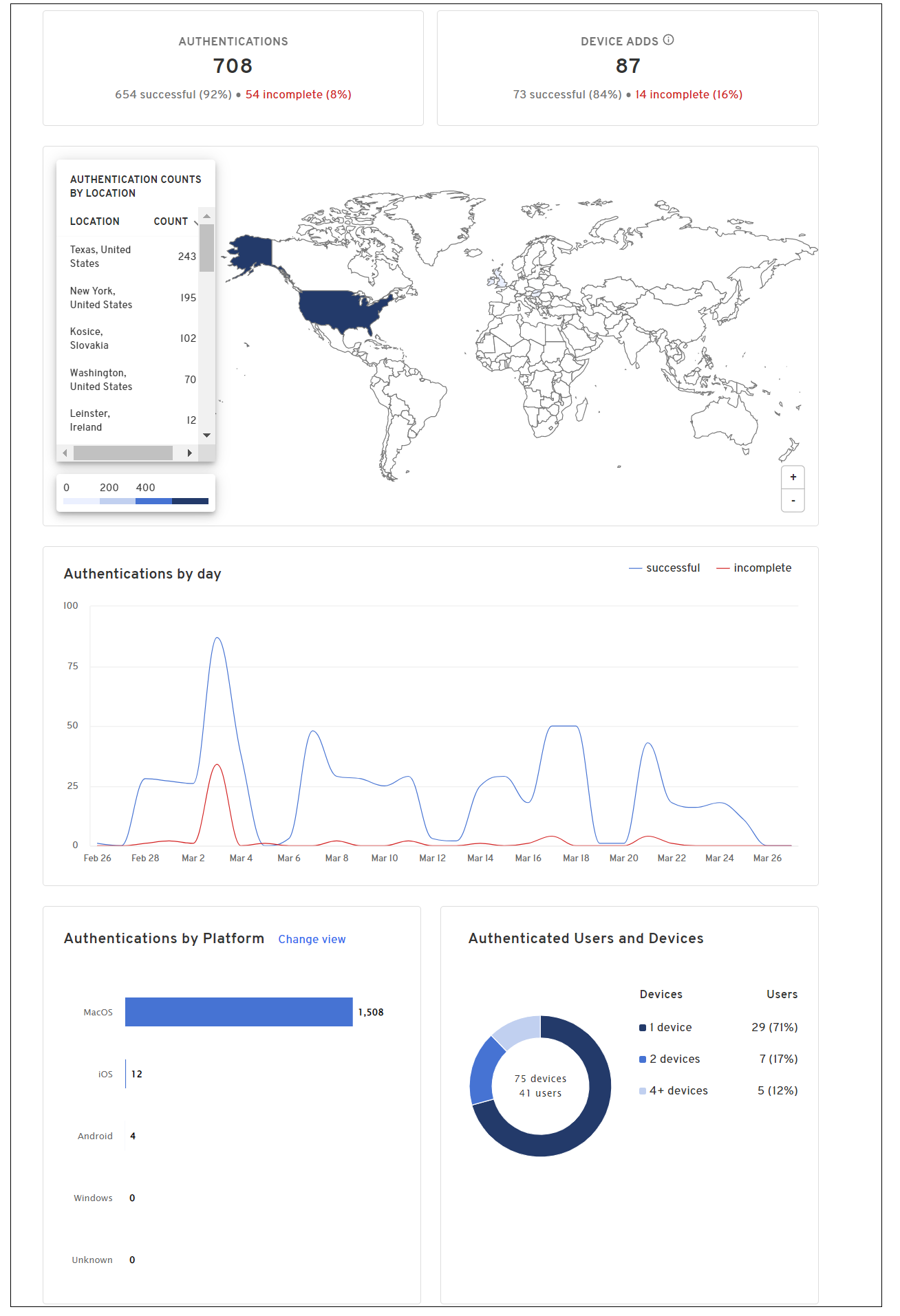
OS Support
The following operating systems were tested and certified for this release:
Android 9, 10, 11, 12
iOS/iPadOS 12.2, 13, 14
macOS 10.14, 10.15, 11, 12 (Monterey)
Windows 10, 11
Linux: Ubuntu 18 LTS, Ubuntu 20 LTS, CentOS 7, CentOS 8
Version 2.53.0 Beyond Identity Authenticator Release Notes
New Features and Enhancements
The following features and enhancements are available in this release:
The Admin Console provides a new option to configure identity providers. The Console Passwordless Login option allows a tenant administrator to log into the Beyond Identity Admin Console directly with the Beyond Identity Authenticator. This option is useful for organizations who do not have an SSO or prefer not to connect Beyond Identity Admin Console to their SSO. More information about this feature can be found here:
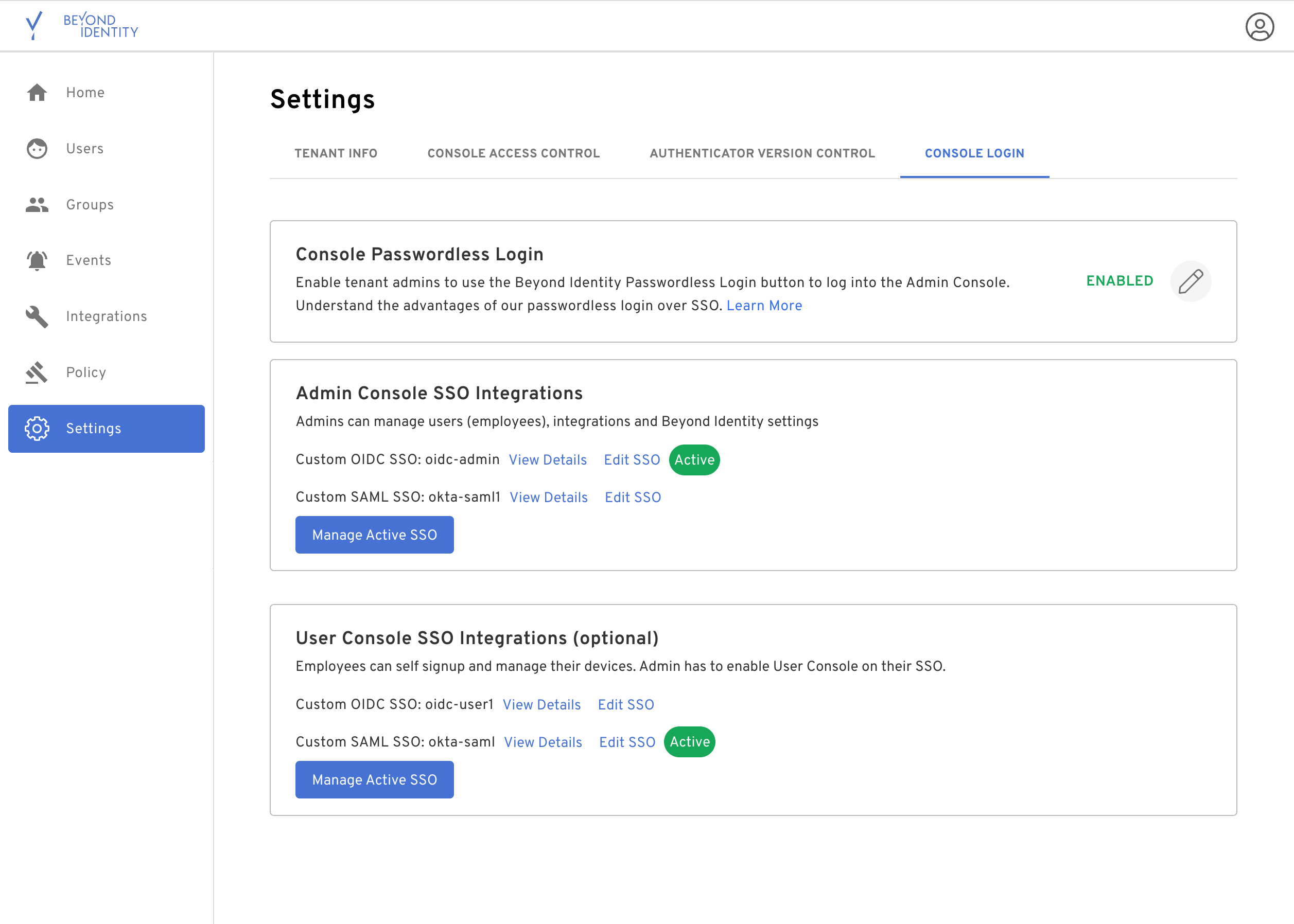
OS Support
The following operating systems were tested and certified for this release:
Android 9, 10, 11, 12
iOS/iPadOS 12.2, 13, 14
macOS 10.14, 10.15, 11, 12 (Monterey)
Windows 10, 11
Linux: Ubuntu 18 LTS, Ubuntu 20 LTS, CentOS 7, CentOS 8
Version 2.52.0 Beyond Identity Authenticator Release Notes
New Features and Enhancements
The following features and enhancements are available in this release:
Additional devices can now be added without requiring the credentials from the first device.
Binding a device from an enrollment email no longer revokes previous device credentials.
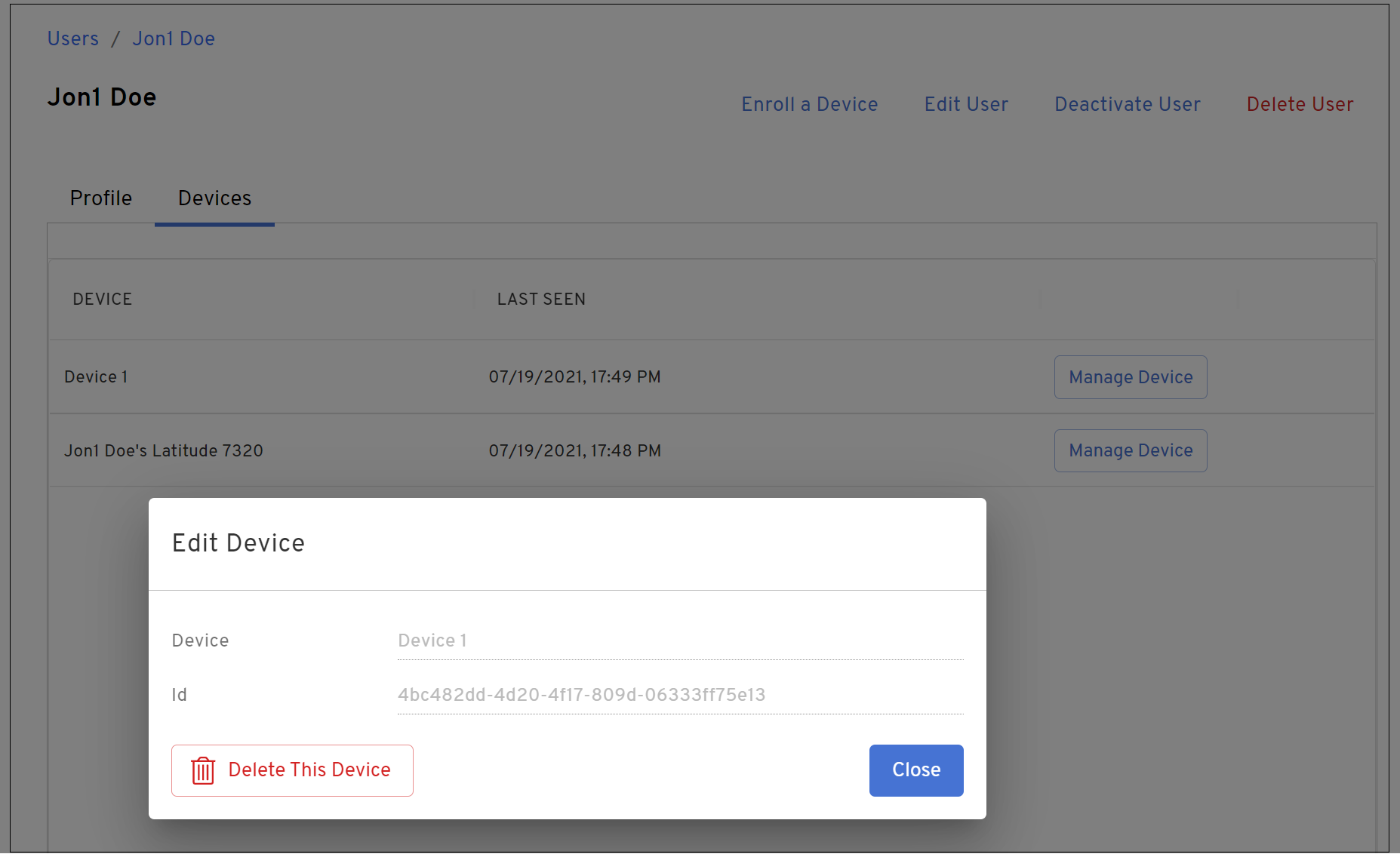
Tenant administrators and users can still manually delete a device from the Admin Console or User Console.
To provide a more seamless authentication experience, users will see a significant decrease in the number of times they are prompted to confirm an authentication device as shown below.
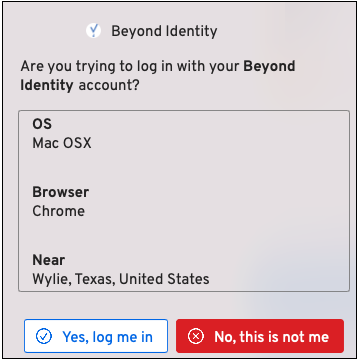
OS Support
The following operating systems were tested and certified for this release:
Android 9, 10, 11, 12
iOS/iPadOS 12.2, 13, 14
macOS 10.14, 10.15, 11, 12 (Monterey)
Windows 10, 11
Linux: Ubuntu 18 LTS, Ubuntu 20 LTS, CentOS 7, CentOS 8
Version 2.51.0 Beyond Identity Authenticator Release Notes
New Features and Enhancements
The following features and enhancements are available in this release:
You can write policy to detect when a specific process is not running on a Mac device. The Process not Running contains attribute allows you to restrict access to a device that does not have the required process running (for example, FireVault 2) and write an appropriate deny message.
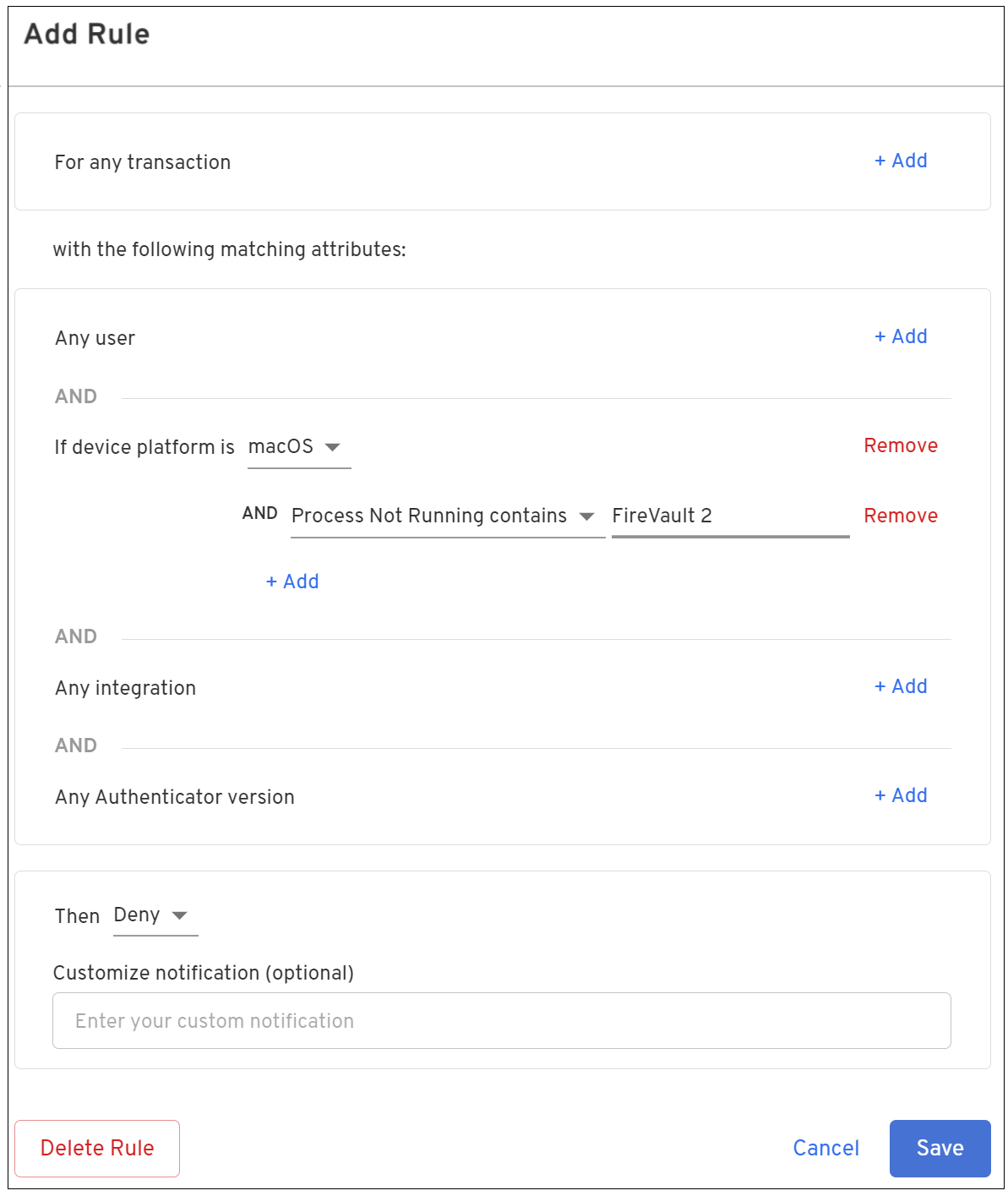
When a credential is disabled or deleted in the Admin Console, the Authenticator will notify the user that the credential is no longer valid.
The following policy-related enhancements were recently added and are also available in this release:
You can write policy to detect when a specific process is not running on a Windows device. The Process not Running contains attribute allows you to restrict access to a device that does not have the required process running (for example, BitLocker) and write an appropriate deny message.
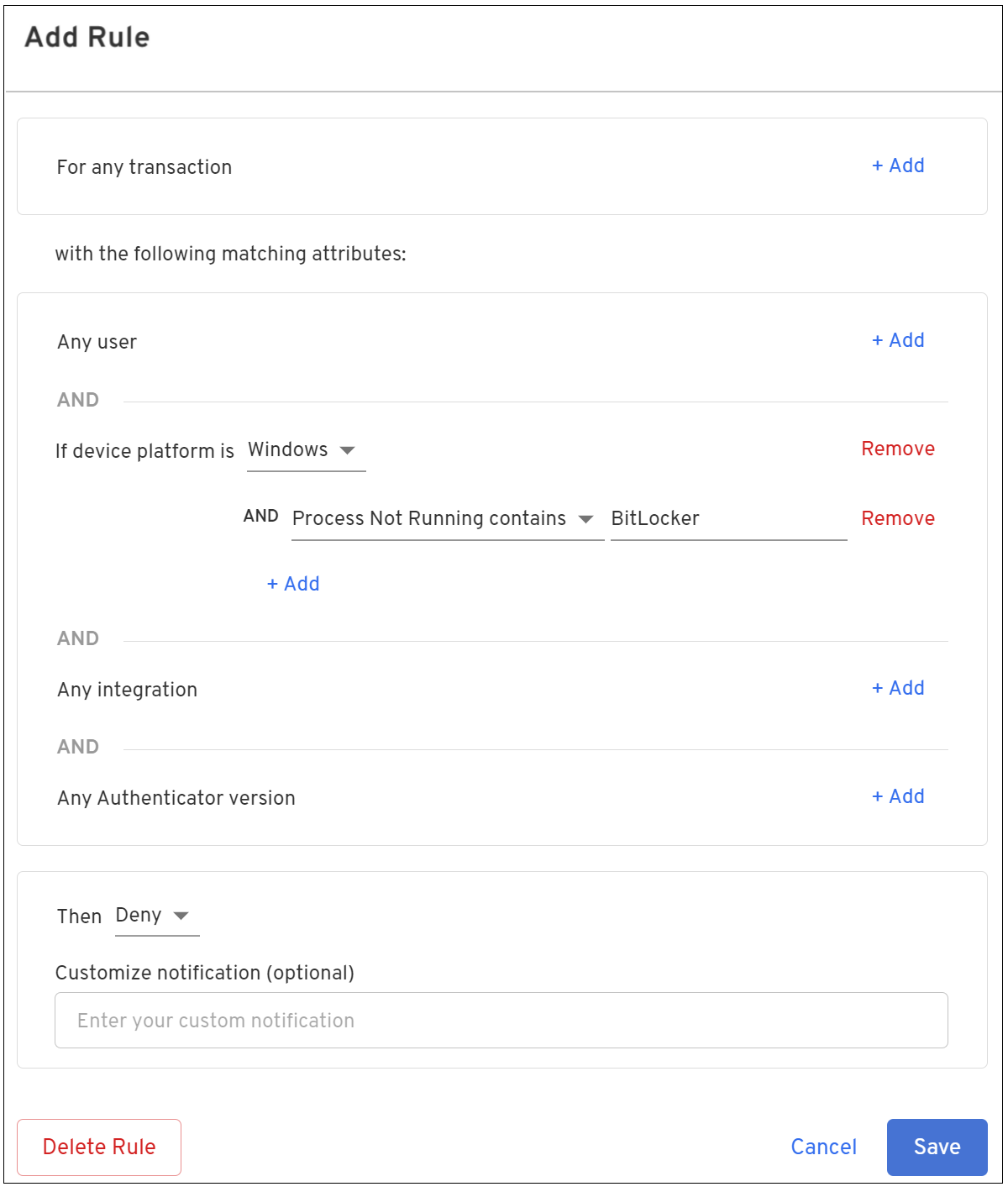
The Version sub attribute of the device platform attribute includes the following enhancements for Windows and macOS platforms:
A wildcard (*) can now be used when specifying a single version using the is operator. (For example, 11.0.* or 10.*)
Additional operators are now supported. These include: greater than, greater than or equal to, less than, less than or equal to
When using the above operators, specify using the #.#.# format, which indicates the major version, minor version, and build number of the platform. For example, 10.0.19042 corresponds to Windows 10 (major), 0. (minor) and 19042 (build).
When specifying more than one version, use a comma-separated list with no spaces. For example, 10.1.0,10.1.2 or 10.1.1,10.1.2,10.2.*
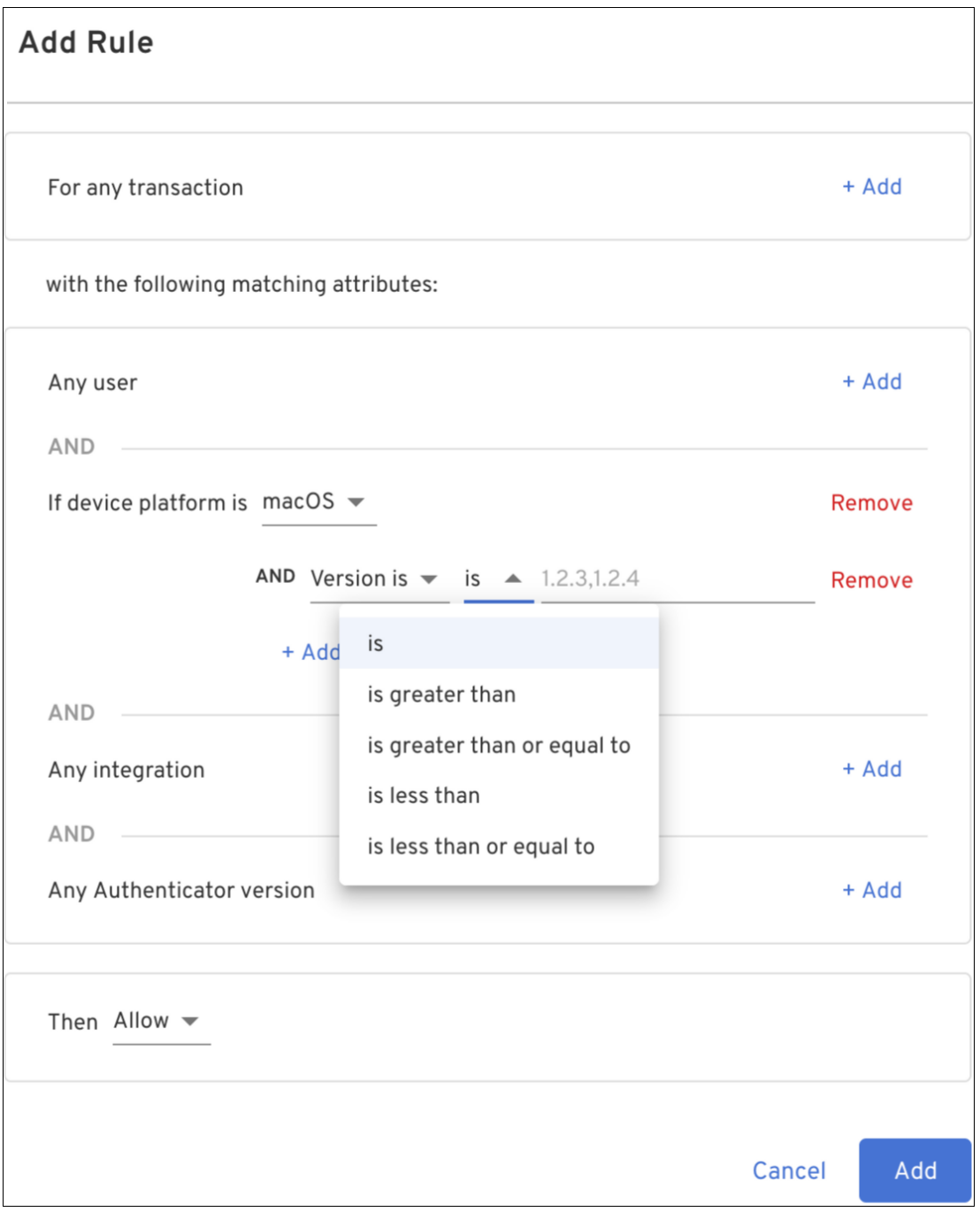
OS Support
The following operating systems were tested and certified for this release:
Android 9, 10, 11, 12
iOS/iPadOS 12.2, 13, 14
macOS 10.14, 10.15, 11, 12 (Monterey)
Windows 10, 11
Linux: Ubuntu 18 LTS, Ubuntu 20 LTS, CentOS 7, CentOS 8
Version 2.50.0 Beyond Identity Authenticator Release Notes
New Features and Enhancements
The following features and enhancements are available in this release:
A new field (crowdstrikeFalconDeviceFound) has been added to the Policy engine of the Admin Console allowing system administrators to configure a rule that detects a CrowdStrike Falcon device.
System administrators can now search for a specific user when assigning a user to or deleting a user from a group. The new search field allows the system administrator to type in a name instead of scrolling through the list to find the name.
Resolved Issues
The Authenticator now correctly recognizes the macOS antivirus on or off condition when set in policy. Previously, the Authenticator did not correctly check this condition.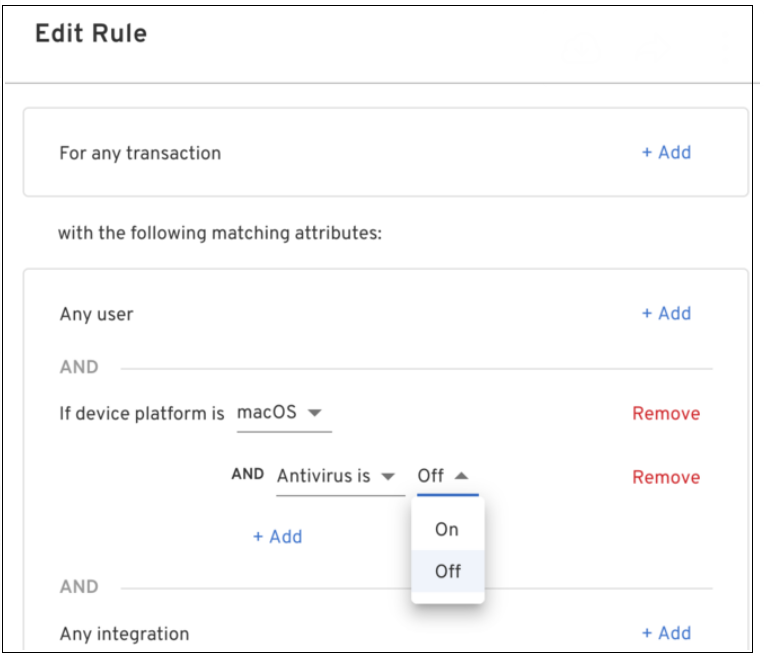
OS Support
The following operating systems were tested and certified for this release:
Android 9, 10, 11, 12
iOS/iPadOS 12.2, 13, 14
macOS 10.14, 10.15, 11, 12 (Monterey)
Windows 10, 11
Linux: Ubuntu 18 LTS, Ubuntu 20 LTS, CentOS 7, CentOS 8
Version 2.49.0 Beyond Identity Authenticator Release Notes
New Features and Enhancements
The following features and enhancements are available in this release:
Messages are now displayed on an iOS, macOS, and Windows credential whenever:
An account is suspended or deleted.
A credential has expired.
OS Support
The following operating systems were tested and certified for this release:
Android 9, 10, 11, 12
iOS/iPadOS 12.2, 13, 14
macOS 10.14, 10.15, 11, 12 (Monterey)
Windows 10, 11
Linux: Ubuntu 18 LTS, Ubuntu 20 LTS, CentOS 7, CentOS 8
Resolved Issues
The roaming Authenticator QR code is now properly displayed when a device credential cannot be found, allowing the user to rescan the code to reauthenticate. However, the Roaming Authentication option must be enabled in the Admin Console.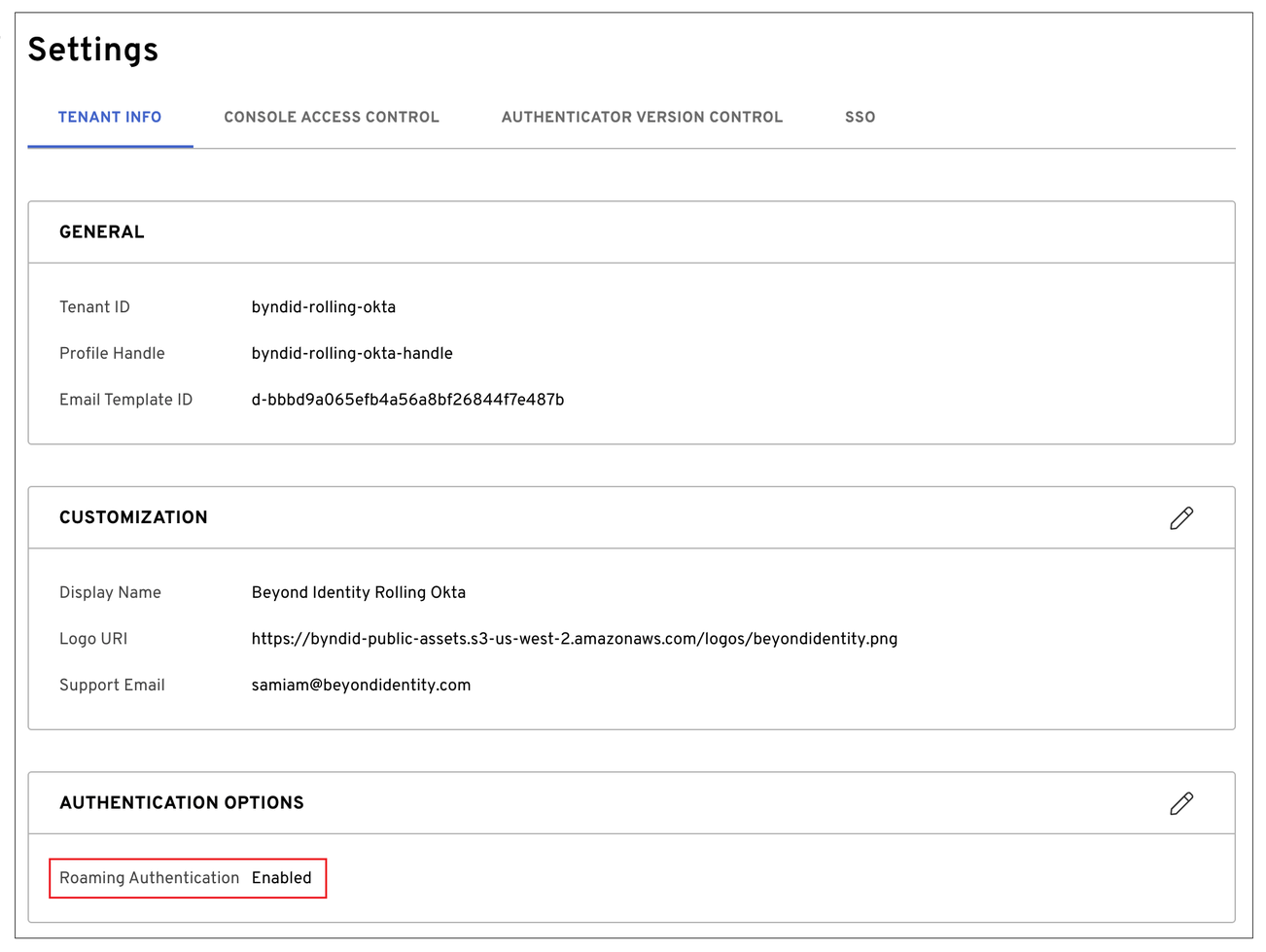
Version 2.48.0 Beyond Identity Authenticator Release Notes
New Features and Enhancements
The following features and enhancements are available in this release:
Roaming authenticator support has been added to the Admin Console. The tenant administrator can use this feature to enable and disable roaming authentication. To enable or disable roaming authentication:
Open the Admin Console and select Settings from the left menu.
Click the Authentication Options edit icon.
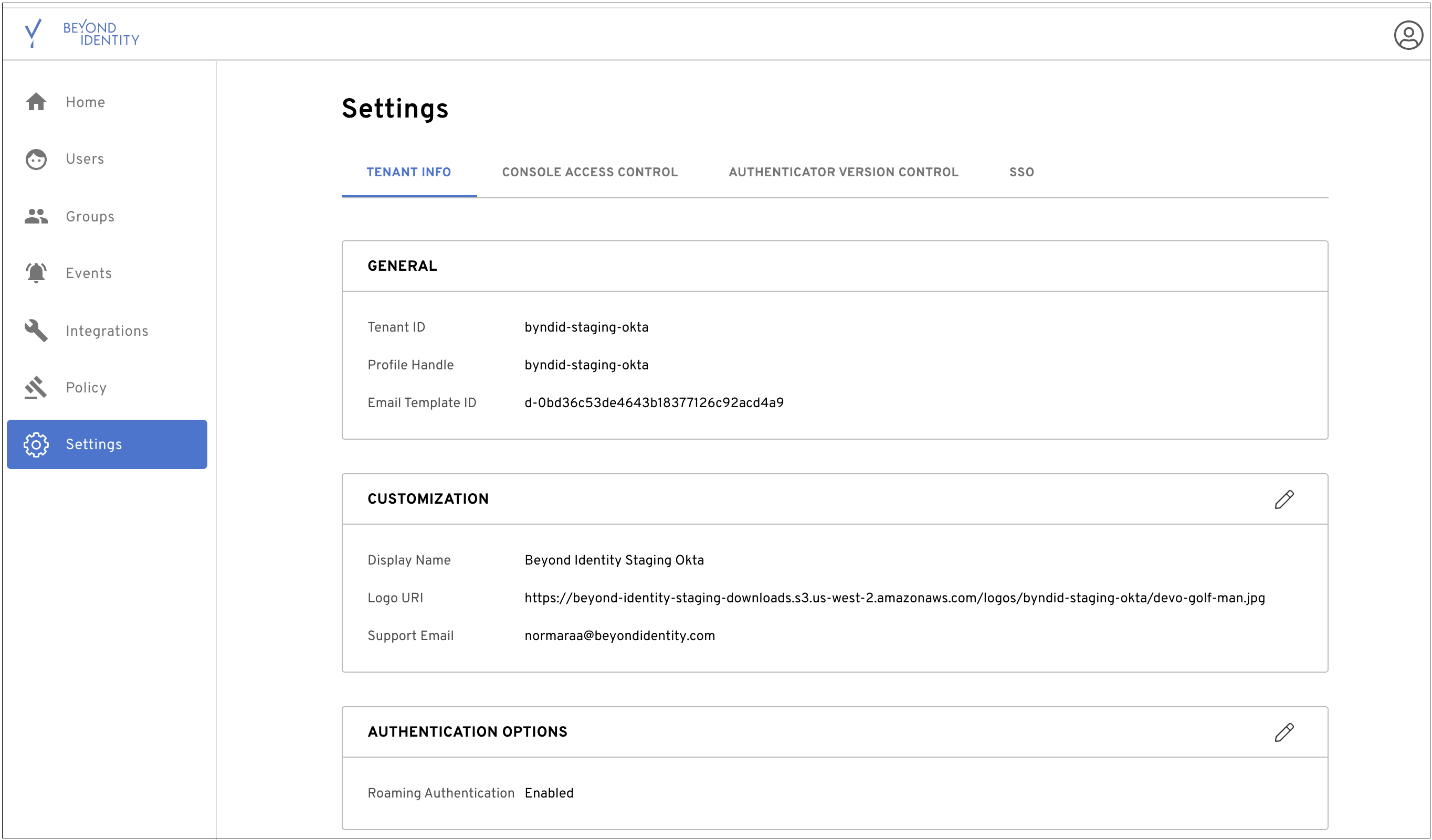
From the Edit Authentication Options dialog, drag the slider to the right to enable or to the left to disable and then click Save Changes.
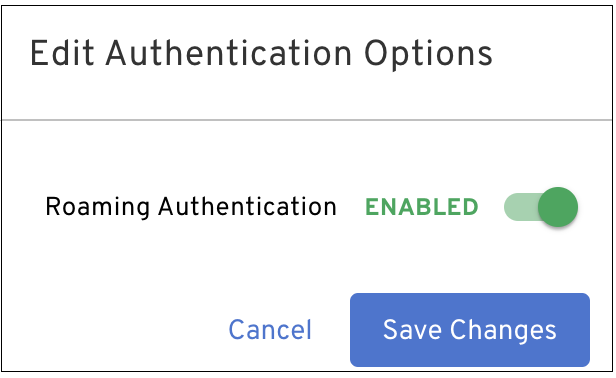
OS Support
The following operating systems were tested and certified for this release:
Android 9, 10, 11, 12
iOS/iPadOS 12.2, 13, 14
macOS 10.14, 10.15, 11, 12 (Monterey)
Windows 10, 11
Linux: Ubuntu 18 LTS, Ubuntu 20 LTS, CentOS 7, CentOS 8
Version 2.45.0 Beyond Identity Authenticator Release Notes
New Features and Enhancements
The following features and enhancements are available in this release:
CrowdStrike Zero Trust Assessment (ZTA) support has been added to the macOS platform, providing real-time security and compliance checks for all Beyond Identity Authenticators.
The User Console has been redesigned to provide a better user experience.
The Devices tab information includes the name of the device, when it last authenticated on the network, and a button to manage devices. Clicking on Manage Device allows you to view the device ID and also delete the device from the network.
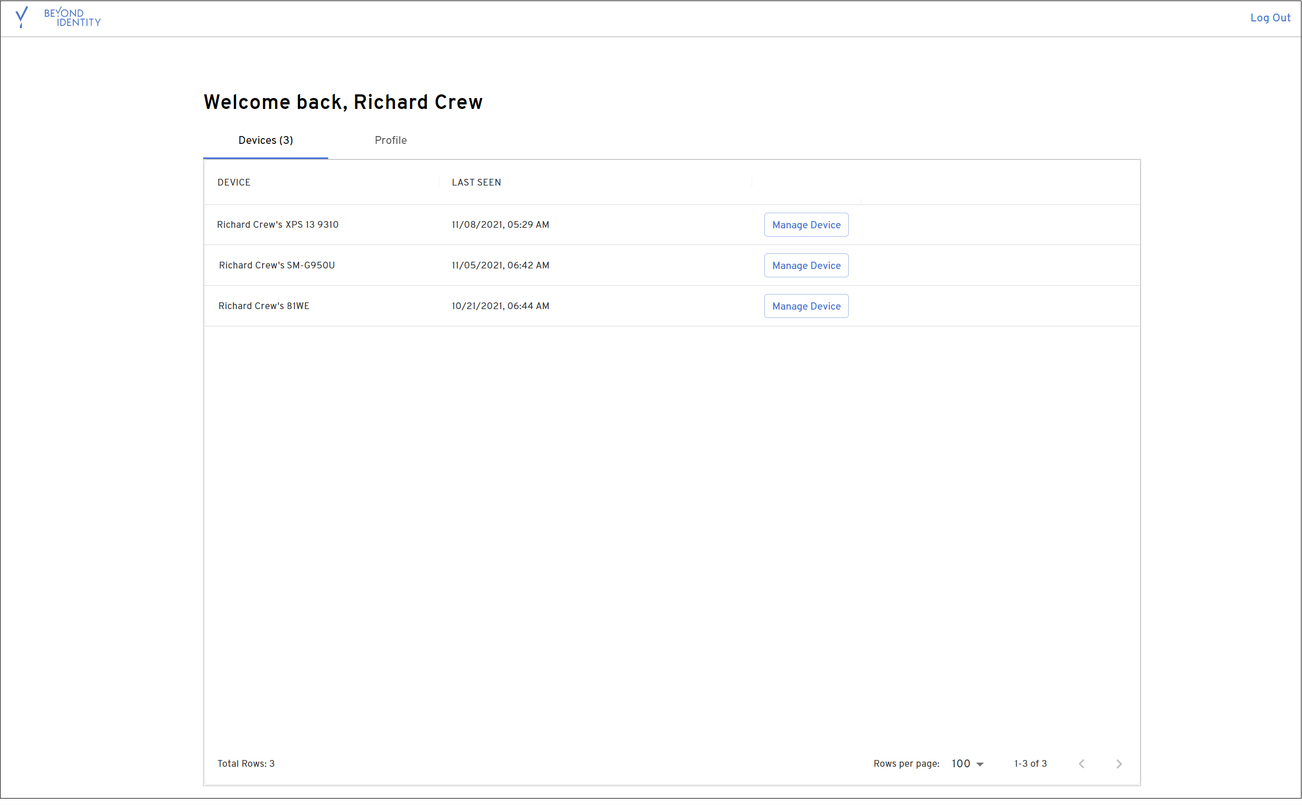
The Profile tab information includes the user name, email address, status, user ID, and external ID.
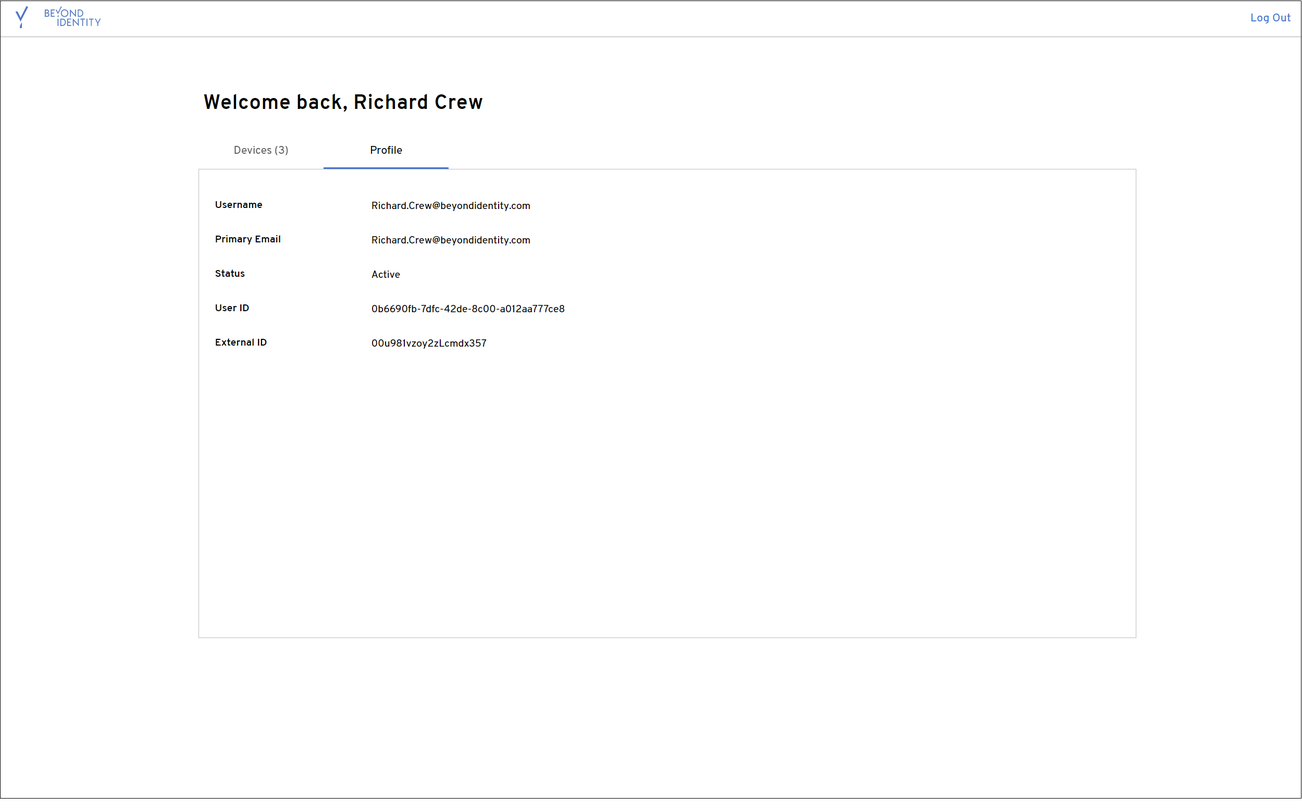
OS Support
The following operating systems were tested and certified for this release:
Android 9, 10, 11, 12
iOS/iPadOS 12.2, 13, 14
macOS 10.14, 10.15, 11, 12 (Monterey)
Windows 10, 11
Linux: Ubuntu 18 LTS, Ubuntu 20 LTS, CentOS 7, CentOS 8
Version 2.44.0 Beyond Identity Authenticator Release Notes
New Features and Enhancements
The following features and enhancements are available in this release:
CrowdStrike Zero Trust Assessment (ZTA) support has been added to the Windows platform, providing real-time security and compliance checks for all Beyond Identity Authenticators.
System Administrators can now configure custom SAML attributes using a custom value in addition to a directory attribute. Previously, directory attributes were only sent as SAML attributes when generating a SAML response.
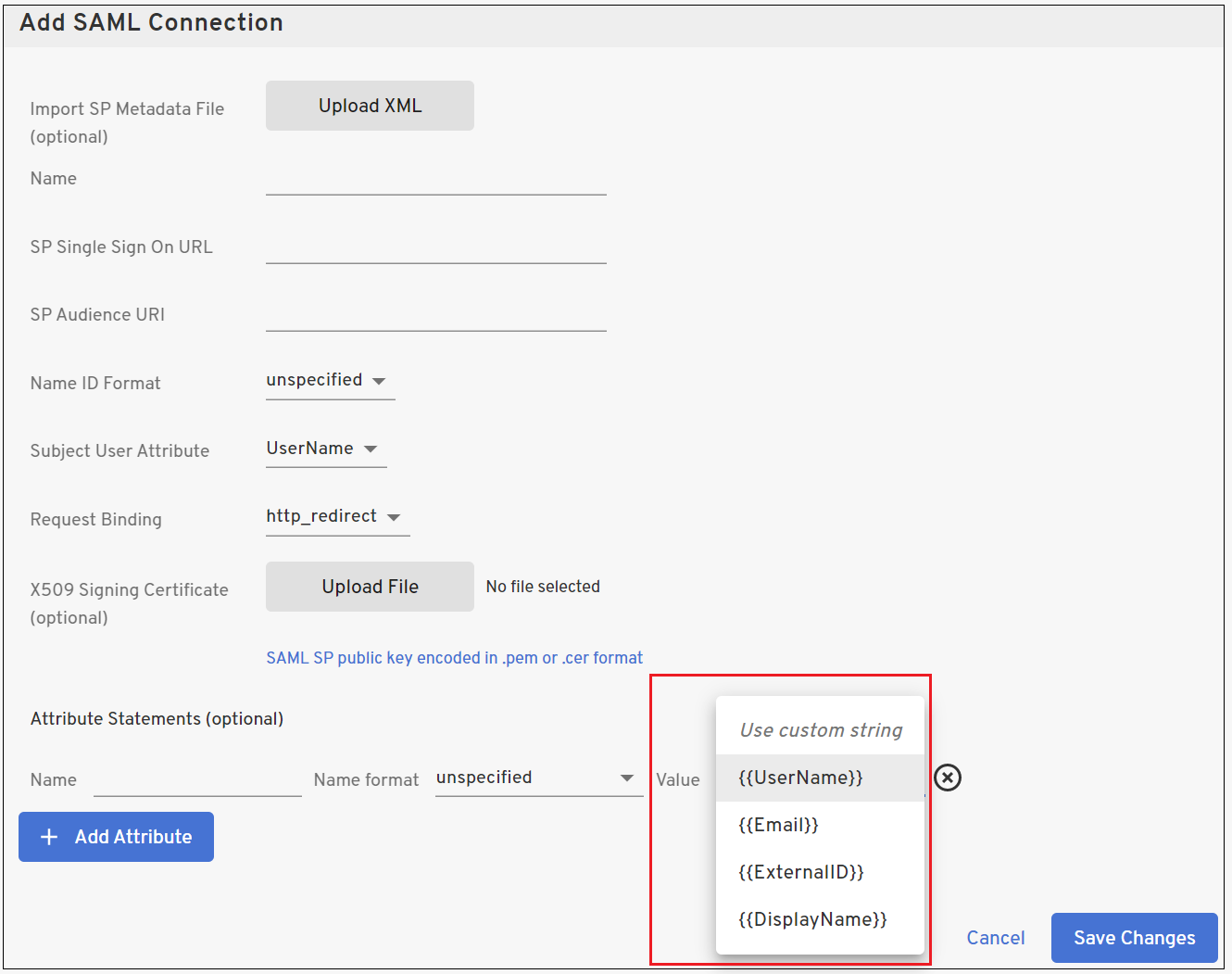
OS Support
The following operating systems were tested and certified for this release:
Android 9, 10, 11, 12
iOS/iPadOS 12.2, 13, 14
macOS 10.14, 10.15, 11, 12 (Monterey)
Windows 10, 11
Linux: Ubuntu 18 LTS, Ubuntu 20 LTS, CentOS 7, CentOS 8
Resolved Issues
An issue causing intermittent loading of credentials on iOS devices has been resolved.
Version 2.43.0 Beyond Identity Authenticator Release Notes
New Features and Enhancements
The following features and enhancements are available in this release:
System administrators can now view a history of policy match events along with the policy (the set of rules) that was in effect at the time of the event. This allows administrators to view and troubleshoot policy matches.
To view the policy associated with a match rule event, click on the desired event within the Events page. The Event Details window is displayed on the right of the page. Click the View evaluation link associated with the match rule.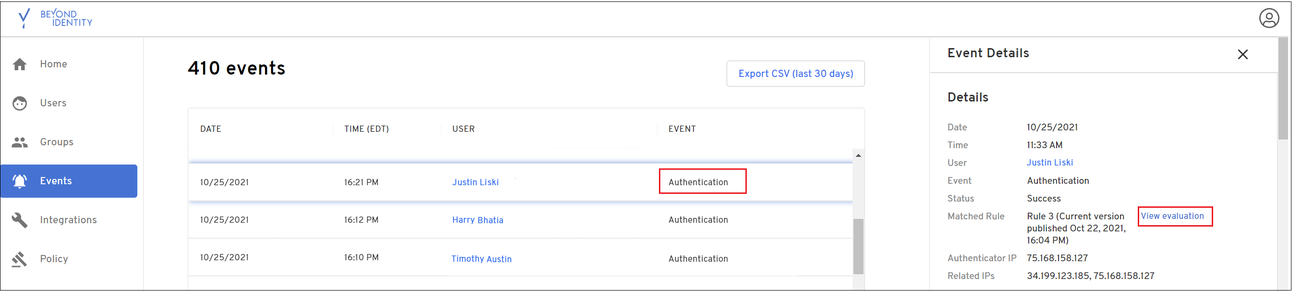
The policy rules that were in effect for the selected match event rule are displayed.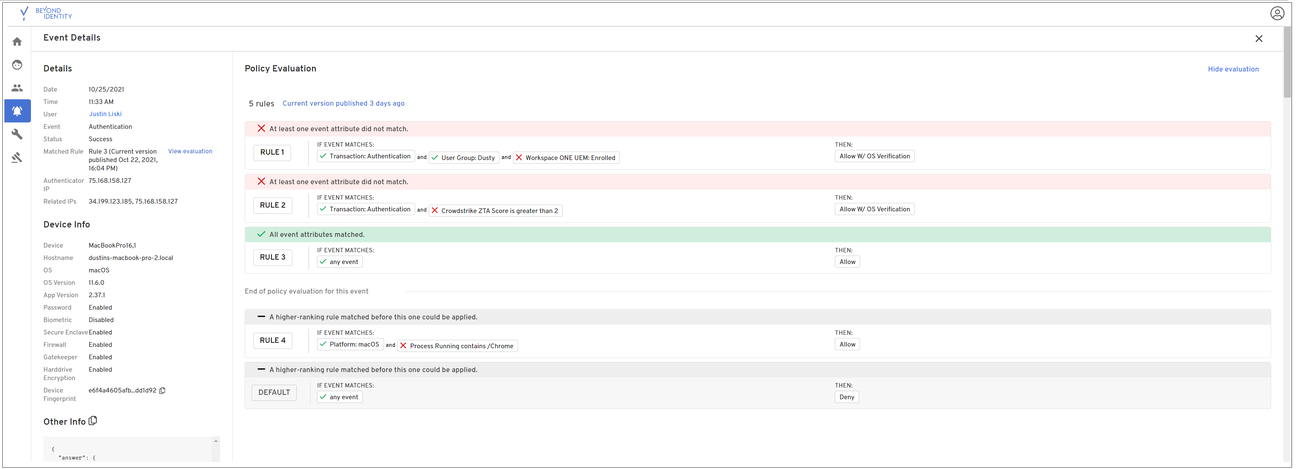
CrowdStrike integration is now supported.
MacOS 12 (Monterey), Android 12, and Windows 11 platforms are now supported by the Authenticator.
OS Support
The following operating systems were tested and certified for this release:
Android 9, 10, 11, 12
iOS/iPadOS 12.2, 13, 14
macOS 10.14, 10.15, 11, 12 (Monterey)
Windows 10, 11
Linux: Ubuntu 18 LTS, Ubuntu 20 LTS, CentOS 7, CentOS 8
Version 2.42.0 Beyond Identity Authenticator Release Notes
New Features and Enhancements
The following features and enhancements are available in this release:
The Admin Console now provides functionality to configure access control based on predefined roles. The new Console Access Control tab allows system administrators to add users to one or more of the nine available groups. When configured, users will have access privileges to perform tasks associated with the group.
The Control Access tab is accessible by clicking on the Account settings icon in the upper-right corner of the Admin Console, selecting Account Settings, and then clicking the Control Access Control tab.
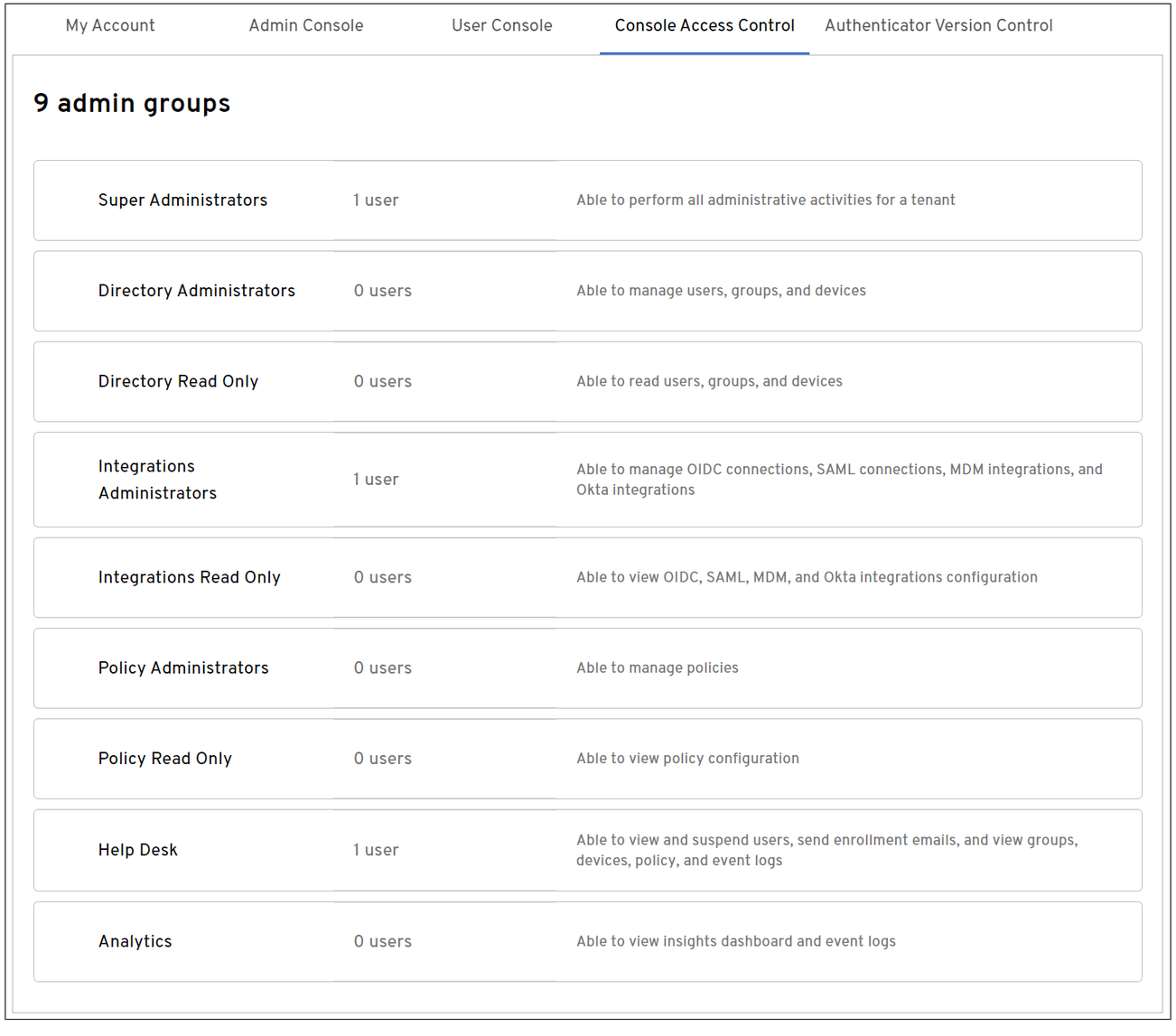
Selecting one of the predefined groups displays the dialog for the group along with the privileges for the group.
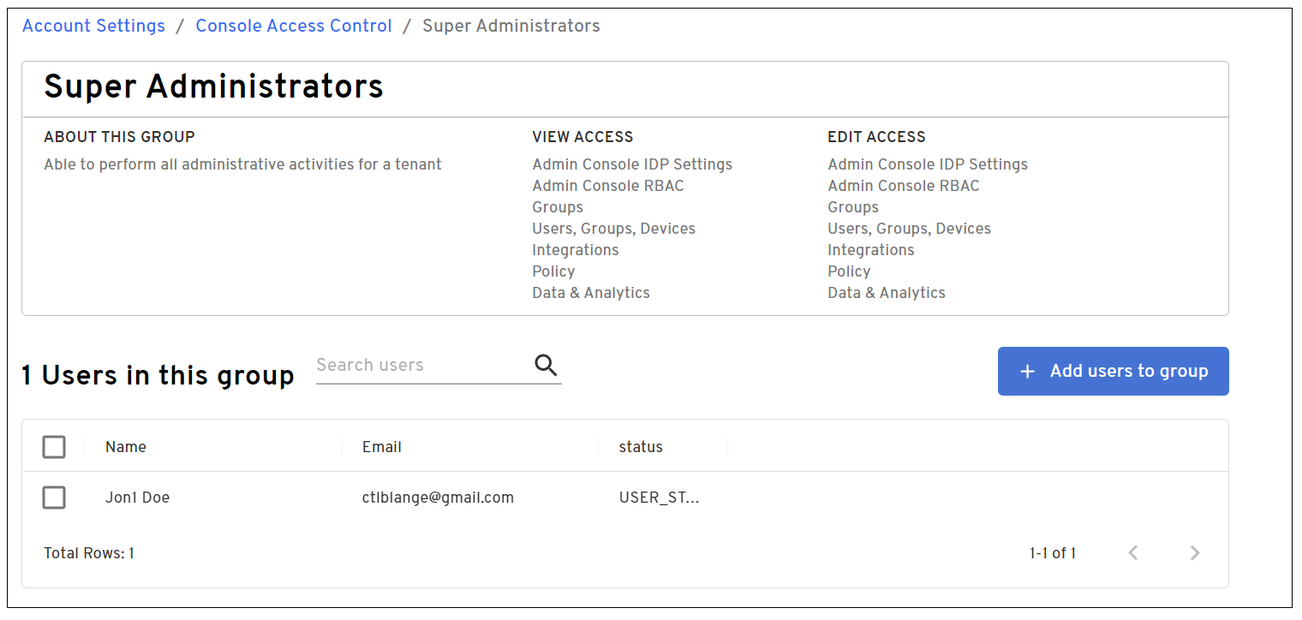
Users can be added to the group by clicking the +Add users to group.
System administrators can now write policy requiring users authenticating from iOS and Android devices to use one of the following authentication methods. The authentication attributes vary depending on the device type:
For iOS devices, policy can be set to authenticate using a PIN, biometric, or a PIN and biometric combination.
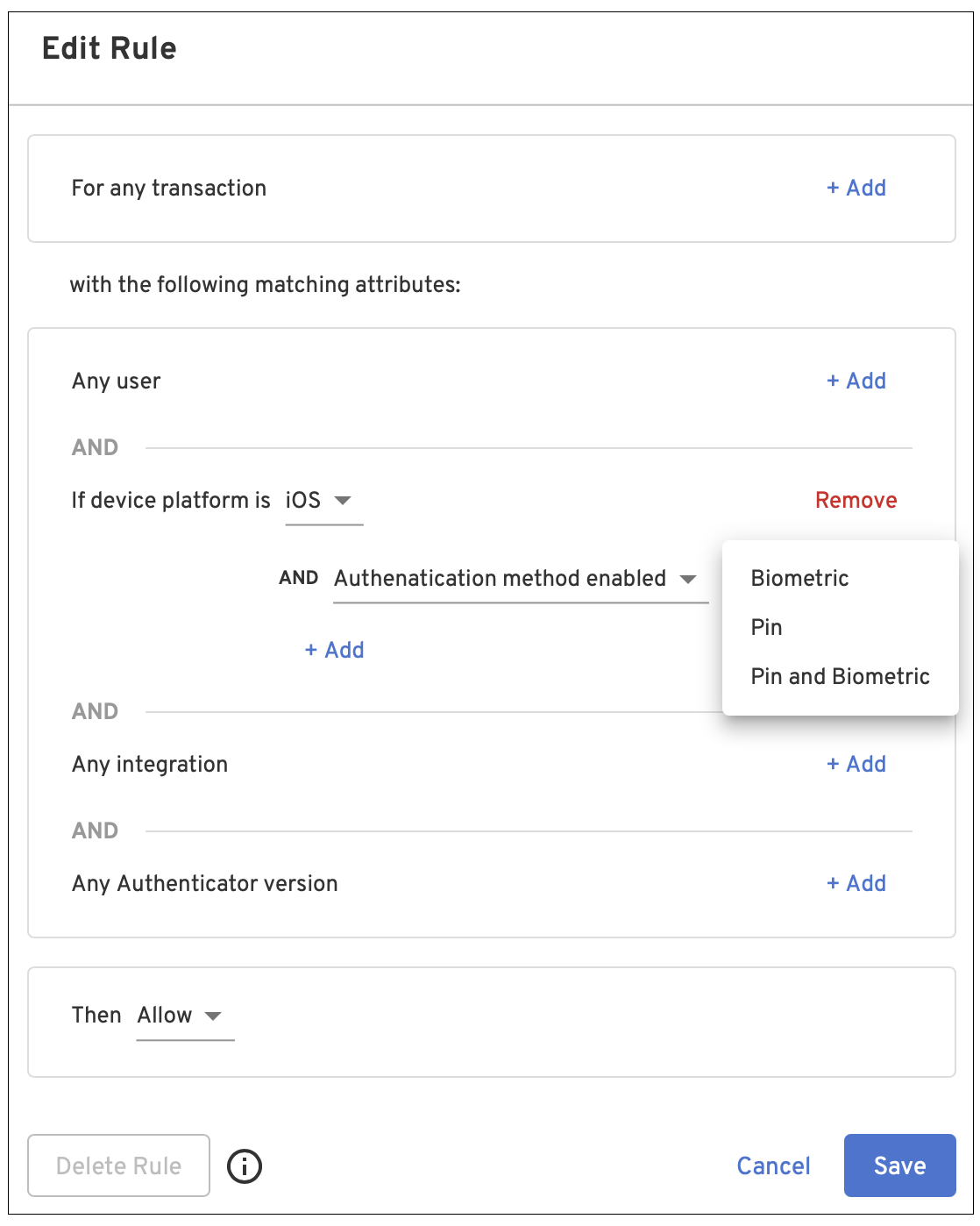
For Android devices, policy can be set using either a PIN or password, or biometric.
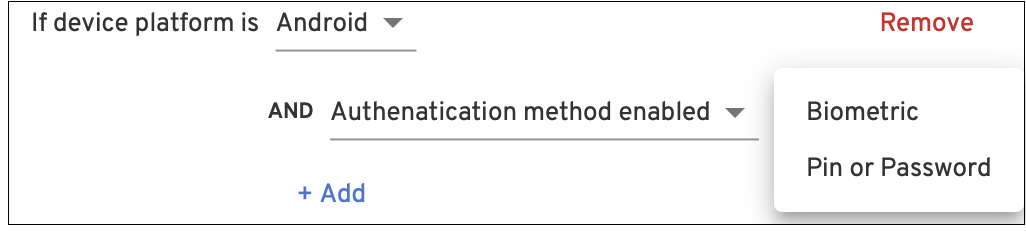
OS Support
The following operating systems were tested and certified for this release:
Android 9, 10, 11, 12
iOS/iPadOS 12.2, 13, 14
macOS 10.14, 10.15, 11
Windows 10
Linux: Ubuntu 18 LTS, Ubuntu 20 LTS, CentOS 7, CentOS 8
Version 2.41.0 Beyond Identity Authenticator Release Notes
New Features and Enhancements
The following features and enhancements are available in this release:
A history of published policy rule sets can now be viewed within the Admin Console.
Users can now create and/or edit multiple rules and publish these changes when finished by clicking the Publish button. Previously, a rule was automatically published as soon as an edit to an existing rule or new rule created was done.
The Admin Console now includes functionality that allows system administrators to specify the minimum and maximum versions of the Authenticator that can be installed on users’ devices.
The Admin Console now supports SAML IDP initiated flows.
Significant improvements in Azure Active Directory SCIM interoperability have been made.
OS Support
The following operating systems were tested and certified for this release:
Android 9, 10, 11, 12
iOS/iPadOS 12.2, 13, 14
macOS 10.14, 10.15, 11
Windows 10
Linux: Ubuntu 18 LTS, Ubuntu 20 LTS, CentOS 7, CentOS 8
Version 2.40.0 Beyond Identity Authenticator Release Notes
New Features and Enhancements
The following features and enhancements are available in this release:
The Android Authenticator now supports Autofill functionality, allowing Beyond Identity to log users into other apps.
System administrators can now write policy to limit the number of devices a user can register.
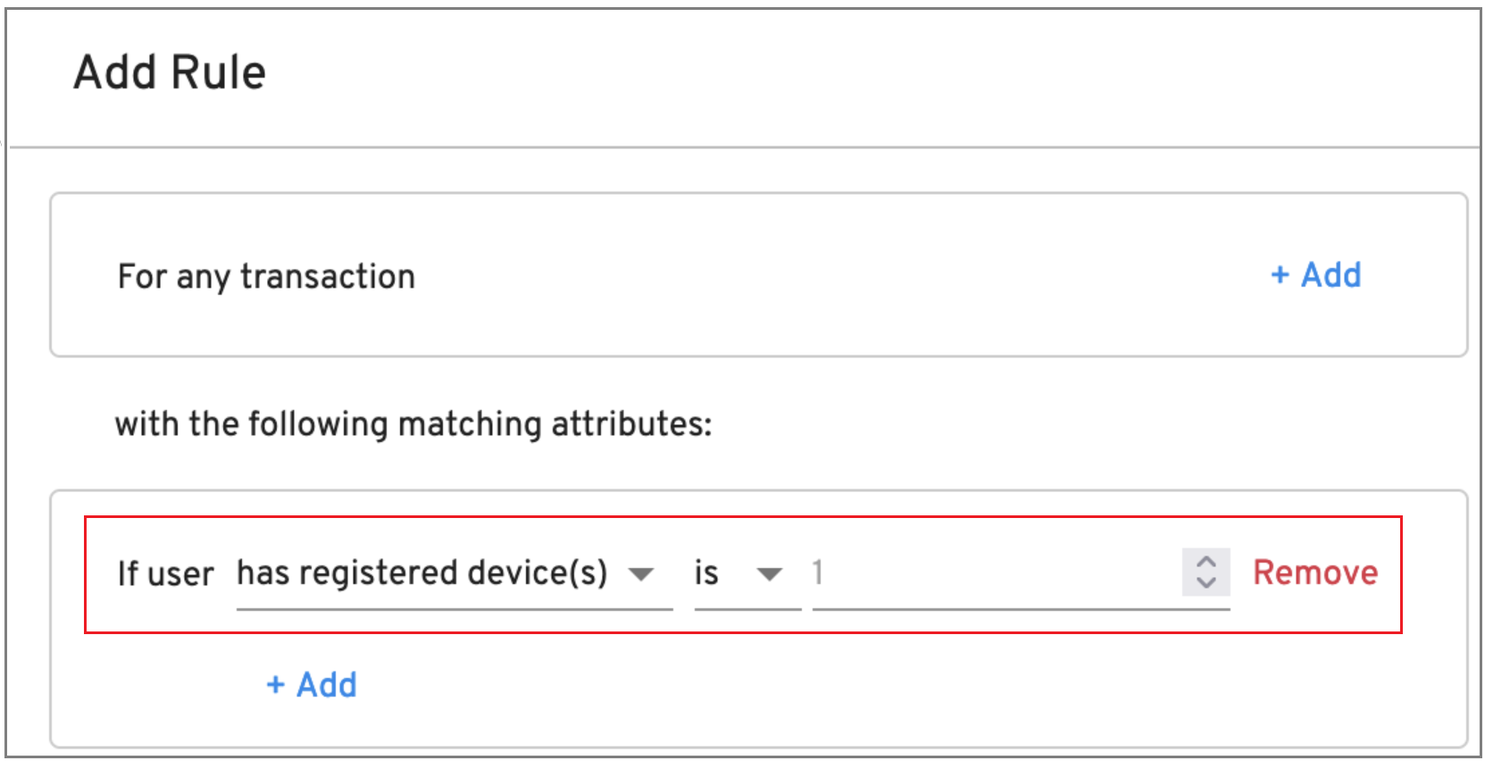
The Policy tab of the Admin Console now provides an optional “Customize notification" option where system administrators can enter their own message that is displayed when a user fails a policy rule.
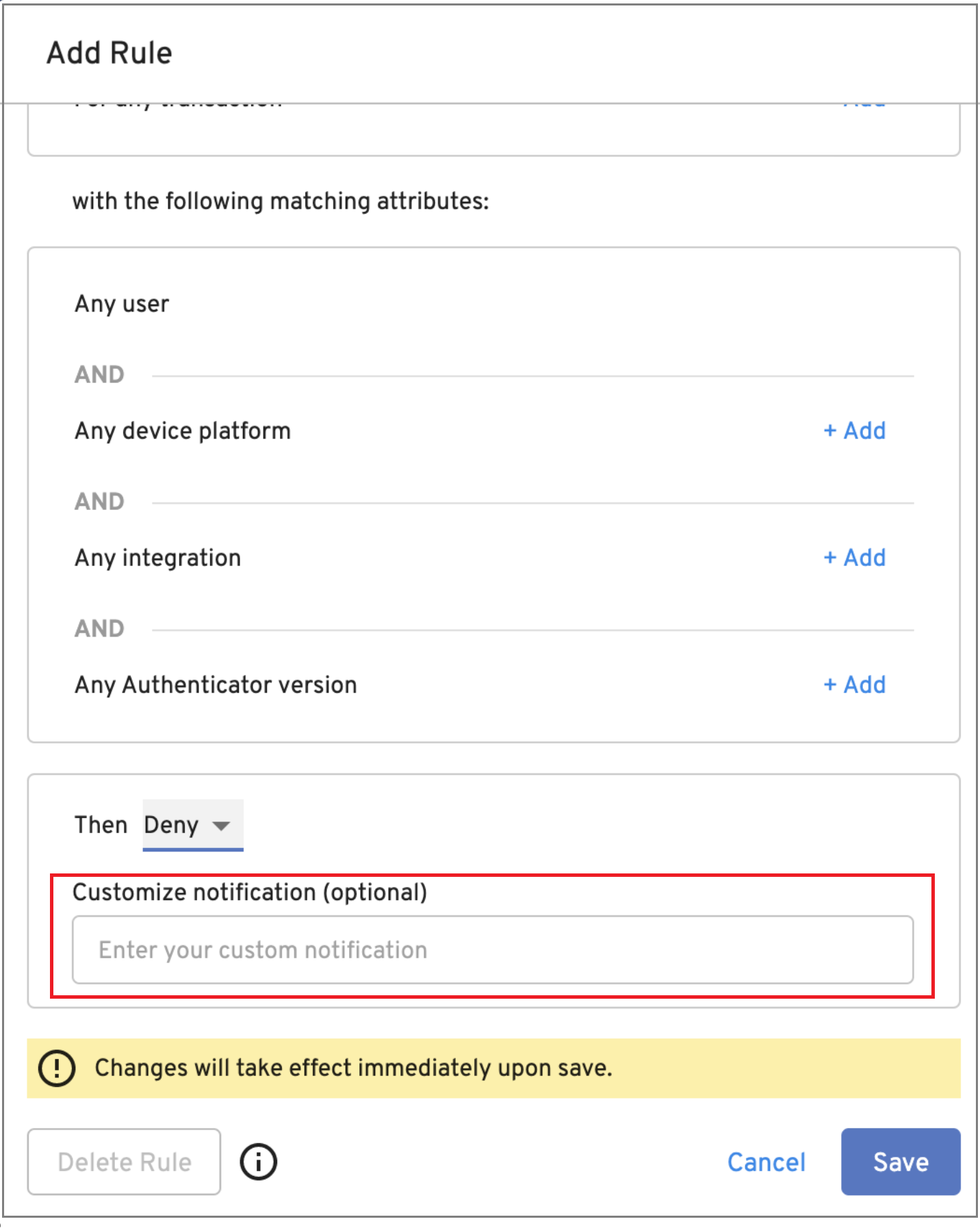
OS Support
The following operating systems were tested and certified for this release:
Android 9, 10, 11, 12
iOS/iPadOS 12.2, 13, 14
macOS 10.14, 10.15, 11
Windows 10
Linux: Ubuntu 18 LTS, Ubuntu 20 LTS, CentOS 7, CentOS 8
Version 2.39.0 Beyond Identity Authenticator Release Notes
New Features and Enhancements
The following features and enhancements are available in this release:
Admin Console
The Admin Console now includes a SAML single sign-on configuration option.
The Admin Console can now be configured to use an OIDC or SAML IDP.
Policy
The Policy tab interface has been updated to provide a streamlined mechanism for creating rules. The Authentication and Add Device tabs are now consolidated into a single set of policy rules. The Authentication and Add Device transaction types are now available as attributes within policy rules allowing administrators to create a single rule that applies to both transaction types. All existing policy rules will automatically be merged into a single set of rules with the transaction type attribute prepended to the rule. Existing policies will continue to function as they are written today. No action is necessary as a result of this change. Previously, the Policy tab contained two transaction sub-tabs for creating rules.
OS Support
The following operating systems were tested and certified for this release:
Android 9, 10, 11, 12
iOS/iPadOS 12.2, 13, 14
macOS 10.14, 10.15, 11
Windows 10
Linux: Ubuntu 18 LTS, Ubuntu 20 LTS, CentOS 7, CentOS 8
Resolved Issues
On occasion, the authorization prompt that is displayed when a user authenticates was not displayed in the foreground. The authorization prompt is now prominently displayed.
Version 2.38.0 Beyond Identity Authenticator Release Notes
New Features and Enhancements
The following features and enhancements are available in this release:
Authenticators
New functionality has been added that allows the macOS Authenticator to automatically sign source code Git commits once a GPG key has been generated.
The Beyond Identity Authenticator for Windows, macOS, iOS, and Android have been enhanced with a new authentication dialog that is displayed when a user authenticates via a browser or application for the first time. The user is prompted to accept or deny the authentication request.
The Beyond Identity Authenticator downloads page has a revised interface.
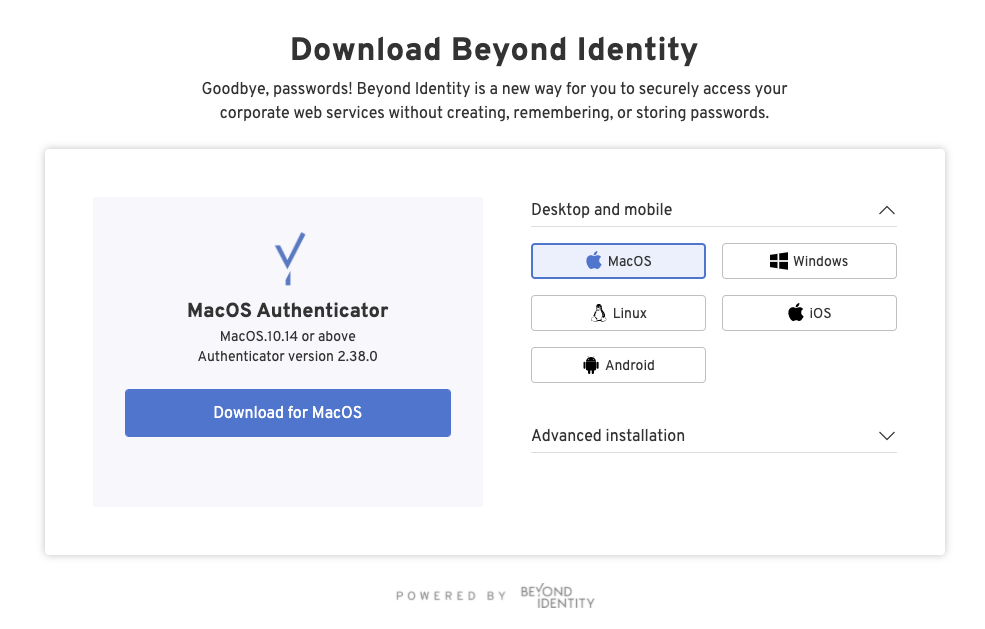
Policy
Linux has been added as a platform that is now controllable via policy.
The Device section of the Policy engine now requires users to select a platform (such as Windows or iOS) before choosing attributes. This allows users to write better policy rules because only attributes applicable to the selected platform will be available.
Resolved Issues
The macOS Authenticator now displays the correct encryption status when clicking the “About this credential” button. Previously, the Authenticator could not detect the encryption status.
OS Support
The following operating systems were tested and certified for this release:
Android 9, 10, 11
iOS/iPadOS 12.2, 13, 14
macOS 10.14, 10.15, 11
Windows 10
Linux: Ubuntu 18 LTS, Ubuntu 20 LTS, CentOS 7, CentOS 8
Version 2.37.2 Beyond Identity Authenticator Release Notes
New Features and Enhancements
The following features and enhancements are available in this release:
Linux Authenticator
The Authenticator is now available as “Early Access” on the following Linux platforms:
Ubuntu 18 LTS, Ubuntu 20 LTS
CentOS 7, CentOS 8
For information on installing the Linux Authenticator, see https://supportcases.beyondidentity.com/hc/en-us/articles/7575653030679-How-to-Install-the-Linux-Authenticator.
Policy Attributes
The Windows Registry Key Value attribute has been updated to support both string and number values.
Event Management
The Export CSV button on the Events page of the Admin Console is now grayed out while CSV data is being downloaded. Previously, when a user clicked the button to download data, the button could repeatedly be clicked on.
Resolved Issues
Uninstalling an API extension from the Integrations tab of the Admin Console now removes the extension for the list. Previously, the extension still appeared in the list after uninstalling it.
OS Support
The following operating systems were tested and certified for this release:
Android 9, 10, 11
iOS/iPadOS 12.2, 13, 14
macOS 10.14, 10.15, 11
Windows 10
Linux: Ubuntu 18 LTS, Ubuntu 20 LTS, CentOS 7, CentOS 8
Version 2.36.0 Beyond Identity Authenticator Release Notes
New Features and Enhancements
The following features and enhancements are available in this release:
macOS Authenticator
A macOS installer package (.pkg) is now available allowing administrators to perform remote installations via MDM.
Policy
The previously-deprecated Managed State is <true/false> menu item has been removed from the Policy drop-down menu. Users should instead use one of the existing items available from the drop-down menu. These include Intune, JAMF, and Workspace ONE.
Resolved Issues
Issuing Cmd-Q after adding an existing credential now closes the macOS Authenticator application.
Version 2.35.0 Beyond Identity Authenticator Release Notes
New Features and Enhancements
The following features and enhancements are available in this release:
Windows Authentication
The Authenticator now starts as soon as the user logs in.
The amount of time to authenticate and open the application has improved.
The Authenticator has migrated from .NET 4.72 to .NET 5.
macOS Authentication
The Authenticator automatically starts when any of the following events occur:
Reboot
User login
Authentication
The Authenticator automatically relaunches whenever a crash event occurs.
Users may stop all Authenticator processes by selecting the “Quit Beyond Identity Completely” option from the Authenticator’s status menu.
macOS User Experience
The application window can now be closed by tapping the following buttons:
w ⌘ + Q
⌘ + W
Red Close button
The Authenticator application icon is now removed from the dock when the application window is closed.
The Authenticator's status menu icon changes appearance depending on the color scheme in use (light or dark mode).
The options menu can be displayed by a right or left click on the menu icon.
An update notification badge is now displayed to inform users whenever an update is available. When no update is available, the badge on the right is displayed.
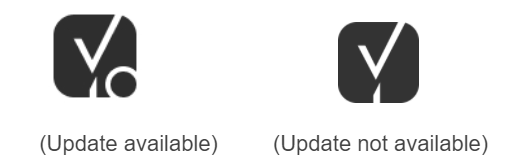
Selecting “Download and Install Updates” now automatically downloads and install updates without any additional user notification and interaction.
The shape of the application icons has changed. They are now rectangular with rounded corners.
Upon completion of the installation, the installation window automatically closes, and the Authenticator window opens.
Policy
The Policy Authentication Rules view tab now shows all attributes in the rule in a single list. Previously, they were separated by User and Device.
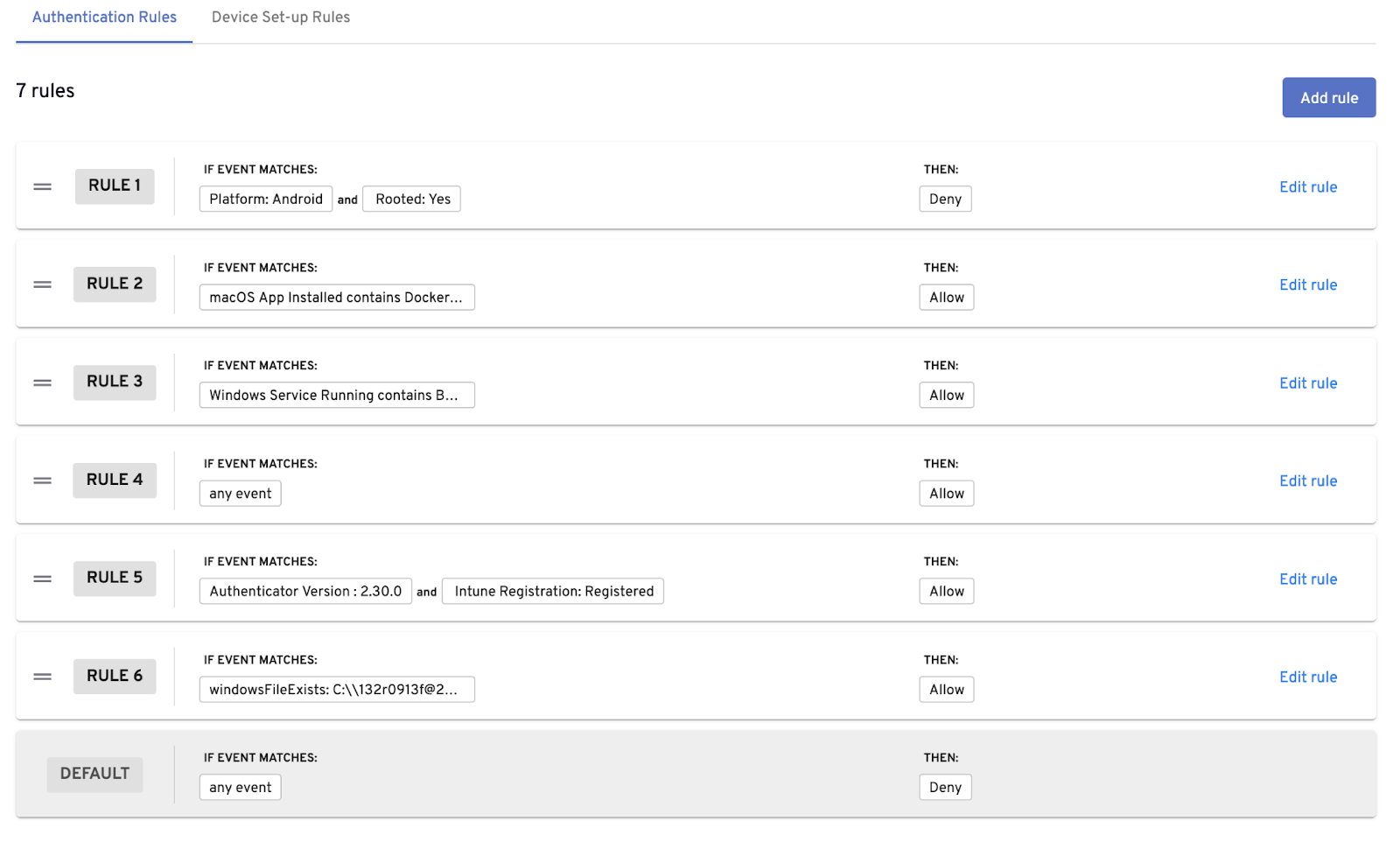
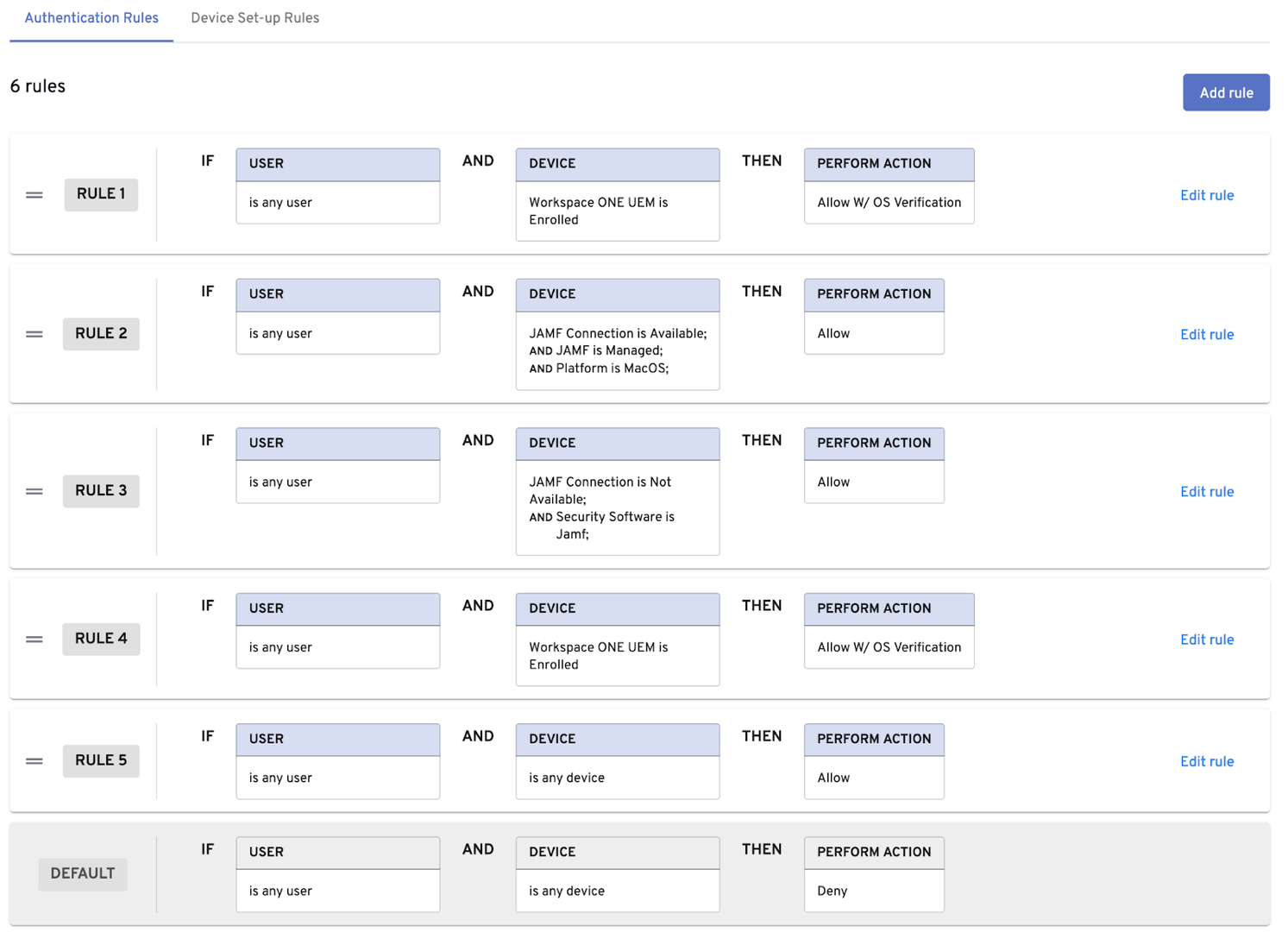
The following policy attributes have been added and are now available for use in the policy engine:
Attribute Name | Description of Attribute |
Windows Process Running | Indicates a customer-specified is running on a Windows PC. |
Windows Registry Key Exists | Indicates the presence of a registry on a Windows PC. |
Windows Registry Key Value | Indicates the value of a specified registry key on a Windows PC. |
Resolved Issues
This release provides improved Authenticator compatibility with the Hummingbird FishSmart app for Android.
macOS authenticator versions 2.34 and earlier prompt users for a password during an update. Starting with authenticator 2.35, users who originally installed the Authenticator are no longer prompted for a password. Users who did not originally install the Authenticator must re-run the Authenticator installer to resolve the issue.
Deleting a user from the Beyond Identity Directory will now update the Okta byndidRegistered flag to false.
Version 2.34.0 Beyond Identity Authenticator Release Notes
New Features and Enhancements
The following features are available in this release:
Policy
The following policy attributes have been added and are now available for use in the policy engine:
Attribute Name | Description of Attribute |
| A customer-specified macOS process is running on a computer. |
| Determines connectivity to JAMF via API. Policy Rules can be configured based on connectivity status. |
The following policy attributes have been changed:
Attribute Name | Description of Change |
| The Domain Name attribute now returns the fully qualified domain name of a Windows machine. Previously, this attribute returned the NetBIOS Domain Name only. |
SAML
Authentication can now be delegated to Beyond Identity using the SAML protocol. SAML connections can be created and configured from the Admin Console integrations page.
OS Support
The following operating systems were tested and certified for this release:
Android 9, 10
iOS 13.3.1, 14.5.1
macOS 10.14.6, 10.15.1, 11.3.1
Windows 10